


Rank Math has quietly become one of the most capable SEO plugins in the WordPress ecosystem, and its AI layer is a big reason why. From generating meta descriptions to looking at content structure and surfacing keyword opportunities, the AI features are built to keep your decisions grounded in data.
This guide will talk about the most helpful Rank Math AI features available, how to set them up correctly, and how to get the most out of them without letting automation override your editorial judgment. Whether you manage a single blog or a large content operation, there's something here worth trying.
Short Summary
Rank Math's AI features help boost WordPress SEO by automating keyword suggestions, generating optimized meta titles and descriptions, and providing content scoring based on target keywords. Use the AI Content AI tool to get topic suggestions, related keywords, and headings. The AI assistant analyzes competitor content and recommends improvements. Enable AI-powered schema markup for richer search results. Use the real-time content analysis to hit recommended keyword density and readability scores. These tools streamline on-page optimization, reduce manual research time, and help create SEO-friendly content faster without requiring deep technical expertise.
What Rank Math's AI Toolkit Actually Includes (Free vs. Paid)
Rank Math splits its features across a free plugin and a paid Content AI plan, and the line between them is worth learning about before you start clicking around. The free version is legitimately capable - you get unlimited keyword optimization per post, 18 schema types, and the core on-page SEO tools. But the AI-driven features are where the paid tier pulls ahead.
The Starter plan runs $59 per year. That unlocks 7,500 Content AI credits per month, rank tracking for up to 1,000 keywords, 40+ AI writing tools, 20+ schema types, and 30 automated SEO tests across 15+ modules; it's a lot in one package, and for most content-focused sites it covers everything you'd need.
| Feature | Free | Starter ($59/yr) |
|---|---|---|
| Keyword Optimization per Post | Unlimited | Unlimited |
| Content AI Credits | Limited | 7,500/month |
| Rank Tracking | No | 1,000 keywords |
| Schema Types | 18 | 20+ |
The credit system is where new users misjudge things. Credits are spent each time you use a Content AI tool - to generate headings, write meta descriptions, pull topic suggestions, and so on. Seven thousand five hundred credits is quite a bit. But it depends heavily on how many posts you're working on each month and which tools you use most.

Heavy users who publish frequently or run client sites may find themselves watching the credit count more closely than expected - it's not a flaw - it's just how the pricing model works, and it's worth going in with realistic expectations. Understanding what AI content actually costs per post can help set those expectations before you commit.
The free plan is enough for a small blog that needs on-page SEO input, at least to get started. But the gap widens if you want to use the AI writing tools, track keyword rankings, or run automated SEO audits at any scale.
How to Set Up Content AI and Start Generating Optimized Content
Getting Content AI up and running takes just a few minutes. But there's one step that stops writers before they can even start. After you install Rank Math and log into your account, head to Rank Math > Content AI in your WordPress dashboard and connect your Rank Math account. If you don't have that API connection, none of the AI tools will work - not the content editor, not the keyword suggestions, nothing.
Once the connection is live, open any post or page in the block editor and look for the Rank Math panel on the right side. From there, you can launch the Content AI tab and start working with more than 40 built-in tools.
Before you generate anything, set your target language. Rank Math supports over 30 languages like Arabic, Japanese, and Spanish, which is helpful if you publish content for audiences in multiple regions - it's easy to forget you're focused on writing, so check the language setting first.
Credits are the currency behind Content AI, and each action you take costs a number of them. Plan your session start so you're not running low halfway through a big content project.
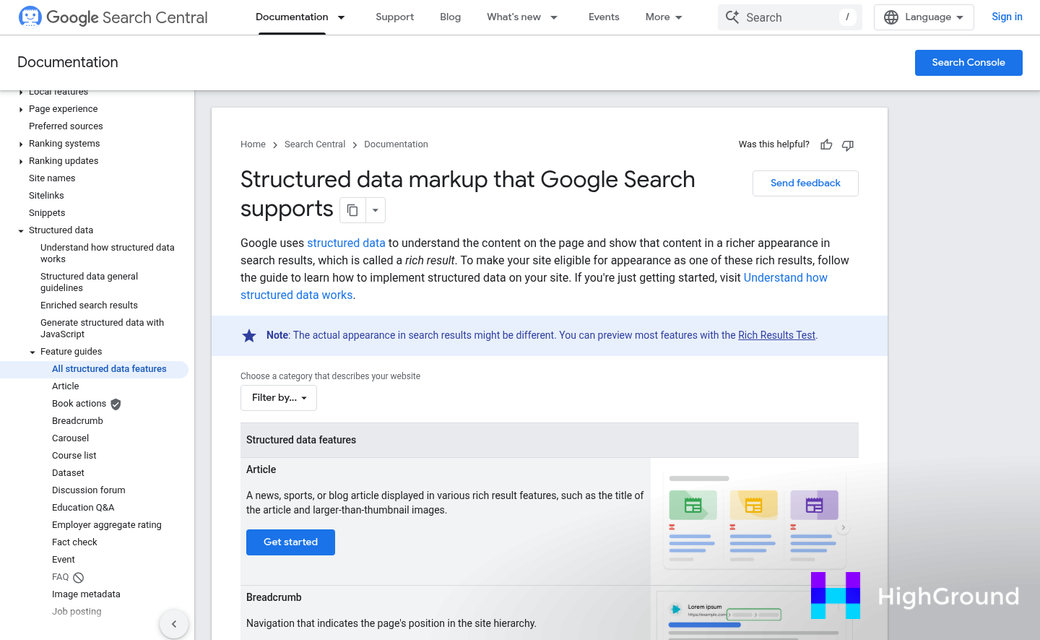
Here is a quick look at how credit usage breaks down across job types:
| Task Type | Estimated Credit Cost |
|---|---|
| Meta description | Low |
| Paragraph rewrite | Low to medium |
| Article outline | Medium to high |
| Full content generation | High |
Use the lighter tools to smooth out content you have already drafted and save the bigger credit spend for times you need to build something from scratch.
Using Rank Math's Schema Tools to Win Rich Results
Structured data has always mattered for SEO. But in 2026 it matters even more. Google's AI Overviews now pull answers directly into search results, which means less click through to the page. Schema markup is one of the best ways to stay visible in that environment because it tells Google what your content is and makes it a strong candidate for rich results.
Rank Math supports more than 20 schema types, which is more than most plugins give you out of the box. The ones most likely to produce visible rich results are FAQ, HowTo, Article, Product, and Review, and each one tells something to Google and can trigger a different improved listing in the search results.
FAQ schema is worth adding to almost any post that answers a question because it can show expandable Q&A sections right on the results page. HowTo schema works for guides and can display numbered steps with images directly in search. Product and Review schema matter for e-commerce pages because they can show star ratings and pricing without the user having to click.
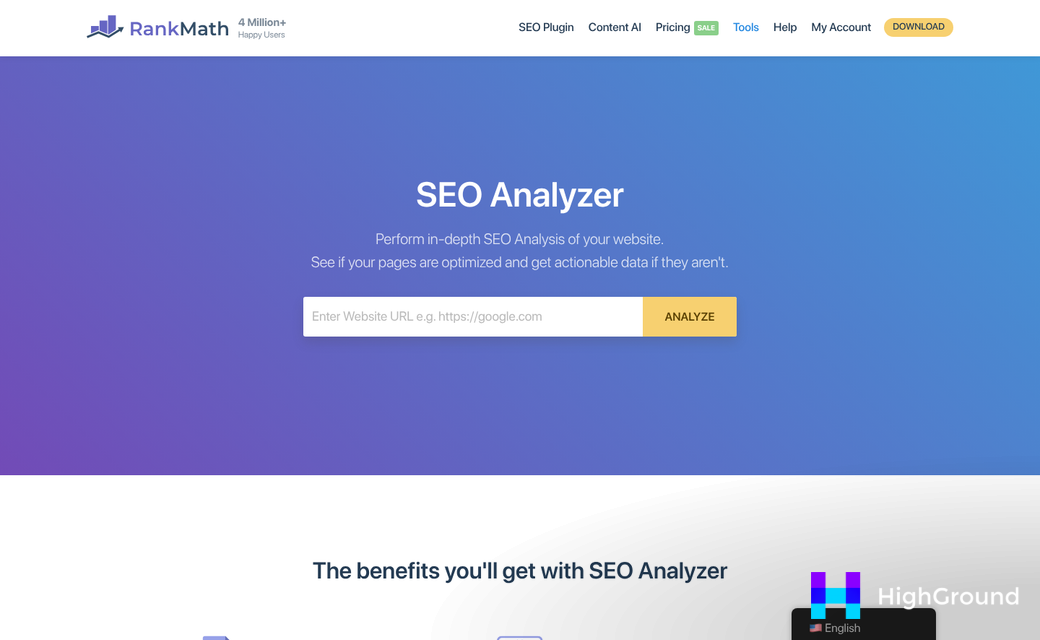
To add schema in Rank Math, scroll to the Schema section in the post editor and click to add a new schema type. You can fill in the fields manually or let the AI assistant pre-populate them based on your content. It takes a few minutes and the difference in how Google reads your page can be big.
Here is a quick look at the top schema types and where to use them.
| Schema Type | Best For | Potential Rich Result |
|---|---|---|
| FAQ | Blog posts, landing pages | Expandable Q&A in search |
| HowTo | Tutorials, guides | Step-by-step display |
| Article | News, editorial content | Top Stories carousel |
| Product | E-commerce pages | Price and availability |
| Review | Product or service reviews | Star ratings in results |
If your content is strong but you are not seeing rich results, missing or incomplete schema is likely the reason. Google needs structured data to connect the dots between what your page says and what format it fits into. You can use Google's rich results test to check whether your schema is valid and eligible to appear.
Running the 30 SEO Tests and Fixing What They Flag
Rank Math runs a 30-point SEO audit on each post or page and gives it a score out of 100. If you have just run your first audit and your screen is full of red and orange marks, take a breath. A score of 70 to 80 is healthy for most content, and chasing 100 can lead you to over-optimize in ways that hurt readability.
The audit checks things like your title tag, meta description, focus keyword placement, internal links, image alt text, and content length. Not all of these carry the same weight. Some flags are worth fixing right away, and some are nice-to-have adjustments that you can leave for later.
The fixes that move the needle most are title tags, focus keyword placement, and internal links. Your title tag needs to include the focus keyword and stay under 60 characters. Rank Math flags it when you go over, and that flag is worth fixing because Google truncates long titles in search results.
Internal links get flagged when a post has less than the minimum you have set in Rank Math's settings - that matters because internal links help Google understand your site structure and pass authority between pages. Add two or three links to related posts. That flag disappears fast.
Some flags are lower priority. The "focus keyword in the first 10% of content" check is a habit to follow but it's not a ranking signal you'll have to stress over. The same goes for the "table of contents" suggestion - it can depend on the length and type of content.
| Audit Flag | Priority | Quick Fix |
|---|---|---|
| Title tag too long | High | Trim to under 60 characters |
| Missing internal links | High | Link to two or three related posts |
| Keyword in first 10% | Medium | Move keyword earlier in the intro |
| No table of contents | Low | Add one if the post is long |
Work through the high-priority flags first and you'll see an actual score jump without having to touch every item on the list.
Rank Tracking and the 404 and Redirect Tools Working Together
The Starter plan lets you track as many as 1,000 keywords directly inside Rank Math, so you can watch position changes without switching to a separate tool. That number is generous enough to cover most small and mid-size WordPress sites, and having it in the same dashboard as your other SEO data makes a difference to your workflow.
Where things get interesting is connecting rank tracking to the 404 monitor and redirect manager. These three features are listed separately in the interface. But they work best as a single loop. A keyword drops in rankings, you investigate, and you find a broken internal link or a redirect that stopped working. That chain of events happens more than most site owners expect.
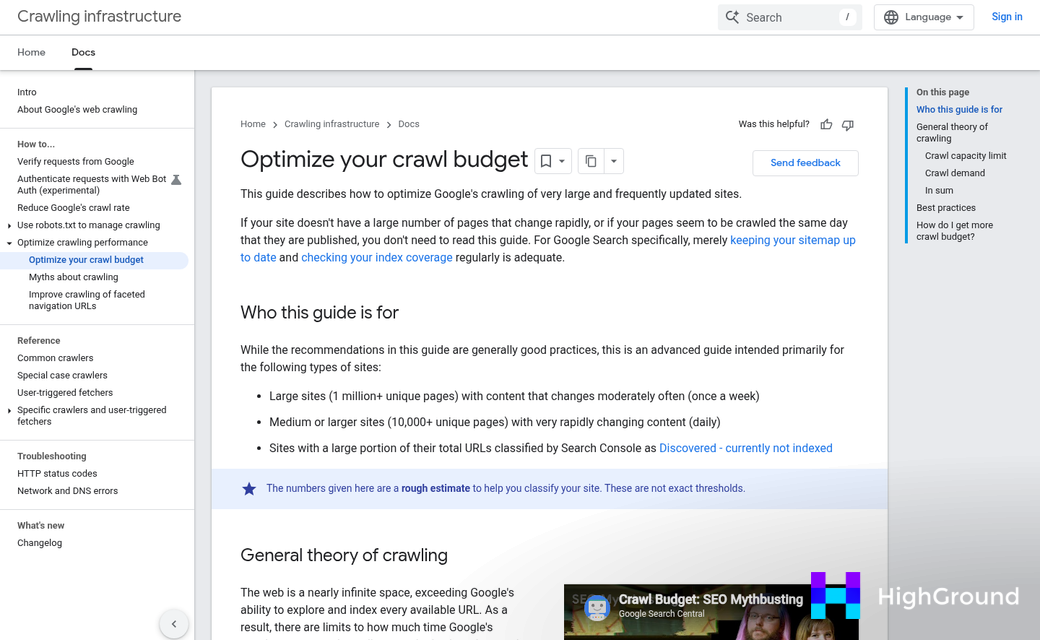
The 404 monitor logs every broken URL that visitors and crawlers hit on your site - this matters quite a bit after a site migration or after you prune old content, because those are the moments when broken links appear in batches, and each unresolved 404 is a dead end for Google's crawler, and on bigger WordPress sites, those dead ends eat into your crawl budget - meaning Google spends time on broken pages instead of your good ones.
Rankings can slip before any alert fires, and by the time you trace a drop back to a 404, the damage is already done. The faster you catch it, the less ground you have to recover.

The redirect manager lets you fix broken URLs without touching code. You can create 301 redirects from the 404 log, which keeps the process tight and cuts back on the chance of missing something - it also lets you catch redirect chains - where one redirect points to another redirect - and flatten them into a single clean hop.
If you run a bigger site, it's worth researching how crawl budget waste from broken links compounds over time. The 404 monitor and redirect manager together give you a way to stay ahead of that before it can become a ranking problem.
Connecting Rank Math's AI Features to Google Analytics 4 Data
Rank Math offers a free GA4 integration that pulls your analytics data directly into the WordPress dashboard - it means you can see how a page is performing in search alongside the Content AI suggestions you used to write it - without switching between tabs or places.
That matters more than it sounds. When content teams have to jump between Google Analytics and their CMS to make decisions, small facts get missed. Keeping that data in one location makes it easier to act on what you see.
The integration lets you match keyword-level performance data with the content output from Content AI. So if a post is ranking on page two for a target keyword, you can look at the content score and engagement data together to choose what to change. That combination is more helpful than either data point on its own.
When it comes to which metrics to watch, traffic is the obvious one - but it's not necessarily the most helpful. Engagement rate tells you if visitors actually read the page or left immediately. Landing page drop-off data will show you where exits occur, which suggests content that isn't answering what the searcher wanted.
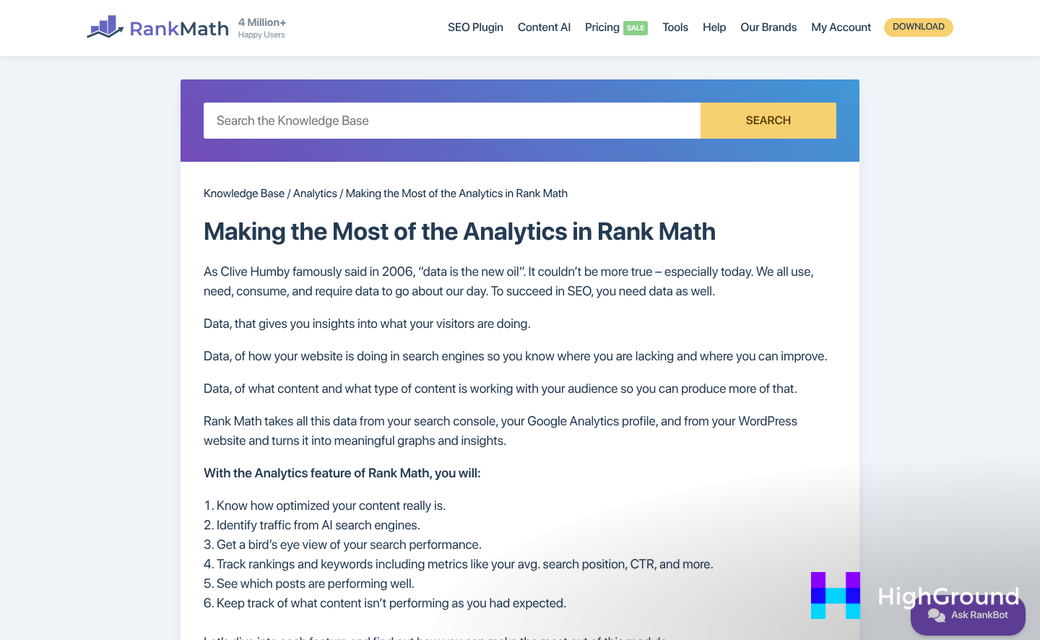
These behavioral tells give you a more honest picture of whether your SEO work is connecting with readers. If you're also dealing with overlapping content targets, using AI to identify and fix keyword cannibalization can help clarify which pages should rank for what.
One thing to watch for: GA4 puts some metrics front and center that can pull your attention in the wrong direction. A page with strong session numbers but low engagement and zero conversions isn't a win - it's easy to over-optimize for metrics that look good in the dashboard while the ones that connect to business results sit in the background.
Use the GA4 data inside Rank Math to ask better questions about your content. Is the page getting clicks but losing visitors fast? Does the engagement rate increase after you improve the content score? Those are the comparisons worth making as you build out your AI content process in 2026.
Your Rank Math Game Plan Starts in the Dashboard
The workflow covered here - setup, Content AI, schema markup, site audits, rank tracking, and GA4 integration - was built to be used in sequence, not all at once, and each layer builds on the last, and none of it is going to need guessing once the tools are connected. If you manage multiple sites, it's also worth looking at WP Umbrella alternatives built for multi-site content work to keep everything organized at scale.
The free version of Rank Math is the right place to start. Use it until the limits become a genuine obstacle, then consider upgrading. Paying for features you are not ready to use is noise. Start with what you have, apply it consistently, and let the data tell you when more is needed. Pairing it with the right AI proofreading tools for WordPress can also help you catch issues before they affect your rankings.
FAQs
What AI features does Rank Math offer for WordPress SEO?
Rank Math's AI features include content generation, meta description writing, keyword suggestions, schema markup assistance, and 40+ AI writing tools. These are available primarily through the paid Content AI plan, which starts at $59 per year and includes 7,500 credits per month.
How do Rank Math Content AI credits work?
Credits are consumed each time you use a Content AI tool. Lighter tasks like meta descriptions cost fewer credits, while full content generation costs significantly more. The Starter plan includes 7,500 credits per month, which is sufficient for most content-focused sites.
Which Rank Math schema types generate rich results?
The most effective schema types for rich results are FAQ, HowTo, Article, Product, and Review. FAQ schema can display expandable Q&A in search results, HowTo can show numbered steps, and Product and Review schema can surface star ratings and pricing directly in search.
What should I prioritize in Rank Math's 30-point SEO audit?
Focus first on high-priority flags: title tags over 60 characters and missing internal links. These have the most direct impact on rankings. Lower-priority items like adding a table of contents can be addressed later without significantly affecting performance.
How does Rank Math's GA4 integration help SEO decisions?
The GA4 integration pulls analytics data directly into WordPress, letting you compare keyword rankings, engagement rates, and content scores in one place. This helps identify underperforming pages and guides decisions about which content needs improvement without switching between tools.

