


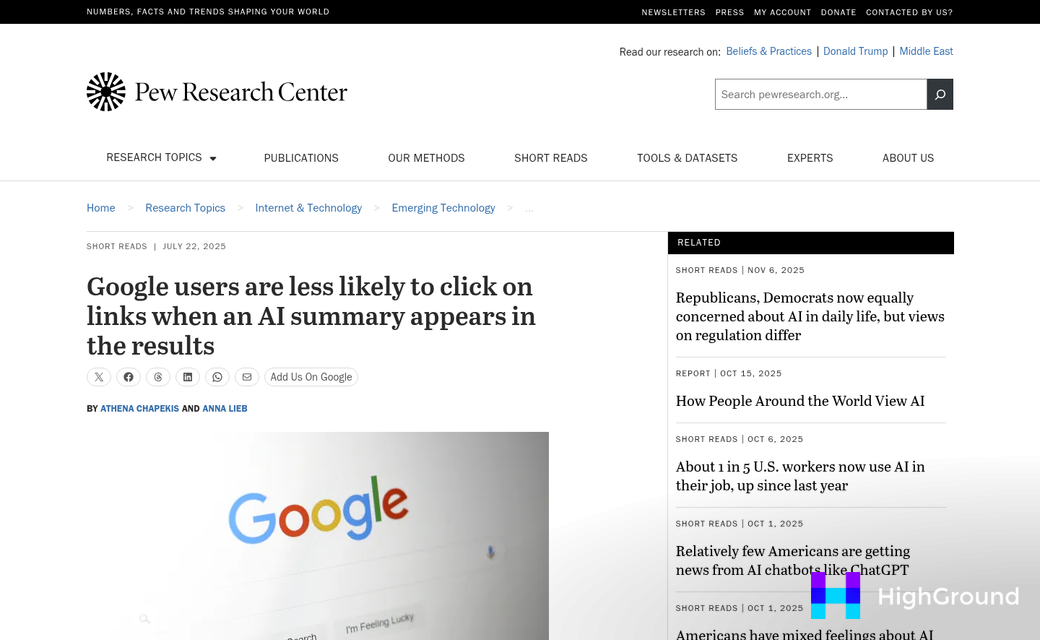
Google's AI-generated summaries have expanded fast. According to Semrush, AI Overviews now appear in 13% of all Google searches - a 116% increase since March 2025. And when those summaries show up, they change user behavior in a real way. Pew Research found that clicks drop by 46.7% when an AI summary is present on the results page. Users get the answer they came for without ever visiting a website. Your content does the work; Google gets the visit.
That's the new reality, and it's not going away. But it's also not a dead end. There's a difference between content that gets absorbed into an AI Overview and content that gets ignored entirely. That difference can depend on how your pages are structured, written, and signaled to Google's systems. WordPress gives you plenty of tools to close that gap, if you know where to focus.
This guide will talk about the helpful side of optimizing your WordPress content for AI Overviews. Not theory - steps you can take to improve your chances of being featured in those summaries, and to build the authoritative presence that holds up as search continues to evolve.
Short Summary
To optimize WordPress content for AI Overviews, focus on these key strategies: write clear, concise answers near the top of your content, use structured headings (H2/H3), add FAQ sections, implement schema markup plugins like Yoast or Rank Math, keep sentences short and factual, and target question-based keywords. Ensure your site loads fast, is mobile-friendly, and uses authoritative sources. AI Overviews favor content that directly answers queries, so format information in lists, tables, and short paragraphs that are easy for AI systems to extract and summarize.
What Google's AI Overviews Actually Pull From
Google doesn't pull AI Overview content at random. There are patterns behind what gets chosen, and that makes it much easier to write content that fits.
One of the biggest things is query difficulty. Searches with eight or more words are about seven times more likely to trigger an AI Overview than shorter queries. That makes sense - longer, more complex questions need a direct and organized answer, and Google looks for content that delivers one.
Structure matters quite a bit here. Google tends to favor content that's broken into sections with descriptive headings, uses short paragraphs, and gets to the point fast. The key things are whether the page is easy to scan and whether the information flows in a logical order that matches how someone would actually ask a question.
Freshness also factors in. Pages that are updated and maintained over time perform better than older content that's been left alone.
It also helps to know what an AI Overview looks like once it's generated. The average response is around 169 words and includes roughly seven source links; it's a fairly short output built from multiple sources, which means Google is pulling the most relevant piece from each page instead of summarizing the whole thing. Your content doesn't have to cover everything - it needs to answer one part of a question well.
There's also a layer of intent matching happening - it's looking for pages where the content structure signals that the page was written to answer a question. Definitions, comparisons, explanations, and factual summaries all perform well because they map cleanly to what searchers are looking for.
The picture that emerges is fairly clear. Long-tail queries, well-structured content, regular updates, and a focused answer to a question are the ingredients that make a page a strong candidate for an AI Overview. The next question is whether WordPress itself is helping or getting in the way of delivering those signals to Google.
The WordPress Technical Gap Holding Your Content Back
Knowing what AI Overviews favor is only half the picture. The other half is whether Google can access and process your content - and for WordPress sites, that's where things break down.
Only 36-40% of WordPress sites pass Core Web Vitals; it's a number that matters because Google treats page experience as a signal of content quality. A slow or unstable page tells Google the content might not be worth pulling into an AI Overview, no matter how well-written it is.
Page speed is the most visible part of this. WordPress sites accumulate plugins over time, and many of those plugins load scripts on every page whether they're needed or not. That extra weight pushes up load times and pulls down your Largest Contentful Paint score, which measures how fast the main content of a page can become visible to a user.
Mobile rendering matters too. Google indexes the mobile version of your site first, so if your theme isn't rendering well on smaller screens, that's the version Google is looking at. A lot of WordPress themes look fine on desktop but shift layout elements around on mobile in ways that hurt your Cumulative Layout Shift score.

Crawlability is a quieter problem but a real one. Misconfigured robots.txt files, accidental no-index settings from SEO plugins, or slow server response times can all prevent Google from reaching your content at all. If Googlebot can't crawl a page efficiently, that page won't be a candidate for AI Overview inclusion.
Here's a quick look at the three Core Web Vitals metrics, what passing looks like, and where WordPress sites fall short.
| Core Web Vital | Passing Threshold | Common WordPress Culprit |
|---|---|---|
| LCP | Under 2.5 seconds | Unoptimized hero images |
| INP | Under 200ms | Heavy JavaScript plugins |
| CLS | Under 0.1 | Ads or embeds without reserved space |
These aren't abstract technical benchmarks. They're the baseline Google uses to determine if a page is worth surfacing at all. Getting your WordPress site to pass these thresholds opens the door to everything else.
Structuring WordPress Posts So AI Can Actually Read Them
AI models don't read your content the way a person does. They scan for self-contained chunks of information that can be lifted and used as a direct answer. If your post is one long wall of text, it can become much harder for a model to extract anything helpful from it.
The space between your headings matters more than you know. SE Ranking's research shows pages with 120 to 180 words between each heading earn around 70% more ChatGPT citations than pages with longer, unbroken sections; it's a structural target you can work toward inside the WordPress block editor.
Each heading section should work as its own small answer- it should be long enough to be legitimately helpful but short enough to stand alone. When an AI model pulls a section to cite, it needs that section to make sense without the surrounding content.
Build a heading structure that works
Your H2 headings should each cover one idea. H3s can break that idea into smaller parts if you need it. Avoid nesting headings so deep that the structure can become hard to follow for readers and machines.
Start each section with a direct, definition-style sentence that answers the implied question behind the heading. Put your most helpful information first in the section- not at the end. AI models weight the opening lines of a section more heavily when they scan for quotable content.
Use FAQ blocks intentionally
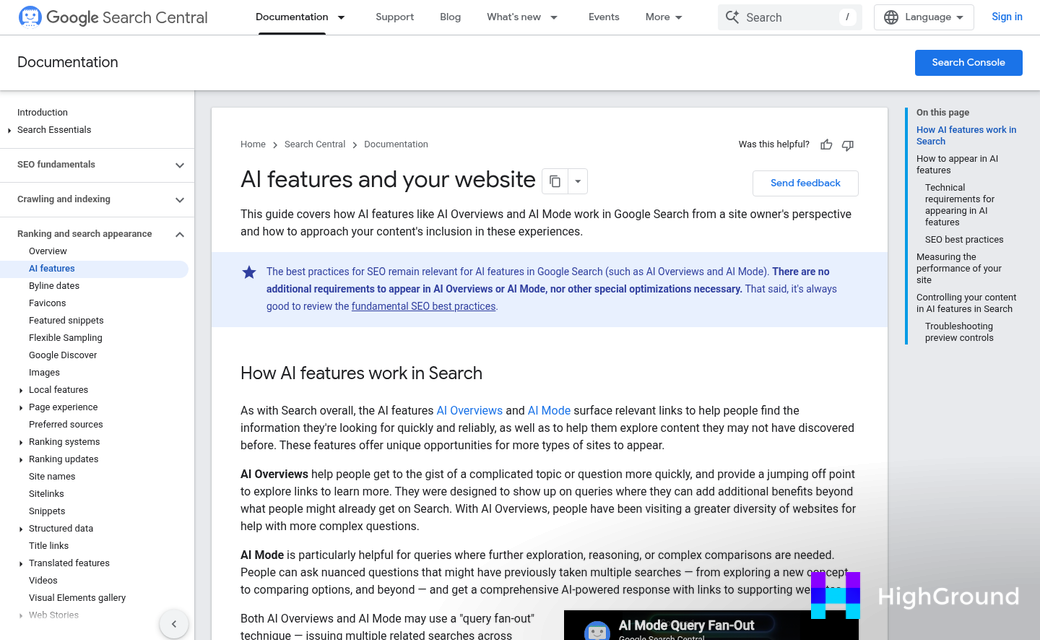
FAQ sections are one of the most reliable ways to get cited in AI overviews, and each question-and-answer pair is a self-contained unit, which is what AI extraction looks for. In WordPress, you can use an auto-generated answer block to reinforce that structure at the technical level too.
Keep each answer between two and four sentences. Longer answers tend to lose focus, and a scattered answer is harder to cite. Write each one as if someone asked you that question directly and you had thirty seconds to respond.
Short paragraphs are doing real work here
Two to three sentences per paragraph is a helpful target for AI-friendly formatting- it keeps ideas tight and makes each paragraph easier to extract as a standalone unit.
Using Statistics and Content Freshness to Earn Citations
AI systems are built to pull from sources they can verify. That means a page with a cited statistic is far more helpful to an AI than a page full of general claims. SE Ranking found that adding a statistic to your content helps with AI Overview visibility by 65%; it's not a small edge.
The reasoning makes sense - think about what AI Overviews actually do. They summarize and attribute. A verifiable data point gives the system something concrete to reference, and your page can become the source. Pages that read like opinions with no backing are easy to skip over.
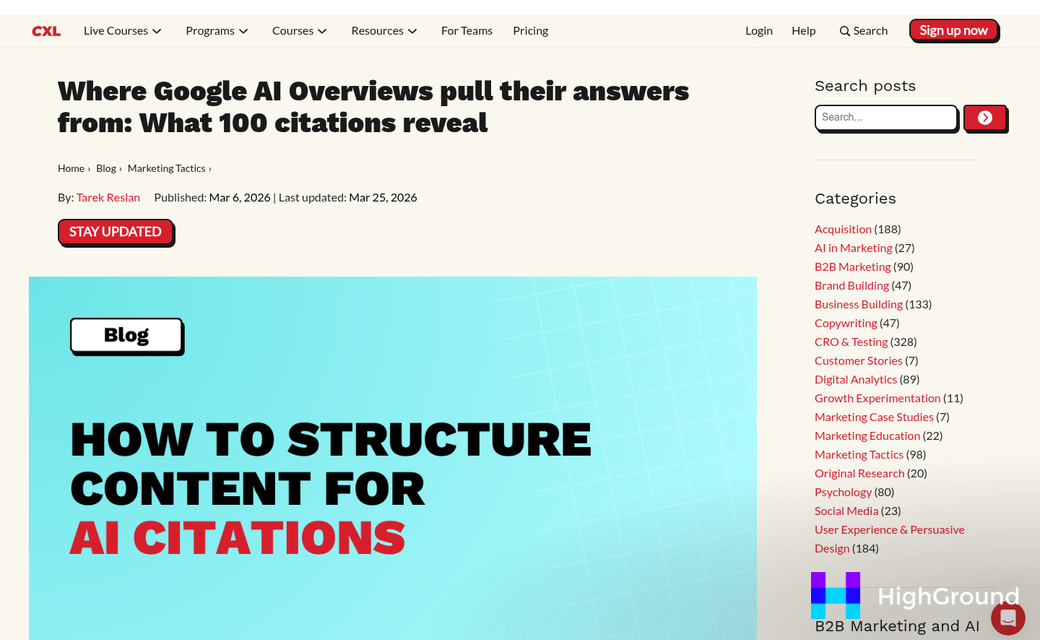
Freshness matters just as much. SE Ranking's data shows that pages updated within the past three months earn an average of 6 citations in AI Overviews, compared to just 3.6 for older pages; it's nearly double the citation rate for keeping content current.
| Content Age | Average AI Overview Citations |
|---|---|
| Updated within 3 months | 6.0 |
| Not recently updated | 3.6 |
WordPress makes it easy to publish and forget. There's no built-in push to go back and refresh a post from 18 months ago, so older content just sits there losing ground. An easy content refresh calendar fixes this - even a spreadsheet tracking your top posts and their last update dates is enough to get started.
When you do refresh, update the parts that go stale fastest. Statistics, product facts, pricing references, and any claims with a year are the first things to check. Swap out outdated numbers for current ones and link to the original source so AI systems can trace the claim.
It's also worth being intentional about where you place data in a post. A statistic buried at the bottom of a 2,000-word post does less work than one placed early, in its own sentence, with the source named. AI systems parse context, and a clean attribution near the top of your content signals that the page is a reliable source worth citing.
Your existing content is an asset that needs maintenance. Mass republishing old WordPress posts is one way to push updated content back into circulation without rebuilding everything from scratch.
Schema Markup That Signals Relevance to AI Systems
Without it, an AI has to guess the job of your page from context alone. Schema markup removes that guessing.
The four schema types most worth your attention for AI Overview addition are Article, FAQPage, HowTo, and Speakable, and each one tells something different to AI systems about how your content should be read and when it should be surfaced.
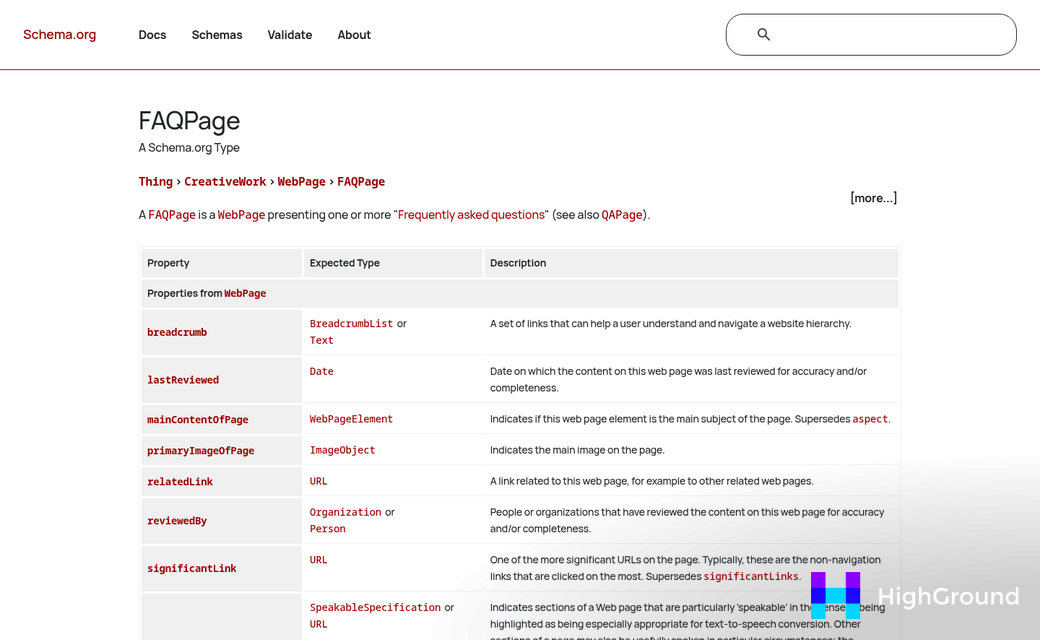
FAQPage schema is a strong addition if your content already has a question-and-answer format - it frames those blocks in a way that AI systems can pull directly as a response. HowTo schema does something similar for content - it tells AI systems that your page walks users through a process in a structured way.
Article schema is the baseline for any blog post or news-style content - it tells authorship, publication date, and content type - all things that help AI systems judge relevance and recency. Speakable schema is newer and less common, but it marks sections of your content as especially readable for voice and AI interfaces.
| Schema Type | Best For | WordPress Plugin Support |
|---|---|---|
| FAQPage | Q&A content blocks | Yoast, Rank Math |
| HowTo | Step-by-step guides | Rank Math, Schema Pro |
| Article | News and blog posts | Yoast, All in One SEO |
| Speakable | Voice and AI readability | Manual or Schema Pro |
Most of this doesn't need any custom code on your end. Plugins like Yoast SEO, Rank Math, and All in One SEO manage Article and FAQPage schema through their standard settings. Rank Math and Schema Pro also make HowTo markup easy to add without touching your theme files.
Speakable is the one exception - it's not yet supported in most popular plugins, so you might need to add it manually or use Schema Pro with a custom configuration. It's worth the extra step if your content targets voice search or conversational AI queries.
Schema markup is one of the more direct things you can do to make your content readable to AI systems on a technical level. If you're also adding FAQs automatically with AI, pairing that with FAQPage schema gives AI systems a clear signal about how those blocks should be interpreted.
Your WordPress Content Isn't Invisible - It's Just Not Ready Yet
If you are picking where to start, resist the urge to dive straight into schema markup. Fix your Core Web Vitals and update your most visited pages first. A fast, fresh page with structure will outperform a slow, outdated one wrapped in perfect schema every time. Once your technical foundation aligns with what readers actually need, schema can become the finishing layer that helps machines read what humans already find helpful.
Before opening your next draft, ask yourself one question: If an AI had to summarize this post in three sentences, would those sentences reflect what I actually want my audience to know? That single mental check will change how you write every section going forward.
FAQs
What percentage of Google searches show AI Overviews?
According to Semrush, AI Overviews now appear in 13% of all Google searches, representing a 116% increase since March 2025.
How does content freshness affect AI Overview citations?
Pages updated within the past three months earn an average of 6 AI Overview citations, compared to just 3.6 for older pages - nearly double the citation rate.
What Core Web Vitals score does WordPress need?
WordPress sites need LCP under 2.5 seconds, INP under 200ms, and CLS under 0.1. Only 36-40% of WordPress sites currently pass these thresholds.
Which schema types help with AI Overview visibility?
The four most valuable schema types are FAQPage, HowTo, Article, and Speakable. Most can be implemented through plugins like Yoast SEO or Rank Math without custom coding.
How many words should appear between headings for AI citations?
SE Ranking's research shows pages with 120 to 180 words between headings earn around 70% more AI citations than pages with longer, unbroken sections.

