


When your pipeline runs on reliable, connected tools and workflows, content moves from draft to published without you babysitting every step. That means faster output, fewer errors, and a process your whole team can follow.
This guide will talk about building that system inside WordPress. I'll talk about which parts of the content lifecycle are worth automating, which tools integrate cleanly with WordPress, and how to connect everything into a workflow that actually holds up under standard publishing volume.
Whether you're running a solo blog or taking care of content for a bigger site with multiple contributors, the principles here scale to fit your situation. Start with what's slowing you down most, and build from there.
Short Summary
To automate a WordPress content pipeline: use tools like Zapier or Make (Integromat) to connect content sources, schedule posts via WordPress's built-in scheduler or plugins like PublishPress, automate image optimization with Smush or ShortPixel, and streamline editorial workflows using Editorial Calendar plugins. For advanced automation, leverage the WordPress REST API to push content programmatically. Tools like CoSchedule or Jetpack can handle social sharing automatically. Combine RSS feeds, AI writing tools, and category-based auto-tagging to create a fully hands-off publishing system tailored to your workflow needs.
What a WordPress Content Pipeline Actually Looks Like
A content pipeline is a chain of steps, and each step can depend on the one before it. When you see it laid out, it's much easier to figure out where things are going wrong in your own process.
It starts with ideation and keyword research. You find a topic, confirm there's search demand for it, and decide it's worth writing. From there, a brief outlines the angle, the target keyword, the word count, and the structure the writer should follow. That brief goes to a writer, who produces a draft. The draft then moves to an editor, who checks for clarity, accuracy, and tone before it gets anywhere near a publish button.
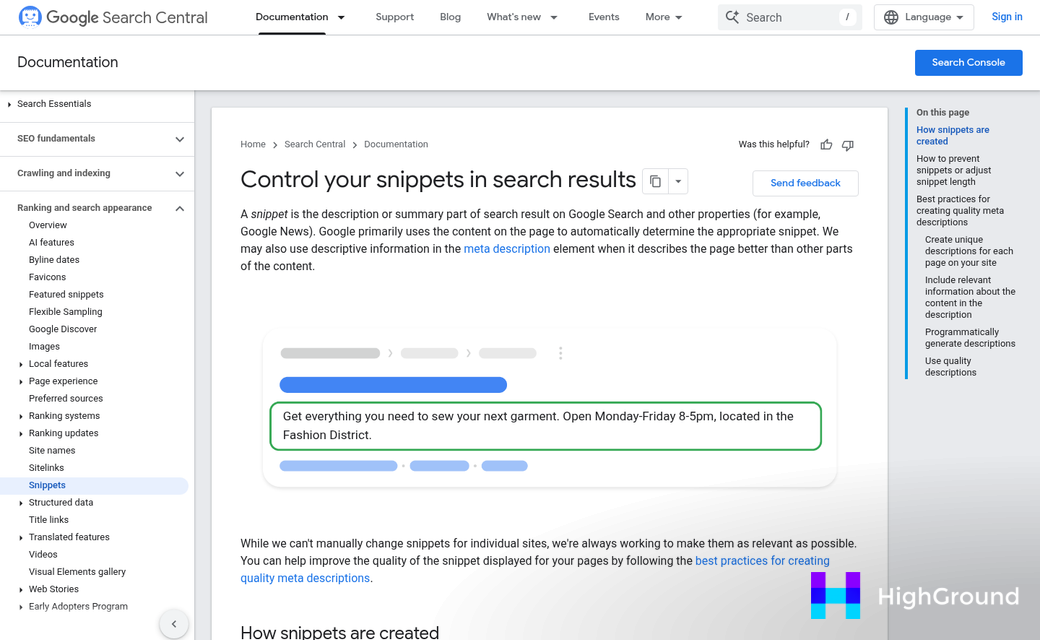
After editing, the piece goes through SEO optimization, which means checking title tags, meta descriptions, heading structure, and keyword placement. Then comes internal linking, which connects the new post to relevant existing content on the site. Finally, the post gets scheduled and published.
That's seven stages just to get one piece of content live. And in most WordPress setups, each stage means a manual handoff to a different person or tool.
Those handoffs are the problem. A writer finishes a draft and sends it over email. An editor leaves feedback in a Google Doc. Someone copies the final text into WordPress, formats it by hand, and then separately adds the SEO fields, and each one of these transitions is a place where work can stall, get lost, or need to be redone.
It's helpful to think of this less as a workflow and more as a chain. A strong chain moves content from one end to the other without anyone having to carry it manually between links. A weak chain has gaps that fill in with extra effort every time.
Consider where your own chain breaks down. Is it between briefing and drafting? Between editing and SEO review? Between final approval and scheduling? Most teams have one or two stages where things slow to a crawl.
Automation is about removing the repetitive handoffs that eat up time and attention, not replacing the people who do this work. The writing, the editorial judgment, the strategy - those stay human. The file transfers, the copy-pasting, the status updates - those don't have to. Tools built for meta and SEO automation can handle many of these steps without anyone lifting a finger.
Matching Automation Tools to Each Stage of Your Pipeline
Not every tool works at every stage, and the wrong one at the wrong point creates more work than it saves. The tool community maps fairly neatly onto the pipeline stages covered above.
At the ideation and research stage, you want tools that help you find topics and search intent without writing a single word. Keyword research platforms and AI-assisted topic generators sit here. They give your pipeline a starting point grounded in what people actually search for.
Drafting is where AI writing tools take over. Platforms like Sight AI use agents built for specific content formats - listicles, how-to guides, product comparisons, and more. That format-aware drafting produces output that needs far less cleanup than a generic AI prompt would.
Once a draft exists, SEO optimization tools step in. Surfer SEO is a known option at this stage, starting at $89 per month - it scores your content against top-ranking pages and flags gaps to fill before you publish.

Scheduling and publishing tools come last. Some platforms manage drafting and publishing in one location. Sight AI, just to give you an example, includes a WordPress autopilot feature on its paid plans from $49 per month, which means it can draft and push content to your site without manual handoffs between tools.
Here is a starting point for comparing tools across these stages. Add rows as you research tools that fit your workflow.
| Tool | Pipeline Stage | Key Feature | Starting Price |
|---|---|---|---|
| Sight AI | Drafting & Publishing | 13+ content-type agents, WordPress autopilot | $49/month |
| Surfer SEO | SEO Optimization | Content scoring, article limits by tier | $89/month |
| [Add tool] | [Stage] | [Key feature] | [Price] |
| [Add tool] | [Stage] | [Key feature] | [Price] |
A multi-tool setup is common. But it does introduce handoff points where things can slip. That is worth keeping in mind as you choose what to plug in where. If you are evaluating AI writing platforms specifically, a comparison like Jasper AI vs Rytr can help you think through which delivers better value for your pipeline.
Setting Up WordPress Plugins That Power Automated Publishing
Before any automation can run, your WordPress environment needs to be ready to support it. That means checking your WordPress version, your PHP version, and if your latest theme or other plugins will play nicely with whatever you install.
A good example to talk about is the Data Machine plugin - it needs WordPress 6.2 or higher and PHP 8.0 at minimum, and it has been tested as high as WordPress 6.8. Those numbers matter more than they might appear.
Why Version Requirements Actually Matter
If your site is running an older version of PHP, the plugin will not work as expected. In some cases it will fail silently, and in others it will throw errors that are hard to trace back to their source. PHP 8.0 introduced changes to how functions are handled, so plugins built around it depend on those behaviors being present.
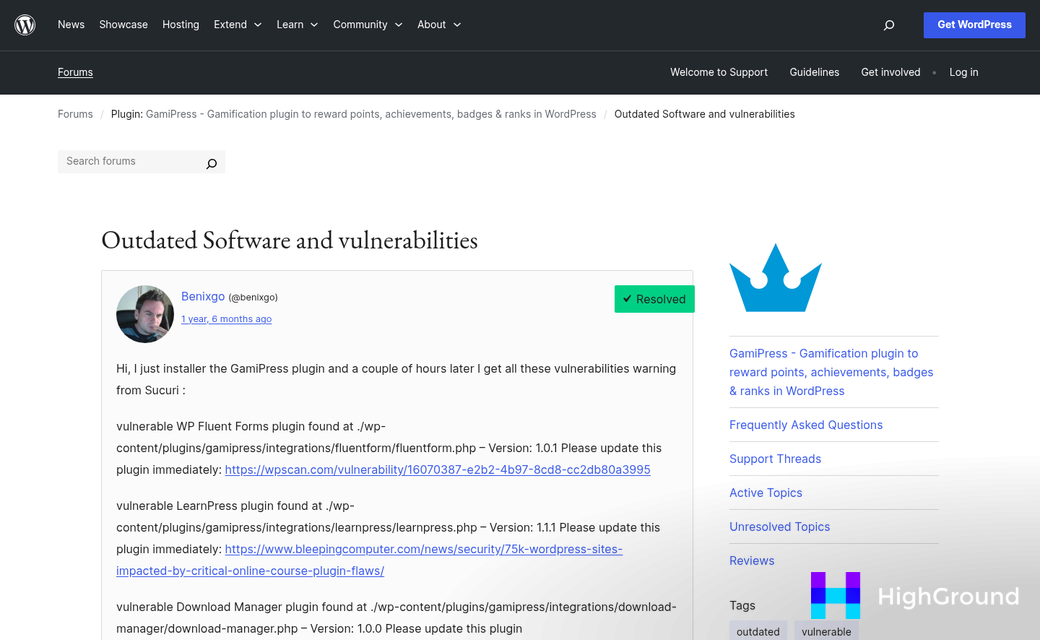
WordPress core updates follow a similar logic. Features that automation plugins use to schedule posts, manage REST API calls, or use the database can behave differently across versions. Running an outdated WordPress installation is a security concern that can also break the entire automation chain at unpredictable points.
The fix is easy: check your versions before you install anything. Your hosting dashboard or a quick visit to your WordPress admin under Dashboard > Updates will show you where you stand.
What a Basic Plugin-Based Setup Looks Like
Once your stack meets the requirements, installation follows a standard path. You install the plugin through the WordPress admin, activate it, and then connect it to your external data sources or automation tools via API keys or webhooks. Most automation plugins have a settings screen that walks you through this connection step.
From there, you define what content should be created and when. That usually means creating templates the plugin uses to format incoming data into a post structure WordPress can publish. The plugin then handles the scheduling and the publishing action on its own.
Test this with a single post before running anything at scale. Point the plugin at one data source, trigger a manual publish, and confirm the output looks right in your WordPress editor. Catching formatting problems early saves cleanup later.
You also want to check that your user role settings give the plugin the permissions it needs to publish or schedule content without hitting access restrictions.
Building Repeatable Workflows Without Breaking Your Editorial Voice
With your plugins configured and your publishing schedule running, the next thing to watch is whether your content still sounds like you. Volume is easy to scale. Voice is not.
Think about what a loyal reader would see if automation quietly took over. They might not be able to name it. But something would feel off. The posts would be accurate and well-structured. But a little flat. A little too safe. That is the trap of over-automation - output that's technically correct but editorially hollow.
Start With a Tone Guide Your Tools Can Actually Use
It is something you can paste directly into an AI agent prompt or use to train a content template. Write down how your brand works with humor, how it responds to complexity, and what words it never uses. The more concrete you make it, the easier it is to replicate across automated outputs.
Keep this document short and usable. A two-page guide that gets referenced is more helpful than a ten-page guide that sits in a folder.
Use Templates to Set Guardrails, Not to Remove Judgment
Content templates work best when they define structure without locking every sentence into a formula. Set up sections that tell the writer or tool what each part needs to accomplish. Leave room for the introduction to take a different angle each time. You want to remove choice fatigue from repetitive tasks while keeping the creative decisions human.

If every post starts to read like it was built from the same mold, readers feel it before they can articulate it. Rotate your templates or add variation fields so automated drafts have a little room to breathe.
Review Gates Keep the Pipeline Human
Build at least one human checkpoint into your automated pipeline before anything goes live - this does not have to be a full editorial review every time. Even a five-minute read-through to check tone and catch anything that sounds robotic is enough to protect the reader experience. Automation handles the heavy lifting and a human makes the final call.
The pipelines that work long-term are the ones that treat automation as a way to get to the first draft faster - not a way to remove humans from the process entirely. That boundary is worth drawing early.
Measuring Whether Your Automated Pipeline Is Actually Working
Output volume is the easiest thing to track. But it's also the least helpful on its own. Publishing more posts doesn't mean your pipeline is working - it means it's running. Those are two different things.
The first number worth watching is time-to-publish: the difference between when a content idea enters your workflow and when it goes live. If automation is doing its job, that number should shrink over time. If it stays flat or grows, something in the pipeline is creating friction that needs attention.
Editorial revision rate is another honest signal. Track how much your team edits each part of automated content before it gets published. A high revision rate isn't always a problem - it might just mean your input prompts need refinement. But if editors are rewriting from scratch every time, the automation is adding work instead of cutting back on it.

Organic traffic per post tells you if the content is reaching - it's a slower metric to build. But it's the one that shows if automation is making content worth publishing or just filling space.
| Metric | What It Reveals |
|---|---|
| Time-to-publish | How much the pipeline is cutting production time |
| Editorial revision rate | How much human cleanup is needed after automation runs |
| Organic traffic per post | Whether automated content is performing in search |
| Content output volume | How many pieces are published in a given period |
What "working" looks like will depend on the size of your operation. A solo creator on a $15/month plan has an easy goal: spend less time on production without sacrificing reader trust. A team on a $115/month plan needs to see wider gains - faster turnaround across multiple contributors, less back-and-forth and content that performs without non-stop intervention.
It's helpful to set a baseline before you automate anything. Pull your average time-to-publish and revision rate from a few recent posts and write them down. That gives you something to compare against after a few weeks of running the pipeline.
Measurement doesn't need to be tough. Pick two or three numbers that connect directly to your goals and check them once a month.
From Chaotic to Connected: Keeping Your Pipeline Running Smoothly
No workflow comes out perfect on the first build. Every pipeline you set up is going to need a few iterations before it clicks; it's normal. Small wins compound quickly, and the insight you get from one solved bottleneck will usually teach you where to focus next.

Write down every manual step between idea and published post. Somewhere in that list is your best first candidate for automation - it's your starting point.
FAQs
What is a WordPress content pipeline?
A WordPress content pipeline is a chain of steps moving content from ideation through drafting, editing, SEO optimization, and publishing. Each stage connects to the next, and automation removes manual handoffs between them.
Which parts of content creation can be automated?
Repetitive tasks like file transfers, copy-pasting, scheduling, SEO meta fields, and status updates can be automated. Creative work like writing, editorial judgment, and strategy should remain human.
What tools support WordPress content pipeline automation?
Tools vary by pipeline stage. Sight AI handles drafting and publishing from $49/month, while Surfer SEO handles content optimization from $89/month. Most setups use multiple tools covering different stages.
What WordPress version is needed for automation plugins?
Requirements vary by plugin. For example, Data Machine requires WordPress 6.2 or higher and PHP 8.0 minimum. Always verify version compatibility before installing any automation plugin.
How do you measure if your automated pipeline is working?
Track time-to-publish, editorial revision rate, and organic traffic per post. Set a baseline before automating, then compare results after a few weeks to identify whether the pipeline is genuinely improving output.

