


The right broken link checker plugin can turn a tedious, error-prone process into something close to automatic. But not every tool is built with multi-site agencies in mind. Some are great for a single personal blog; others manage the scale, reporting, and workflow you are going to need when taking care of a full client portfolio.
This guide cuts through the noise and focuses on the plugins that legitimately hold up at agency scale - covering how they perform, what makes each one worth considering, and where they fall short so you can make a well-educated choice for your team.
Short Summary
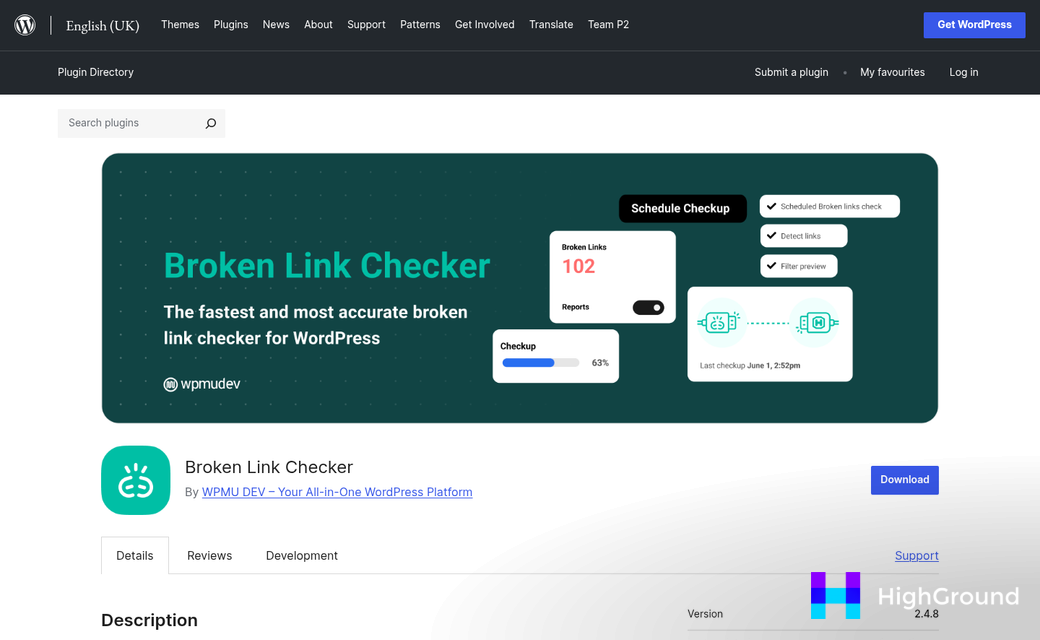
The best broken link checker plugins for multi-site agencies include Broken Link Checker by WPMU DEV, which offers centralized management across multiple sites. Other strong options are Broken Link Checker by Linkify, All 404 Redirect to Homepage, and Link Whisper, which combines internal linking with broken link detection. For agencies managing many sites, WPMU DEV's plugin stands out for its bulk fixing capabilities and dashboard integration. Screaming Frog, while not a plugin, is also widely used for comprehensive audits across multiple client sites efficiently.
Find Your Plugin
Why Broken Links Hit Agencies Harder Than Solo Site Owners
When you manage one website, a broken link is an inconvenience. When you manage thirty, it can become a genuine operational problem. The difference in scale is what makes broken link management a different challenge for agencies.
A solo site owner checks their site when something feels off. Agencies don't have that luxury because no one person can keep tabs on dozens of sites at once. A single broken link on a client's homepage might sit there for weeks before anyone notices, and by then the client has already seen it.
That visibility gap matters quite a bit for client relationships. Clients don't always understand the technical side of website maintenance. But they do see when something on their site doesn't work.
There's also the SEO side to remember. Search engines treat broken links as a signal that a site isn't being maintained well, and that can drag down rankings over time. For a solo owner, one affected site is one ranking to recover. For an agency, the damage multiplies across every client account at once.
Agencies also carry reputational weight that solo owners don't. A freelancer with a broken link on their personal portfolio takes a small hit. An agency with broken links on a client's e-commerce store or landing page is putting someone else's business at risk, and that changes the stakes considerably.
Reporting can add some more pressure. Most agency clients expect a standard update on how their site is performing. If you don't have a structured way to find and log broken links across all sites, putting together those reports can become a manual, time-consuming job that pulls staff away from other work.
The internal workflow challenge is real too. Agencies need to assign broken link fixes to the right team members, track what's been resolved, and keep a record of recurring problems.
Solo site owners can get by with lightweight, free services. Agencies need something that can monitor multiple sites on a schedule, surface problems in one place, and integrate into the way the team already works; it's a fundamentally different set of needs from the ground up.
Key Features to Look for Before Picking a Plugin
Not every broken link checker is built with agencies in mind. A plugin that works for a single site owner can become a headache when you're taking care of dozens of client sites at once.
The first thing to check is if the plugin supports bulk or network-wide scanning. Running individual scans across 30 or 40 sites is a time drain, and it defeats the purpose of having a tool at all. You want something that can sweep multiple sites in one go and report back in a centralised place.
Scheduling matters too. A plugin should let you set automated scans to run on a timetable instead of waiting for you to trigger them manually. Daily or weekly scans keep your link data fresh without you having to remember it.
Remember to look at how the plugin works with reporting. Detailed reports that you can export and send to clients are helpful for agencies that want to show their work. If the output is a plain list inside your WordPress dashboard, that limits what you can do with the information.

Performance is worth thinking about too. Some link checkers run scans in the background in a way that slows down a site noticeably. For client sites that already get traffic, a plugin that behaves poorly under the hood can create more problems than it solves.
Here is a quick overview of the feature categories worth comparing before anything.
| Feature | Why It Matters for Agencies |
|---|---|
| Multi-site or bulk scanning | Saves time across large client portfolios |
| Automated scan scheduling | Keeps link data current without manual effort |
| Exportable reports | Useful for client communication and documentation |
| Server load management | Prevents scans from affecting site performance |
| False positive controls | Lets you whitelist links that are flagged incorrectly |
False positives are easy to forget until they start cluttering your reports. Some plugins flag links as broken when they are fine but just slow to respond. The ability to whitelist known links or adjust timeout settings keeps your reports accurate and helpful.
Finally, check what links the plugin scans. Some tools only check internal links and others also crawl external links, images, and redirects. The wider the scan, the clearer your picture of each site's health.
Top Broken Link Checker Plugins Compared Side by Side
Now that you know what to look for, here is how the most-used options compare against each other - this comparison focuses on the things that matter most to agencies taking care of multiple WordPress sites at once.
| Plugin | Multi-Site Support | Scan Frequency | Bulk Fix Links | External Link Checks | Free Plan |
|---|---|---|---|---|---|
| WPMU DEV Broken Link Checker | Yes (via Hub) | Daily | Yes | Yes | Limited |
| Broken Link Checker by Manticore | Per site only | Hourly to weekly | Yes | Yes | Yes |
| Link Whisper | Per site only | On demand | Yes | Partial | No |
| Screaming Frog (external tool) | Yes (manual) | On demand | No | Yes | Limited |
| All in One SEO (AIOSEO) | Per site only | Weekly | No | No | No |
WPMU DEV works for agencies because it connects to their Hub dashboard, which lets you monitor broken links across all client sites from one place. That alone saves tab-switching during audits.
The Manticore plugin is the most flexible free option and works for smaller agencies that manage sites one at a time - it checks internal and external links and lets you edit or unlink broken URLs without leaving WordPress. If you want to go further, bulk updating internal links across your entire site can save significant time during cleanup.

Link Whisper is built more for internal link building than pure broken link management - it does flag broken links. But its external link coverage is incomplete, so it's not a standalone answer for agencies.
Screaming Frog is not a WordPress plugin at all - it's a desktop crawler - it gives you deep data and works well with large sites. But it takes manual effort to run and has no direct integration with WordPress for fixing links.
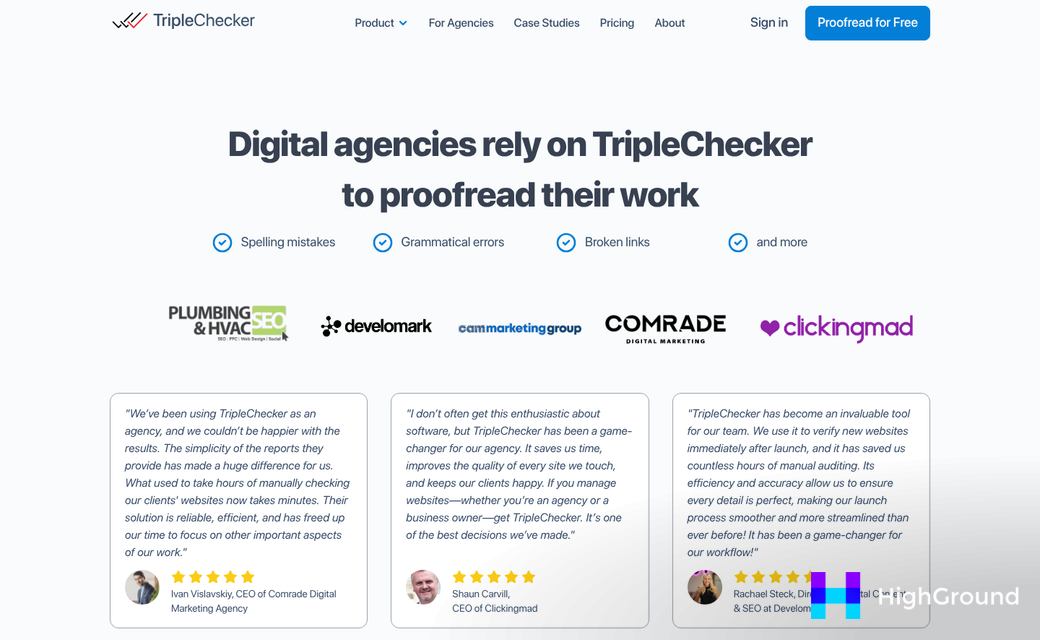
AIOSEO includes a basic broken link feature in its higher-tier plans. But it only scans internal links. For agencies that need full coverage, it's better used as an SEO tool instead of a dedicated link checker. Pairing it with AI-driven SEO and meta automation can fill some of those gaps.
Free vs. Paid Plans - What Agencies Actually Get
Most broken link checker tools have a free tier and for a single small site it can be enough. But agencies taking care of multiple client sites will hit the limits fast and that's where the differences start to show.
Free plans usually cap the number of pages you can scan or the number of sites you can connect. Some tools limit how frequently scans run, which means broken links could sit undetected for weeks between checks; it's a problem when a client's site is live and under scrutiny.
Paid plans unlock scheduled scanning across multiple domains, faster crawl speeds and integrations with tools like Google Search Console. White-label reporting is another paid feature worth mentioning - it lets you send clients branded reports instead of raw data exports that need explanation.
Here's a rough overview of what you can expect across plan tiers:
| Feature | Free Plans | Paid Plans |
|---|---|---|
| Number of sites | 1-3 | 10-unlimited |
| Scheduled scans | Manual only | Daily, weekly, or custom |
| White-label reports | Not available | Available on most plans |
| API access | Not available | Available on higher tiers |
| Priority support | Community only | Email or live chat |
API access is worth a mention because it's not a developer-only benefit. If your agency uses a project management or reporting tool, an API lets you pull link data directly into your existing workflow instead of logging into yet another dashboard.
Some tools price per site and others charge a flat monthly fee for unlimited sites. The flat-fee model works out better for agencies taking care of more than five or six clients. If you're managing content at scale, it's also worth looking at the best WordPress plugins for bulk editing posts and pages to handle other site-wide updates alongside link management.
It's also worth checking if paid plans include link fixing tools or just detection. Some places flag broken links and stop there and others let you redirect or replace them from within the tool itself - or even automatically manage internal and external links with AI across your entire site.
Setting Up Multi-Site Scanning Without Slowing Down Your Servers
Running a broken link checker across dozens of sites at once can put pressure on your hosting environment. The good news is that most dedicated agency tools let you control how and when scans run so you can keep things moving without affecting site performance.
The first thing to get right is scan scheduling. Instead of letting every site scan at the same time, stagger them across the week. Most tools let you assign personal scan schedules per site, so you could run five sites overnight on Monday, another five on Tuesday, and so on - this spreads the load and keeps any single server from getting hammered.
Crawl speed settings matter just as much as timing. Look for a plugin or tool that lets you set the number of concurrent requests it sends during a scan. A lower number means a slower scan but far less strain on the server. For shared hosting environments especially, this setting matters.
It also helps to scan during off-peak hours. Scheduling scans for late at night or early in the morning means fewer visitors are on the site at the same time. Most broken link tools have a built-in scheduler for this reason.
A few practical settings to check before you scale up
Before you add a new site to your scanning setup, take a minute to review these configurations in your tool of choice.
| Setting | What to do | Why it helps |
|---|---|---|
| Crawl frequency | Set to weekly or bi-weekly per site | Prevents daily load spikes across your network |
| Concurrent requests | Keep to 1-3 for shared hosting | Reduces the chance of a slowdown during scans |
| Scan time window | Schedule between midnight and 6am | Keeps scans away from peak traffic hours |
| Email alerts | Set to send only on new broken links | Cuts down on notification noise across sites |
If you manage sites on dedicated or cloud hosting, you have quite a bit more room to increase crawl speed and run more scans in parallel. The settings above are a safe starting point for any environment, and you can always dial things up once you know how your infrastructure responds. If you're also thinking about scaling content across those sites, it's worth planning your server capacity with both content generation and scanning in mind.
Building a Broken Link Audit Into Your Agency's Monthly Routine
For multi-site agencies, the best choice can finally depend on how much automation you need, how you like to receive fixes - in-dashboard or via scheduled email reports - and how well the tool scales as your client roster grows.
Any of the options covered here will put you ahead of the agencies still discovering broken links through frustrated client calls or a rankings drop.
FAQs
What makes broken link checkers different for agencies?
Agencies manage dozens of client sites simultaneously, making broken links a larger operational and reputational risk. Unlike solo site owners, agencies need centralized reporting, automated scheduling, and multi-site scanning to efficiently monitor link health across an entire client portfolio.
Which broken link checker best supports multi-site agencies?
WPMU DEV Broken Link Checker is the strongest multi-site option, connecting to a central Hub dashboard for monitoring all client sites in one place. For budget-conscious agencies managing sites individually, the free Manticore plugin is a flexible alternative.
Do free broken link checker plans work for agencies?
Free plans are typically limited to a few sites and manual-only scanning, making them insufficient for most agencies. Paid plans unlock scheduled scans, multi-domain support, white-label reporting, and API access - features essential for managing larger client portfolios efficiently.
How can agencies prevent scans from slowing down servers?
Stagger scan schedules across the week rather than running all sites simultaneously. Keep concurrent requests low (1-3 for shared hosting) and schedule scans during off-peak hours like midnight to 6am to minimize impact on live site performance.
Should agencies prioritize internal or external link scanning?
Agencies should prioritize tools that scan both internal and external links for complete site health visibility. Tools like AIOSEO only check internal links, which limits coverage. Wider scans including images and redirects give a clearer picture of each client site's condition.

