


The market has matured significantly over the past year. What used to be a handful of experimental plugins and clunky API integrations has evolved into a competitive ecosystem of purpose-built tools that slot directly into WordPress workflows. Some generate summaries automatically on publish, others let editors fine-tune tone and length, and a few now manage multilingual output without any issues.
This guide cuts through the noise. Whether you're running a solo blog, managing a content team, or scaling a media publication, you'll find an overview of the tools worth your time - along with what each one actually does well and where it falls short. No fluff, no filler, just helpful comparisons so you can make a confident choice.
Short Summary
The best AI tools for summarizing long-form WordPress posts in 2026 include Jetpack AI, which integrates directly into the WordPress editor, along with third-party options like Jasper, Copy.ai, and ChatGPT plugins. Dedicated WordPress plugins such as AI Power and Bertha AI offer built-in summarization features. For automated workflows, tools like Make or Zapier can connect OpenAI's API to your WordPress site. The best choice depends on your budget, technical comfort level, and whether you need real-time editor integration or batch processing capabilities.
Why Long-Form WordPress Posts Are Getting Harder to Manage
The average blog post length hit 1,427 words in 2024, up from 1,236 words in 2023. That growth is not random. Longer posts tend to rank better, draw more links, and give readers more to work with.
Long-form content earns around 77% more backlinks than shorter posts. That stat alone is enough to push most content teams toward writing more and going deeper on every topic.
But here is where things get tough. Readers are not actually reading more - they are skimming more. The difference between what performs well for SEO and what readers legitimately make their way through is wider every year.
Longer posts perform better. But fewer readers make it to the end. The better path is to make long posts easier to digest without cutting the content that makes them helpful - because giving up the SEO benefits is not a trade-off worth making.

For WordPress publishers, this creates a management headache. A post that's 1,400 words long needs more than a strong headline to hold attention - it needs structure, and it should have a summary that lets readers get to the points that matter fast before they leave.
The volume of content compounds this. A site publishing three or four long posts a week is thousands of words that all need to be organized, summarized, and kept accessible to different types of readers. Some visitors want the full overview. Others land on the page, scan for thirty seconds, and leave if nothing grabs them.
Managing that reality at scale is where the strain shows up. Writing longer posts is one challenge. But making sure those posts actually work for the people reading them is a different challenge entirely - and it takes more than writing to get there. Tools like Rank Math's AI features can help keep that content organized and discoverable once it's live.
The Hidden Time Cost of Summarizing Posts by Hand
Writing a summary for a long-form post takes between 8 and 12 minutes if you want to do it well. That means re-reading key sections and pulling out the right ideas and writing something tight enough to actually be helpful - it doesn't sound like much until you start doing the math.
Look at publish rates at different rates across a week.
| Posts Per Week | Avg. Time Per Summary | Weekly Time Lost |
|---|---|---|
| 2 | 10 min | ~20 min |
| 5 | 10 min | ~50 min |
| 10 | 10 min | ~100 min |
That top row looks manageable. But a blogger running ten posts a week is losing almost two full hours to summaries alone. For a small editorial team, that time is spread across people who are already stretched thin on editing, formatting and publishing.
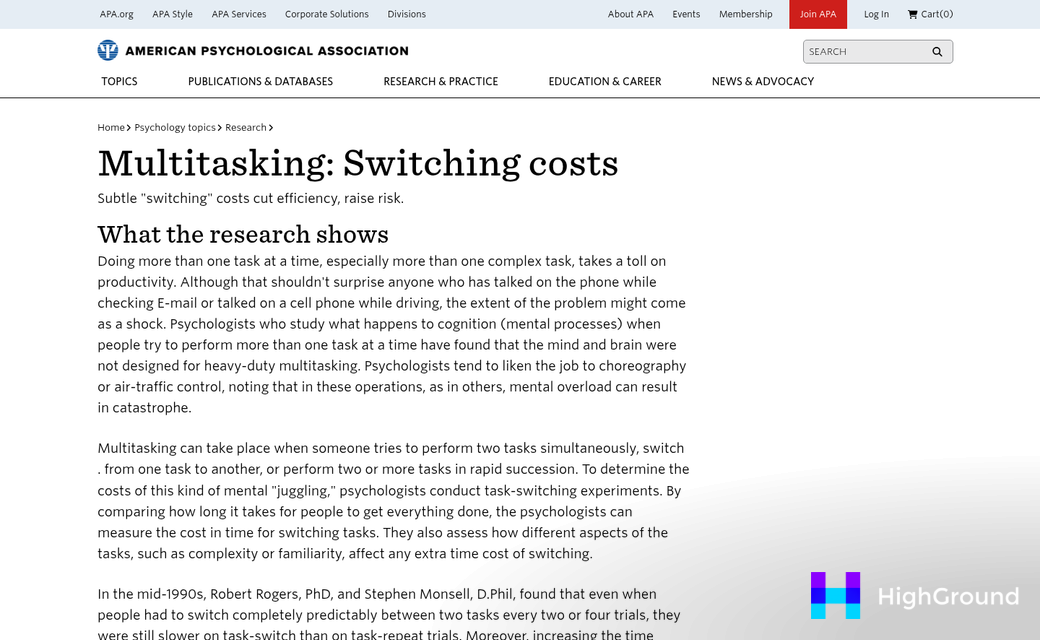
And that's just the mechanical time - it doesn't count the mental load of switching gears after you've already spent hours writing a post. Going back in to condense it requires a different focus, and that context-switching has a cost of its own.
Two hours a week represents real capacity in a content operation - time that could go toward editing drafts, planning next month's topics, or responding to readers. None of those things are small.
The frustrating part is that summaries feel like a finishing step, so they get squeezed into whatever time is left; that's when quality drops and inconsistency creeps in across a publication. One post gets a sharp two-sentence summary and the next gets a lazy restatement of the intro.
That's the gap that AI summarization tools are now built to close for WordPress publishers.
Top AI Summarization Tools Built for WordPress in 2026
The market has grown quite a bit in a short time. As of 2026, 29 alternatives to WPSummarize have been ranked by the WordPress community, and 20 of them have a free plan to get you started without a credit card.
That's a lot of options, so it helps to narrow things down by what actually matters to a working blogger. WordPress-native tools are worth prioritizing because they live inside your dashboard, connect directly to your posts, and don't need you to copy and paste content into a separate app.
One plugin worth learning about is AI Blog Summariser by Nettsmed - it takes about five minutes to install, costs less than $0.01 per post, and has no monthly subscription fee attached to it. For bloggers who publish at high volume, that pricing model can add up to savings fast.

In independent testing, AI summarization tools have cut content analysis time by 60 to 70 percent and removed about 80 percent of the manual work that goes into building a summary by hand; it's not a small difference for anyone managing a content-heavy site.
The table below covers some of the leading tools so you can compare your options at a glance. A few cells are marked for extra research - fill those in with the latest data before committing to any one tool. If you want to go further, using AI to generate post outlines before writing can pair well with summarization in your workflow.
| Tool | Free Plan | Cost Per Post | WordPress-Native |
|---|---|---|---|
| AI Blog Summariser (Nettsmed) | Yes | <$0.01 | Yes |
| [Research additional tools] | - | - | - |
To make this table helpful, add at least three or four more tools with verified pricing before publishing. You might also find it useful to look at the best AI proofreading tools for WordPress bloggers to round out your content quality stack.
What to Watch Out for When Using AI Summaries on Your Site
AI summarization tools have come a long way. But they are not perfect editors. Before you add them to your publishing workflow, it helps to know where they tend to fall short.
The biggest thing to watch is accuracy to your argument. A summary might capture the general space of a post but miss the point you were trying to make - this matters most with opinion pieces and analysis; your reasoning is the whole value. Check if the shorter version aligns with what you wrote, or if it flattens your argument into something generic.
Tutorials and how-to posts present a different problem. Step-by-step content can depend on sequence, and a summarization tool might reorder or compress steps in a way that's technically readable but practically misleading to a person who acts on it.
SEO and Duplicate Content
There is a danger of duplicate content if your AI-generated summary is too close to the opening paragraphs of your post. Search engines can pick this up, and it may affect how your pages rank. To keep things clean, treat the summary as a separate piece of writing instead of a compressed version of your introduction.

Some plugins publish summaries in a way that gives you a second indexable version of your content - it's worth checking how your chosen tool handles this before you go live with it across your whole site. If you're managing this at scale, updating your internal links across posts at the same time can help keep everything consistent.
The Automation Trap
It is easy to set a tool to auto-summarize every post and leave it at that. But not every post should have a summary, and not every summary the tool produces will be ready to publish without a quick review. News posts, just to give you an example, usually have time-sensitive facts that a generic summary can misrepresent within days of publication.
Automation saves time. But a light editorial check on each summary keeps your content honest.
How to Choose the Right Summarization Tool for Your WordPress Setup
The most important question to answer when you're picking a tool is who the summaries are actually for. A summary written to hook a reader at the top of a post is very different from a meta description written to rank in search. Some tools do well at both, and some are built with only one use case in mind. Getting clear on your goal first makes the choice much easier.
Your publishing frequency matters more than you might expect. A solo blogger who posts twice a month has very different needs from an editorial team pushing out content daily. If you publish quite a bit, then you'll want a tool that can run summaries in batches or integrate directly into your editorial workflow without adding manual steps.
Budget and technical comfort go hand in hand here. Plugin-based tools are usually easier to set up and a better choice for those who want to stay inside the WordPress dashboard. API-based tools give you more control and flexibility, but they do ask for a bit more technical confidence to connect and configure. Neither approach is better - it just depends on your setup.
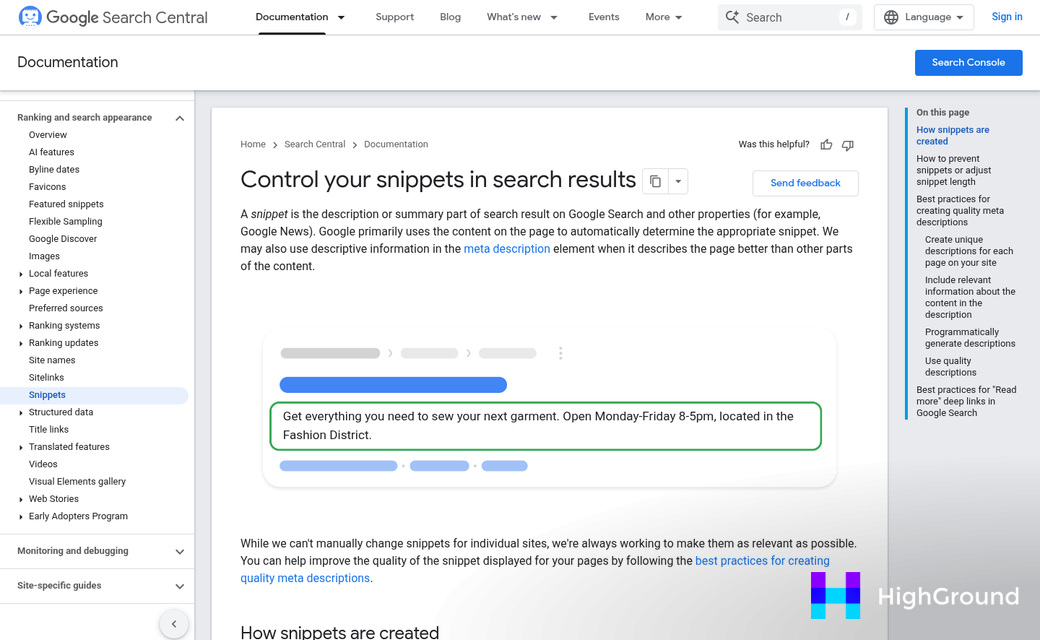
It also helps to think about how much control you want to keep. Some tools generate a summary and publish it automatically. Others drop a draft into a field for you to review and edit. If accuracy matters quite a bit to your audience, a review step is worth the extra time. If you're managing SEO metadata alongside summaries, automating both together can save significant effort.
A few questions worth asking yourself before anything:
- Do I need summaries for readers, for SEO metadata, or for both?
- Am I working alone or with a team?
- How comfortable am I setting up API connections?
- What is my realistic monthly budget for AI tooling?
- Do I want to review every summary before it goes live?
Your answers will point you toward a tool that fits the way you work.
Your Long Posts Deserve a Smarter Shortcut
What separates a tool from a gimmicky one is if it serves the content or just shrinks it. The options covered here each take a different approach, and the best fit can depend on your workflow, your readers, and how the output feels when you read it back. That last part matters more than any feature list.

The simplest next step is to choose one tool that caught your attention, grab its free plan, and run a single post through it. Don't overthink the test - just check if the summary is something you'd actually want a reader to see. If it does, you've found a place to start. If it doesn't, you've lost nothing and learned something. In either case, you're closer to a process that works.
FAQs
What are the best AI summarization tools for WordPress in 2026?
AI Blog Summariser by Nettsmed is one notable option, costing less than $0.01 per post with no monthly subscription. The WordPress community has ranked 29 alternatives, with 20 offering free plans to get started.
How much time does manually summarizing blog posts take?
Writing a quality summary takes 8 to 12 minutes per post. Publishers producing ten posts weekly lose nearly two hours to summaries alone, not counting the mental cost of context-switching after writing.
Can AI summaries cause duplicate content SEO issues?
Yes, if an AI-generated summary too closely mirrors your opening paragraphs, search engines may flag it as duplicate content. Treat summaries as distinct writing rather than compressed introductions to avoid ranking issues.
Should every WordPress post have an AI-generated summary?
Not necessarily. News posts with time-sensitive facts can be misrepresented by generic summaries within days. A light editorial review of each generated summary helps maintain accuracy and content integrity.
Should I choose a plugin-based or API-based summarization tool?
Plugin-based tools are easier to set up and ideal for staying within the WordPress dashboard. API-based tools offer more flexibility but require greater technical confidence. Your choice should match your comfort level and workflow needs.