


That's where AI has quietly changed the game. Since ChatGPT launched in November 2022, the community of AI writing tools has exploded. What once required a dedicated content team or a budget is now near for almost anyone with a laptop and a WordPress login. Automation that used to feel like science fiction is now a few integrations away.
But "automating your blog" can mean different things, and not all strategies are created equal. Done right, it saves you hours every week while keeping your content sharp and on-brand. Done carelessly, it produces generic filler that drives readers away and tanks your search rankings.
This guide will walk you through the helpful side of making it work: picking the right AI tools for your setup, building workflows that actually run without non-stop babysitting, and making sure that the content coming out the other end is still worth reading. No advanced coding skills required.
Short Summary
To automate WordPress blog posts with AI, use tools like Zapier or Make to connect an AI writing tool (such as ChatGPT or Jasper) to your WordPress site. Set up a workflow that generates content based on triggers, keywords, or schedules, then automatically publishes or saves it as a draft. Plugins like PublishPress or WP Scheduled Posts can manage timing. For full automation, combine an AI content generator, a scheduling tool, and the WordPress REST API to create a hands-free publishing pipeline.
What "Automating" a WordPress Blog Post Actually Means
Automation means different things to different people, and that gap causes uncertainty when starting to set things up. At one end, you have full automation - AI picks a topic, writes the post, can add images, works with SEO tags, and publishes it without you touching a thing. At the other end, you have semi-automation; AI does the heavy lifting on a draft and a human comes in to review, edit, and approve before anything goes live.
Neither strategy is wrong - it can depend on what you are trying to get out of your blog.
It's helpful to try to remember the parts of a blog post that can be automated separately. Topic research is one of them - AI tools can scan patterns, recommend titles, and find gaps in your existing content. The most obvious candidate is writing. But you can also automate image selection or generation, SEO metadata like titles and descriptions, internal link suggestions, and even the final step of scheduling and publishing to WordPress.
You don't have to automate these all at once. A lot of people have automated just the first draft and kept everything else manual until they build more confidence in the output.
The question worth sitting with is how hands-off you actually want to be. Full automation is fast. But the content it produces tends to be generic if you don't set things up carefully. Semi-automation takes more time. But the posts usually sound more like you and hold up better with readers.
There is also the matter of accuracy. AI doesn't always get facts right, and an automated post that goes live with no review can create problems for your credibility. It's not a reason to skip automation altogether. But it's a reason to be honest with yourself about where you'll have to stay involved.
Some blog types suit full automation better than others. A site that publishes data roundups or product update posts has a lower risk of factual errors than one covering health, finance, or anything where trust is part of the value. The more your readers rely on you to be accurate, the more sense it makes to keep a human involved at the review stage.
Once you know where you want to land on that, picking the right tools becomes quite a bit easier.
The WordPress AI Tools Worth Actually Using
There are a lot of AI tools out there making big claims. But most WordPress users only need to look at a small handful to get results. The tools below cover two main strategies: plugin-based setups that work inside WordPress and API-driven setups that connect directly to AI models.
Plugin-based tools are the easier starting point. Uncanny Automator starts at $149 per year and comes with a 14-day money-back guarantee- it lets you build automation workflows inside WordPress without writing any code and it connects with a number of other plugins you might already use.
AI Workflow Automation sits at a similar price point of $147 per year- it focuses more specifically on content creation, so it works if your job is to generate and publish blog posts on a schedule instead of automate wider site tasks.
If you are comfortable with a slightly more technical setup, connecting directly to the OpenAI API through a tool like AI Blog Automator is worth a look. With GPT-3.5-turbo, you can generate posts for as little as $0.004 to $0.008 each. For high-volume publishing, that cost difference piles up fast.
| Tool | Starting Cost | Best For |
|---|---|---|
| Uncanny Automator | $149/year | Plugin-based WordPress automation |
| AI Workflow Automation | $147/year | Content creation workflows |
| OpenAI API (GPT-3.5-turbo) | ~$0.004-$0.008/post | Custom, low-cost API setups |
The right choice can depend on how you want to work. Plugin-based tools manage most of the setup for you and are easier to manage long-term. API setups give you more control over the output and lower running costs. But they do take more time to configure at the start.
It is also worth knowing that these tools are not mutually exclusive. Some WordPress users get a plugin to get a workflow running and later add an API connection to cut back on costs or improve the quality of the content somewhat.
How to Build an Automated Blog Workflow Step by Step
A tool like n8n is a place to start because it ties everything together in one location- it can connect your AI writing tool, an image generator like Leonardo AI and your WordPress site through the REST API to publish as many as 10 posts a day without you touching a thing.
Here is how to set that up from scratch.
Step 1: Connect your AI writing tool. In n8n, create a new workflow and add a node for your chosen AI tool, like OpenAI or a similar service. You are going to need an API key, which you can get from your AI provider's account settings.
Step 2: Set your prompt templates. This is the most important step to get right. A vague prompt produces generic content that sounds nothing like your brand, so write templates that include your tone, target audience, post length and the topic variable you want to swap in each run. Think of it as writing instructions for a new writer who knows nothing about your site.
Step 3: Configure image generation. Add a Leonardo AI node to your workflow and connect it after the writing step. Pass the post topic or a short description as the image prompt so each image relates to the content it goes with. You can also control exactly where visuals appear using image insert location settings if you're working inside WordPress directly.
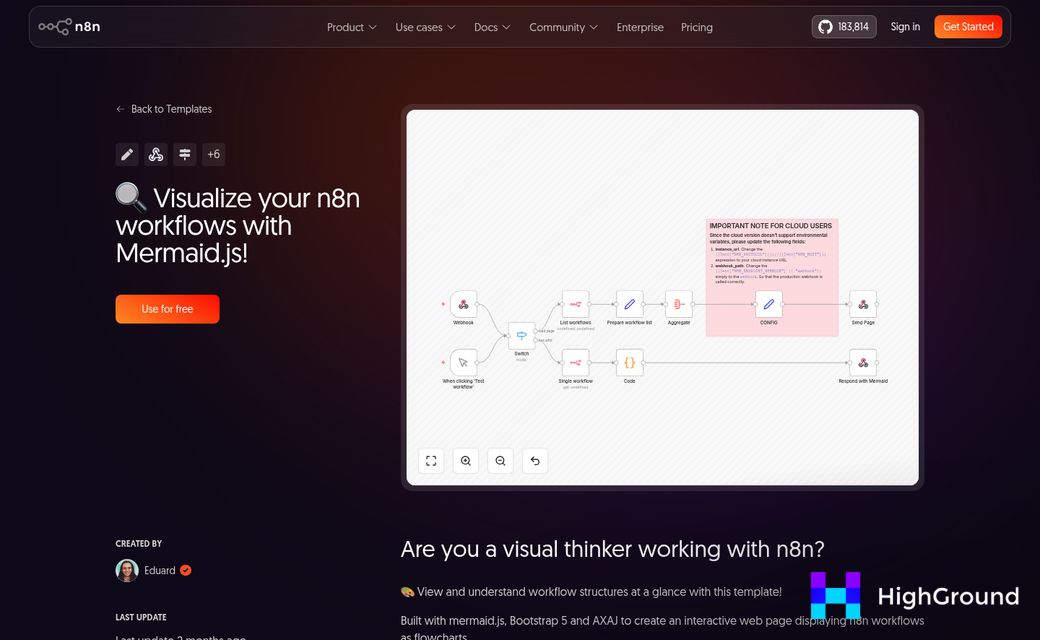
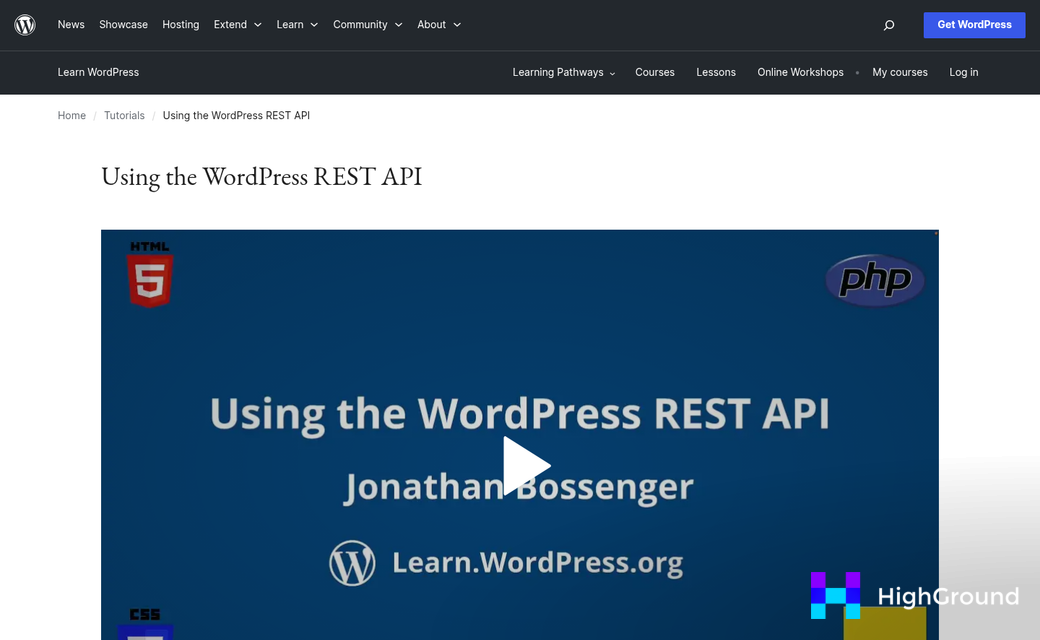
Step 4: Link to WordPress via the REST API. Add an HTTP request node and point it at your WordPress REST API endpoint, which usually looks like yoursite.com/wp-json/wp/v2/posts. You will authenticate with an application password that you can generate inside your WordPress user settings. Map your AI-generated title, content and image to the right fields in the request body.
Step 5: Set a publishing schedule. Add a schedule trigger at the start of your workflow to run it automatically. You can stagger posts throughout the day so they don't all go live at once. For a more built-in approach, auto queue and schedule posts with AI in WordPress handles this without needing a separate automation tool.
The place where this breaks down most is Step 2. If your prompt template is too loose, then you'll end up with posts that drift off-topic or use a tone that does not match your site at all- it's worth spending extra time here and testing a few variations before you let the workflow run on its own. Reviewing your post writing preferences can help you lock in defaults that keep every output consistent.
Once the workflow runs cleanly, you can duplicate it and adjust the prompt template to target a different content category or audience segment.
Keeping AI-Generated Content From Hurting Your SEO
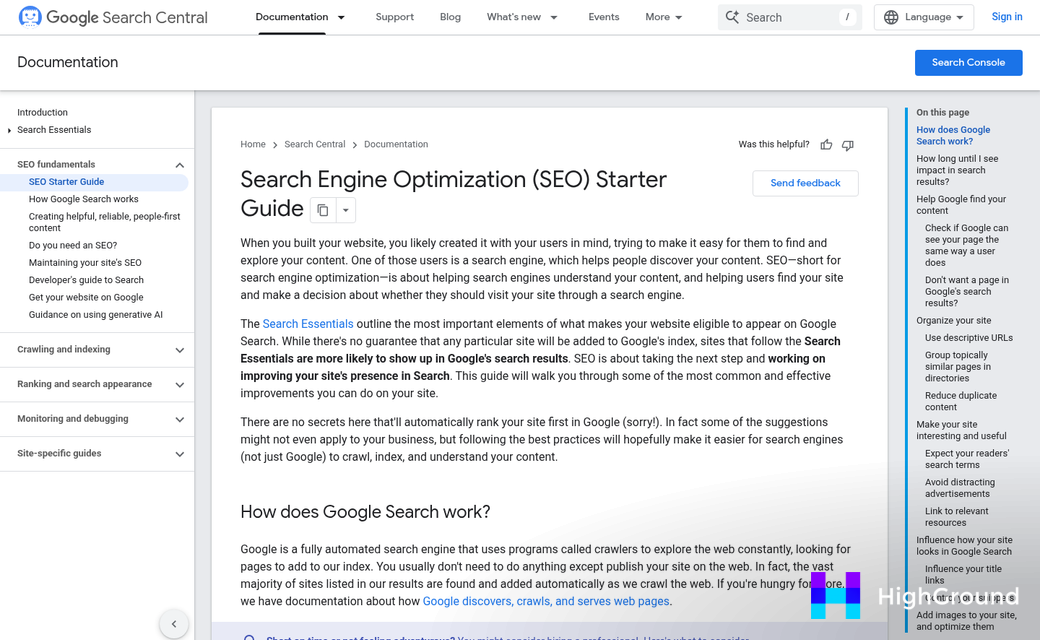
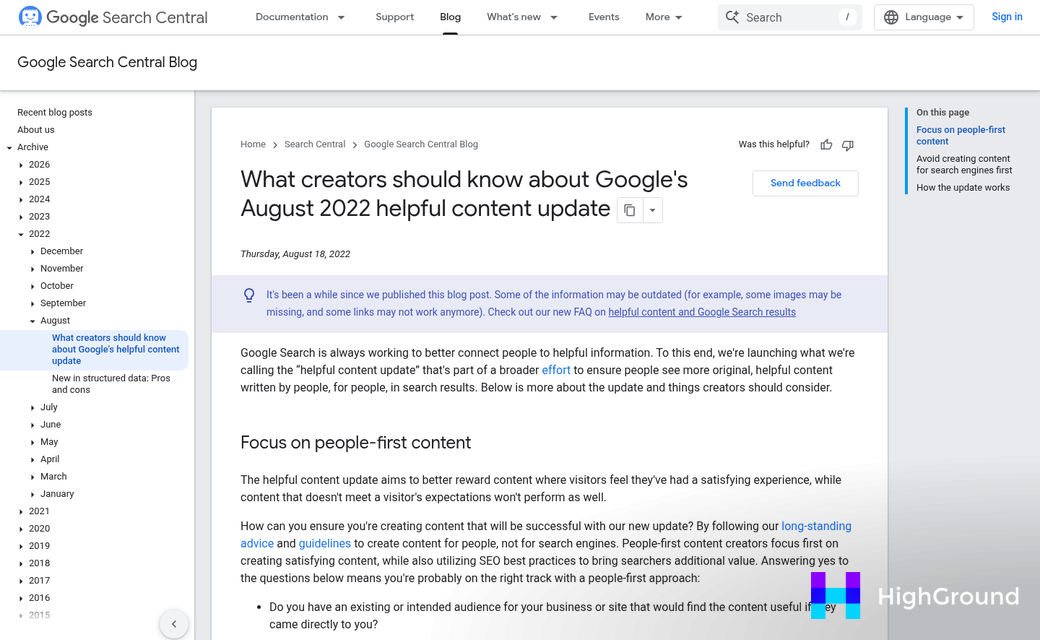
Google has been clear about this: the search engine does not penalize content for being AI-generated. What it does penalize is content that feels mass-produced, doesn't have enough depth, or exists purely to rank instead of to help a reader. That distinction matters quite a bit if you are automating posts at scale.
The sites that took the hardest hits from Google's Helpful Content updates had a few things in common. Their articles answered surface-level questions without adding anything new, and there was no editorial voice or point of view anywhere on the site. Volume without substance is what caused the damage - not automation itself.
Build in a Human Review Step
Even a quick review pass before a post goes live makes a difference. You are not rewriting the whole thing - just checking that the information is accurate, the tone matches your brand, and nothing reads like it was written for a robot. Think of it as a quality gate instead of extra work.
Customizing your AI prompts closes the gap between generic output and content that actually sounds like you. Feed the AI your writing style, your audience's knowledge level, and any topics or phrases to stay away from. The more context you give it first, the less cleanup you need at the end.
Use Your SEO Tools the Same Way You Always Have
AI-generated drafts still need the same SEO treatment as anything else you publish. Run the content through your SEO plugin to check title tags, meta descriptions, heading structure, and keyword placement. These tools don't care who wrote the content - they just flag what needs to be fixed.
Duplicate content is worth checking too, and that's also the case if you are automating posts around similar topics. A plagiarism or content similarity checker can tell you if an AI draft is too close to something that already exists online - it takes a few minutes and can save you from a ranking problem.
Match the Effort to the Stakes
A short roundup post that aggregates product specs needs less review than a long-form guide your readers will use to choose. Calibrate how much human attention each post gets based on how much it matters to your audience. Not every post carries the same weight, so your workflow does not have to treat them the same way.
Setting Realistic Limits on How Much You Automate
Automation is able to manage quite a bit. But it shouldn't manage everything. Some content gets its value from being personal, and strip that out, readers see it - even if they can't quite explain why.
Opinion pieces are an example. The whole point of an opinion post is that it comes with a perspective from a person. An AI can write something that looks like an opinion piece. But it won't have the edge or conviction that makes you want to read it. The same goes for personal stories, founder updates, or anything where your experience is the product.
Client case studies are another area to keep human. These posts depend on conversations, numbers, and the details that only come from working with real clients. AI helps you structure and polish a case study. But it can't replace the research and relationship behind it.

Plenty of content is a great fit for automation. Informational posts that walk readers through a process, product roundups, FAQ pages, and news summaries don't need a personal voice to be helpful. These are the formats where AI earns its place in your workflow.
Here's an easy way to think through your content before you automate anything.
| Content Type | Automation Verdict |
|---|---|
| How-to guides and tutorials | Safe to automate |
| Product or tool roundups | Safe to automate |
| FAQ pages | Safe to automate |
| News summaries | Safe to automate |
| Opinion and commentary posts | Keep it human |
| Personal stories or experiences | Keep it human |
| Client case studies | Keep it human |
| Brand announcements | Keep it human |
The goal isn't to automate as much as possible - it's to automate the right things. A smaller batch of well-placed automated posts will do more for your blog than a flood of content that feels hollow or off-brand.
Give yourself permission to draw a line and protect the content that actually needs you in it.
Your WordPress Automation Starter Checklist
Before you publish your first AI-assisted post, run through this quick checklist:
- Tool selected - You've chosen an AI writing or automation tool and connected it to WordPress.
- Prompt template ready - You have a reusable prompt that reflects your brand voice, target audience, and content goals.
- Workflow mapped - You know exactly how content moves from AI output to scheduled publish, including who reviews it.
- SEO settings confirmed - Meta title, description, focus keyword, and internal links are accounted for before every post goes live.
- Quality guardrails in place - You have a short editing checklist to catch anything the AI gets wrong before it reaches your readers.
If even one item on that list isn't checked off, that's your next step. Pick it today and your first automated post is closer.
FAQs
What does automating a WordPress blog post mean?
Automating a WordPress blog post means using AI tools to handle tasks like writing, SEO metadata, image selection, and publishing. It ranges from fully automated workflows to semi-automated processes where a human reviews and approves drafts before they go live.
Does Google penalize AI-generated blog content?
Google doesn't penalize content for being AI-generated. It penalizes shallow, mass-produced content that lacks depth or helpfulness. Focusing on quality and editorial value, rather than just volume, keeps your AI-generated posts in good standing with search rankings.
Which AI tools work best for WordPress automation?
Uncanny Automator ($149/year) and AI Workflow Automation ($147/year) are strong plugin-based options. For lower costs and more control, connecting directly to the OpenAI API can generate posts for as little as $0.004-$0.008 each.
What types of content should not be automated?
Opinion pieces, personal stories, client case studies, and brand announcements should stay human-written. These content types rely on real perspective, experience, and relationships that AI cannot authentically replicate.
How do I keep automated posts on-brand and accurate?
Write detailed prompt templates that include your tone, audience, and content goals. Always include a human review step to catch factual errors and off-brand language before posts go live.

