


The fix sounds simple enough - just write a description for each category. But if you're taking care of a site with dozens of categories, or you're not a person who finds copywriting easy, that job has a way of sliding to the bottom of the list indefinitely. The blank field stays blank. The vague one-liner stays vague.
This is where AI tools have become legitimately helpful. Not in a hype-driven, replace-your-entire-workflow way. But in a helpful, get-this-done way. With the right prompts and a sense of what a category description actually needs, you can draft, refine and publish descriptions across your entire site in a fraction of the time it would take to write them from scratch.
Before diving into the process, it helps to know why category descriptions are worth the effort - because the case for them is stronger than most site owners know.
Short Summary
To use AI to generate WordPress category descriptions, go to Posts > Categories in your WordPress dashboard, select a category to edit, and manually enter an AI-generated description in the description field. Use tools like ChatGPT or Claude by prompting them with your category name, target keywords, and audience. Ask for a 1-2 sentence SEO-friendly description. Copy the output into WordPress and save. Note that category descriptions are hidden by default in most themes-you may need to enable them via your theme settings or a plugin.
Why WordPress Category Descriptions Actually Affect Your SEO
Most WordPress sites have category pages sitting there with nothing in the description field - it's one of the things that's easy to skip because posts and pages feel more urgent. But Google doesn't see your site the way you do - it treats category pages as standalone URLs that need their own context and relevance tells.
When a category page has no description, it can become what's called thin content. There's very little for a search engine to work with past a list of post titles. Google has to guess what the page is about, and that guessing doesn't work in your favor.
Category pages also play a role in how Google understands the structure of your site. A well-written description helps connect the page to a wider topic and gives internal links more context. If you don't have one, you lose a chance to reinforce what your site is about and how different sections relate to each other.

Consider how many category pages you've never touched. Five? Fifteen? Each one is a page Google can index and rank, and those pages could be doing almost nothing.
Google also works with category pages differently from blog posts. Posts have a focus - one topic, one piece of content. A category page spans multiple posts, which makes the description one of the few ways to give it an identity. If you don't have that, the page doesn't have enough of a signal that ties everything together.
| Category Page Without a Description | Category Page With a Description |
|---|---|
| Thin content with no keyword signals | Clear topical relevance for search engines |
| Google has to infer the page's purpose | The page's purpose is stated directly |
| Weaker internal linking context | Stronger connection to related site content |
| Low chance of ranking for category-level terms | Real opportunity to rank for broader topic searches |
| Missed chance to engage visitors who land there | Visitors get immediate context about what they'll find |
The difference between those two columns is what you're leaving on the table every time a description field stays blank. Category descriptions are one of the more underused tools in a standard WordPress setup.
What AI Tools Can Realistically Do for Category Copy
AI writing tools are helpful for this job. They can turn a rough set of notes into a structured paragraph, match a general tone, and produce a working draft in seconds instead of hours. That speed alone makes them worth it.
The most common tools used for this are talk-based AI assistants like ChatGPT or Claude, and text generation features built into SEO and content platforms. You don't need anything fancy. A talk-based tool is enough to get category descriptions written. If you're weighing your options, a comparison of Claude, ChatGPT, and Gemini for writing is a good place to start.
AI only works if you give it something to work with. A vague prompt produces a vague description. If you tell a tool to "write a category description for a clothing store," you'll get something generic that could belong to any store on the internet - it won't go well with your audience, your tone, or what makes your store worth visiting.

The table below shows how input quality can affect what you get back.
| Input Quality | What You Give the AI | What You Get Back |
|---|---|---|
| Low | A category name and nothing else | Generic filler text with no real value |
| Medium | Category name plus a few product details | A usable draft that still needs editing |
| High | Category name, audience details, tone notes, and key terms | A near-complete description that fits your site |
Brand voice is where AI falls short on its own - it can write in a friendly tone or a professional one. But it won't sound like you unless you tell it what that means. Most first drafts are going to need at least a light edit to feel right.
AI also doesn't know your inventory, your customers, or the search terms that actually bring traffic to your site - it can't pull that context from nowhere. It's not a flaw; it's a gap you have to fill from the start. The best AI tools for WordPress product descriptions handle structure and phrasing well, but they still depend on what you feed them.
These tools manage the heavy lifting of structure and phrasing so you can focus on the facts.
The Information You Need to Gather Before Prompting
Most open an AI tool and start typing straight away. That impulse makes sense. But it's also why so many first drafts come back feeling generic and disconnected from the site. A little prep work before you write a single prompt makes a difference to what you get back.
Kind of like setting out your ingredients before you cook. When everything is in front of you, the process moves faster and the results are better. The same idea applies here - collect what you need first, then prompt.
Let's talk about what to pull together before you start.
- Category purpose. What is this category actually for? Write one sentence that describes what kind of content lives there and why a reader would go to it.
- Target audience. Who is this person? A beginner trying to learn something? A professional looking to compare options? Be as direct as you can about who you're writing for.
- Relevant keywords. Note the main keyword or phrase you want the description to include. You don't need a long list - one or two terms is enough to give the AI something to work with.
- Tone of voice. Think about how your site sounds in general. Friendly and casual? Straightforward and no-nonsense? Give the AI a short label or a reference point so the copy fits in with everything else.
- Character or word limit. Some WordPress themes cut off category descriptions after a certain length. Check yours before you prompt so you're not editing down a 200-word output to fit a 50-word space.
That last point matters more than it seems. An AI has no idea how much space you have, so it will default to whatever length feels natural to it. That can be too long or too short for your layout.
You don't need a formal document for any of this. A few quick notes in a text file or a sticky note works fine. You want to have answers ready so you're not stopping mid-prompt to figure out who you're writing for or what the category is supposed to be for. If you're building out multiple content types at once, setting up an AI content calendar inside WordPress can help you keep track of everything in one place.
Without this information, the AI is working in the dark - it will produce something that resembles a category description. But it probably won't sound like your category description; that's the gap this step was built to close. Getting the tone and structure right matters just as much for cornerstone content as it does for something as brief as a category blurb.
How to Write Prompts That Get Useful Category Descriptions
The difference between a helpful AI output and a generic one usually depends on the prompt. A vague request like "write a category description for my blog" gives the AI almost nothing to work with. A prompt that includes your site's purpose, audience, tone, and category focus gives it a starting point.
The AI can only use what you give it, so give it everything it needs.
Build Your Prompt Step by Step
- State what you want. Start with a direct instruction. Tell the AI to write a WordPress category page description. Mention the word count you need.
- Describe your website. Include your site's name, its topic, and who it's for. One or two sentences is enough.
- Name the category. Tell the AI exactly what the category is called and what kind of content it contains.
- Describe your audience. Mention who reads this category and what they're looking to get from it.
- Set the tone. Tell the AI whether your writing style is friendly, straightforward, professional, or something else entirely. You can also save writing preferences to reuse them across future prompts.
- Add any constraints. Include things like keywords to use, phrases to exclude, or formatting preferences.
What This Looks Like in Practice
A prompt built with these steps might follow this structure: "Write a 100-word WordPress category description for [site name], a website about [topic] aimed at [audience]. This category covers [category name] and includes posts about [content types]. The tone should be [tone]. Please include the phrase [keyword] naturally in the text."
That format works for most categories. You can swap out the variables each time and run it for every category on your site.
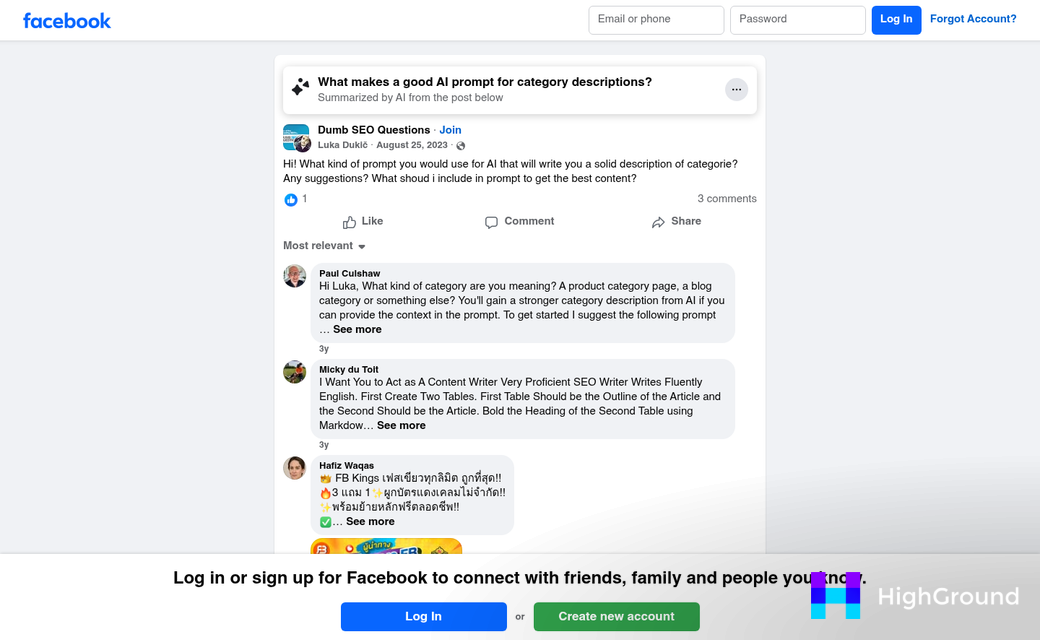
Compare that to a vague prompt like "describe a recipes category." The AI will produce something generic because it has no context about your site, your readers, or your style. The output could be fine as a starting point. But it won't feel like yours. If you want more control over how prompts behave across your workflow, editing your pipeline prompts gives you that flexibility.
A Few More Variables Worth Adjusting
If your category serves a local audience, mention the location. If the posts in that category are focused on beginners, say so. You can also ask the AI to write two or three variations at once so you have options to work with when you get to the editing stage.
The more detail in your prompt, the less rewriting you'll need later.
Editing and Refining AI Output for Your WordPress Categories
Once the AI gives you a description, resist the urge to copy and paste it straight into WordPress. The output is a starting point, not a finished product. A quick review can be the difference between something that fits your brand and something that reads like it was written by a robot trying to impress you.
Read the description out loud. It's the fastest gut-check you have. If you stumble over a phrase or it sounds stiff when spoken, it will read the same way on screen. Your visitors should feel like a person wrote this, so trust your ear as much as your eye.
What to Check Before You Publish
First, look for accuracy. AI tools can generate plausible-sounding sentences that are slightly off or too generic to be helpful. Check that every claim applies to your category and not just categories like it. If the description says something like "a wide range of handpicked products," ask yourself if that's actually true for that page.
Next, cut any filler. AI output tends to pad sentences with phrases that sound good but add nothing. Words like "designed with you in mind" or "crafted to meet your needs" are the kind of thing you can delete without losing any meaning. Shorter and direct is usually better for category descriptions.

Then add anything that makes this description yours - this could be a brand term, a detail about how your products are sourced, or a tone adjustment that matches the rest of your site. The AI does not know your business the way you do, so this is where your input matters most.
When the First Draft Is Not Good Enough
Some descriptions are going to need two or three rounds of prompting and editing before they feel right. That is normal and not a sign that something went wrong - it's a process rather than a one-shot deal.
If the output misses the mark, go back and adjust your prompt. Add a detail you left out, change the tone instruction, or ask the AI to try a shorter version, and each round usually gets you closer to something usable. Using AI to shape your content structure before you write can also reduce how many rounds of editing you need later.
Editing is part of working with AI well. The goal is a description that works for your visitors and your site, and that might take a few passes.
How to Add the Final Description to Your WordPress Category
Once your description is polished and ready, adding it to WordPress takes less than a minute. The category description field lives under Posts > Categories - not under Appearance or Menus.
Here is how to get it in place.
- Go to Posts > Categories in your WordPress dashboard.
- Find the category you want to update and click Edit.
- Scroll down to the Description field.
- Paste your finished text into that field.
- Click Update to save.
That is all it takes on the WordPress side. The harder part is what comes next.
Not every theme shows this description on the front end by default. Some themes pull it in automatically and display it near the top of the category archive page. Others ignore the field entirely, which means your description sits in the database but never shows up for visitors.
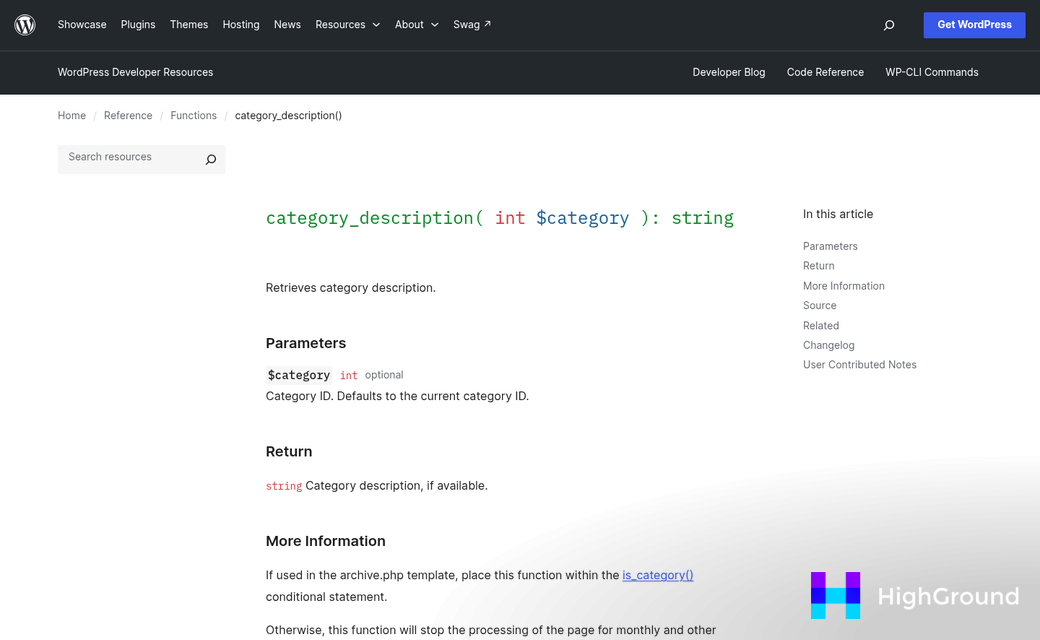
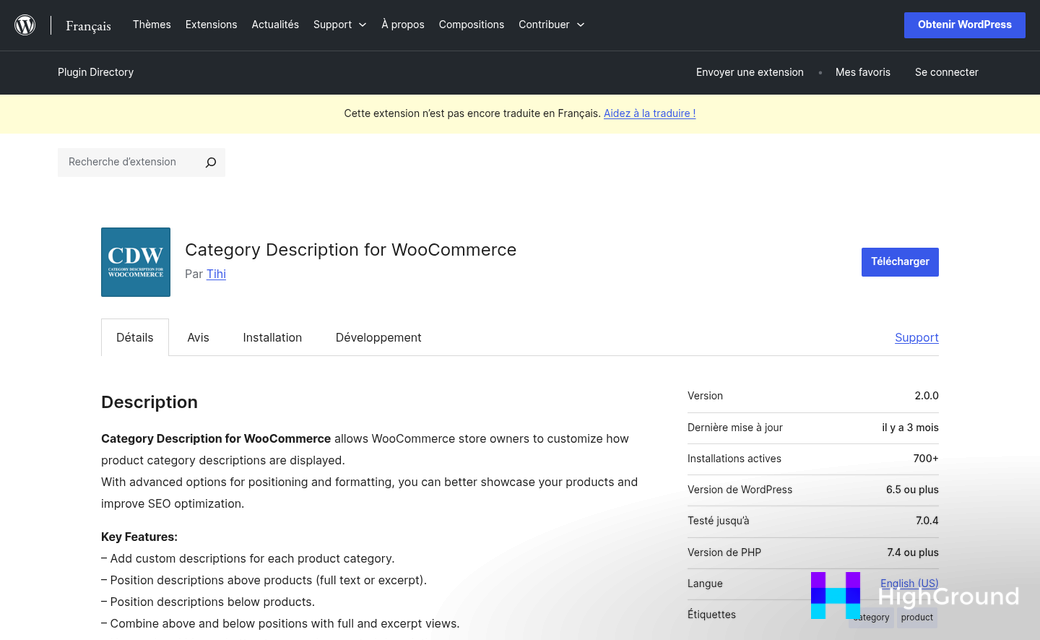
If your theme does not display category descriptions, you have two main paths. You can install a plugin that forces the field to display, or a developer can add a small snippet to your theme's template files to pull the description in. In either case, it's worth checking your live category page after you save to confirm the text actually appears.
On the SEO side, aim to keep your description between 150 and 300 characters if it doubles as a meta description. If your theme shows the full text on the page for readers to see, you have more room to work with - between 100 and 200 words hits a balance between helpful and concise. Your SEO plugin may let you set a separate meta description for the category page, which gives you more flexibility to keep the visible description focused on the reader and the meta version focused on search.
One last thing to check is formatting. The description field in WordPress accepts plain text by default. But some themes and plugins support basic HTML. If your polished copy includes any strong text or links, test the page to make sure those render correctly instead of showing as raw code.
With your description live and visible, the category page is doing the work it should - giving visitors and search engines a reason to pay attention.
Keep Your Category Pages Working as Hard as the Rest of Your Site
Rather than rewriting every category page at once, pick one or two that get decent traffic and start there. Refine your prompts as you go and let that first small win build momentum. A full site overhaul sounds a bit scary; improving two pages this afternoon does not.

Category pages are easy to forget when there's always a new post to write or a homepage to change. But these pages quietly shape how visitors experience your site - and how search engines index it. A little attention in the right place goes further than you'd expect.
FAQs
Why do WordPress category descriptions matter for SEO?
Without a description, category pages become thin content with little for search engines to analyze. Adding a description gives Google clear topical signals and improves your chances of ranking for broader category-level search terms.
What information should I gather before prompting AI?
Collect the category's purpose, target audience, relevant keywords, your site's tone of voice, and any character or word limits your theme enforces. Having these details ready before prompting produces far better results than starting with just a category name.
How do I write an effective AI prompt for category descriptions?
Include your site name, topic, audience, category name, content types, desired tone, and any keywords. A structured prompt like this gives the AI enough context to produce a near-complete draft rather than generic filler text.
Should I publish AI-generated category descriptions without editing?
No. Always review AI output before publishing. Check for accuracy, remove filler phrases, and add brand-specific details the AI couldn't know. Reading the description aloud helps identify anything that sounds unnatural or stiff.
Where do I add a category description in WordPress?
Go to Posts > Categories, find your category, click Edit, and paste your text into the Description field. Note that not all themes display this field on the front end, so check your live category page after saving.