


For a growing number of site owners, that something is unedited AI-generated content published at scale. Google has not declared war on AI writing as a category - it has become better at recognizing content that shows the fingerprints of mass production without human oversight. The distinction matters. A well-edited, accurate, helpful post that used AI during drafting is not the problem. The problem is volume publishing: hundreds or thousands of articles pushed live without review, fact-checking, or actual editorial work.
The stakes are real. Sites that published 1,000 or more unedited AI articles have reported traffic losses ranging from 40% to 90%, some of them never recovering. These are not outliers - they represent a pattern that has become steady enough to find, diagnose, and in some cases, reverse.
I'll show you how to do that inside WordPress. You will learn how to find the tells that suggest your site has been hit, how to audit your content library to find the pieces most likely responsible, and how to work through structured fix content decisions to technical cleanup - without starting from scratch.
Short Summary
To detect AI-generated content penalties in WordPress, monitor Google Search Console for traffic drops, manual actions, or quality warnings. Use AI detection tools like Originality.ai or GPTZero to identify flagged content. Fix penalties by heavily editing AI content to add human expertise, personal insights, and original research. Improve E-E-A-T signals by adding author bios and citations. Remove or noindex thin, low-quality AI pages. Submit a reconsideration request if a manual penalty exists. Consistently publishing genuinely helpful, human-reviewed content is the most effective long-term solution.
What Google Actually Penalizes (It's Not All AI Content)
A lot of WordPress site owners assume Google has it out for AI-written content as a category; it's not how it works. Google's own documentation says that it targets content that's unhelpful, low-quality, or deceptive - and it doesn't care much about how that content was produced.
The data supports this. A large Ahrefs study of 600,000 top-ranking pages found that 86.5% of them contained some AI-generated content. The correlation between the percentage of AI content on a page and its ranking position was just 0.011 - which is about as close to zero as it gets. In plain terms, more AI content did not mean lower rankings.
AI content in top search results has also grown steadily over time, from around 2.27% in 2019 to over 19% by mid-2025; it's not a sign of Google losing control - it's a sign that well-executed AI content can rank just fine.
So what does Google target? Thin pages that don't answer the reader's question, content that reads like it was generated and published without any human review, and pages that seem to be out there purely to fill a site instead of to help anyone. The origin of the words matters far less than what those words do for the person reading them. If you're unsure whether your editing process is up to scratch, it's worth looking at how AI and human editors compare for WordPress readability.
When a penalty does hit your site, it will fall into one of two categories, and the difference matters quite a bit for how you respond.

A manual action is a direct intervention from a Google reviewer who has flagged your site for violating its guidelines. You can see this in Google Search Console under the "Manual actions" report. An algorithmic hit happens automatically when a core update or spam update re-evaluates your content and decides it no longer meets the quality bar. There's no notification for that.
These two types of penalties need different fixes. A manual action has a formal review process where you can submit a reconsideration request after you've made changes. An algorithmic hit is going to need you to improve the content and then wait for the next time Google's systems crawl and re-review your site. One practical step during that process is automatically updating old blog posts to bring them back up to quality.
Knowing which one you're dealing with changes your entire plan of action - it's the first thing to pin down before you do anything else to your WordPress site.
Signs Your WordPress Site Has Been Hit by a Content Penalty
The first place to look is Google Search Console. A sharp drop in impressions - not just clicks - is one of the clearest early tells that something has changed with how Google sees your content.
Check the Manual Actions report immediately. Google will tell you directly if a human reviewer has flagged your site, and the message will usually reference "spammy" or "unnatural" content. If that report is clean but your traffic has still dropped, you're likely facing an algorithmic penalty instead, which is harder to pin down but still fixable.
The two can vary in recovery path. An algorithmic penalty won't show up in the Manual Actions report at all - you have to infer it from ranking drops and coverage changes.
Run the Manual Actions report and the Coverage report side by side. If you see pages moving from "indexed" to "crawled but not indexed" around the same time your traffic dropped, that's a strong sign Google has decided those pages don't deserve a place in search results.

Originality.ai analyzed over 200 sites and 40,000+ URLs and found that most manual action targets were sites publishing large amounts of unedited AI content at scale. The pattern wasn't sudden AI use - it was bulk publishing with little to no human review.
| Signal | Manual Action | Algorithmic Penalty |
|---|---|---|
| Notification in Search Console | Yes - direct message | No |
| Traffic drop pattern | Sudden and sharp | Gradual or tied to an update |
| Pages deindexed | Possible | Less common |
| Coverage report changes | Sometimes | Yes - pages shift to excluded |
| Recovery process | Submit reconsideration request | Fix content, wait for re-crawl |
One other thing to watch for is a drop in impressions without a drop in average position. That usually means fewer pages are being shown at all, which points to indexing problems rather than ranking ones.
The next step is figuring out which posts are causing the problem - that's where the audit comes in.
How to Audit Your WordPress Posts for AI Content Issues
You want to find which posts are dragging your site down. Start with Google Search Console and filter your pages by clicks or impressions over the last six months. Sort by the steepest drops and you'll have a working list of pages that deserve a look.
Google Analytics helps you go deeper. Pull up your landing page report and look for posts where organic traffic has dropped while bounce rate has gone up. That combination is a sign the page isn't satisfying the people who land on it.
Once you have your list of suspect pages, read through them manually. You're looking for a few things: sentences that say the same thing in slightly different ways, no examples or first-hand detail, and a generic structure that could apply to any post on the same topic. These are the pages that tend to get filtered out in quality-focused algorithm updates.
There are also tools that can flag AI-generated text automatically. Originality.ai and Winston AI scan content and return a probability score. These aren't perfect. But they're helpful for working through a large backlog faster. Run your flagged posts through one of these tools and record the scores. If you're managing content across many sites at once, tools designed for multi-site content work can help you stay organized at scale.
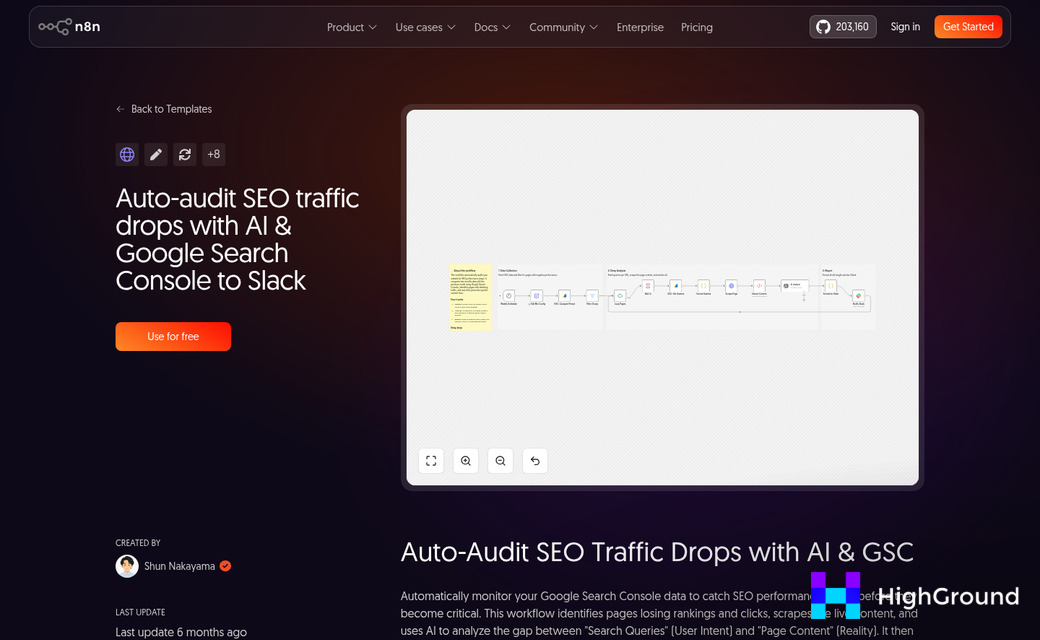
You need a way to organize what you find. An easy spreadsheet works here. Give each post a row and assign it to one of three buckets based on what you find. Once you've sorted everything, tools that let you find and replace text across all your posts at once can speed up fixes across similar issues.
| Bucket | What It Means | Signs to Look For |
|---|---|---|
| Keep | The post is in good shape | Strong traffic, original detail, clear point of view |
| Improve | The post has potential but needs work | Decent topic, thin content, repetitive phrasing |
| Remove | The post adds no real value | No traffic, generic structure, nothing original to say |
Be honest as you sort through your posts. A page that ranks for nothing and says nothing new is not an asset worth holding onto. The next section walks through what to do with each bucket once your audit is done.
Fixing Flagged Content: Rewriting, Merging, and Removing Posts in WordPress
Once your audit surfaces problem posts, you have three helpful paths forward. You can rewrite the content, merge it with another post, or pull it from Google's index entirely. The right move can depend on what the content is actually worth.
Rewriting for Real Value
Rewriting is the most work and the most rewarding path. You want to add something that a language model can't produce on its own - first-hand experience, an original example, a personal take, or a structure that goes well with how your audience thinks about the topic.
This is backed up by patterns in site performance. Sites that published 50-100 AI-assisted articles with strong human editing saw traffic increases in the range of 30% to 80%; it's a strong case for doing fewer posts well instead of publishing a high volume of thin content.
Merging Thin or Duplicate Posts
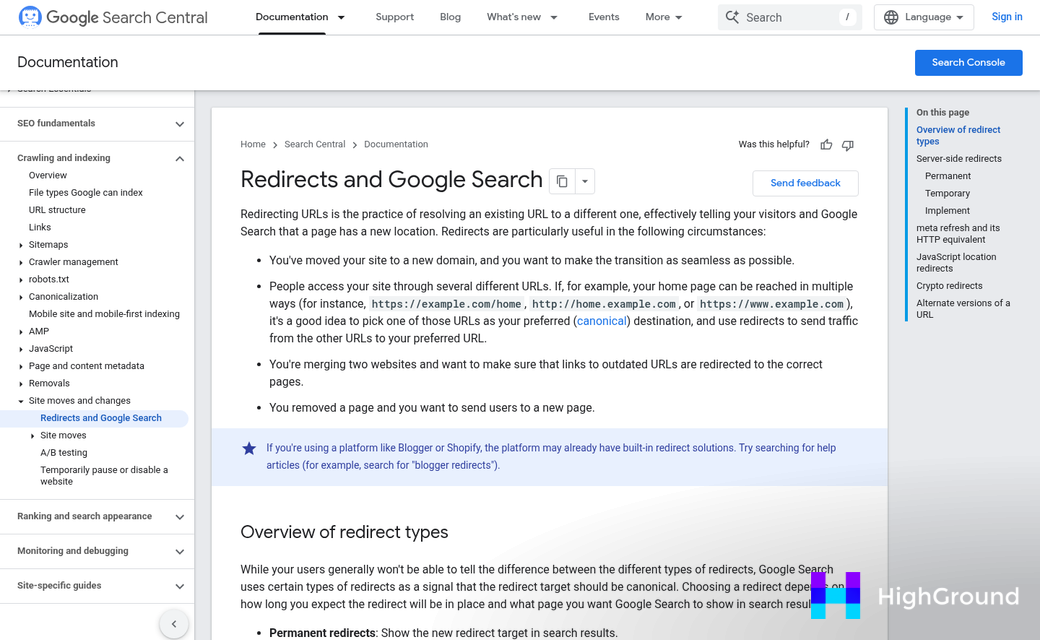
If you have two posts that cover similar ground and neither is strong enough to stand on its own, merge them into one well-rounded page. Pick the URL you want to keep, then set up a 301 redirect from the old URL to the new one. A 301 redirect tells Google permanently that the page has moved and passes the ranking value from the old URL to the new one. In WordPress, plugins like Redirection make this easy to set up without touching any code.
Removing or Noindexing Pages Beyond Saving
Some pages are not worth rewriting or merging. For those, your fastest option in WordPress is to noindex them using Yoast SEO or Rank Math. In Yoast, open the post and go to the Advanced tab in the plugin panel, then set the robots meta to "No Index." Rank Math has a similar toggle right in the post editor under the Advanced tab - this tells Google to stop indexing the page without you having to delete it entirely.
| Content Type | Recommended Action | Why It Helps |
|---|---|---|
| Generic AI post with a good topic | Rewrite with human insight | Adds real value and signals editorial effort to Google |
| Two or more thin posts on the same topic | Merge with a 301 redirect | Consolidates ranking signals into one stronger page |
| Low-quality post with no salvageable angle | Noindex or delete | Stops weak pages from pulling down your overall site quality |
Rebuilding Trust with Google After an AI Content Penalty
Once your flagged content is cleaned up, the work isn't over. Google doesn't immediately see what you've done - it needs to recrawl your site and reassess the picture before anything helps in search.
Recovery takes time, and that's the part many have a hard time with. After the March 2024 core update, Google made it clear that sites can be reassessed between updates. But actual ranking improvements often wait until the next algorithm cycle. That can mean weeks or months of waiting after you've done everything right.
What Google is looking for during this window is a pattern of improvement across the whole site - not just a handful of rewritten posts. Fewer thin pages, better engagement signals, and a cleaner internal link structure all send the right message. Google is watching your site's behavior over time instead of grading a single test.
Internal Linking and Sitemaps
After your content cleanup, audit your internal links. Deleted or merged posts leave behind broken links and orphaned pages that make your site harder to crawl. Go through your most linked-to content and update any references that now point nowhere.
Then submit a fresh sitemap through Google Search Console - this tells Google to come back and take a second look at what's changed. It won't speed up the recovery dramatically, but it does open the door for Googlebot to find your improved pages sooner.
Page Experience Still Matters
Content quality gets most of the attention during a penalty recovery. But page experience signals matter too. Core Web Vitals, mobile usability, and page load speed all factor into how Google evaluates your site. If those scores are weak, fixing your content alone might not be enough to push rankings back up. Tools like WP Rocket or Perfmatters can help address performance issues at scale.
Use the Core Web Vitals report in Search Console to find pages that need attention. Even small improvements to load time can make your site look healthier.
Patience Is Part of the Process
Impatience is a trap here - it's common to see small fluctuations after cleanup and assume nothing is working. Avoid making big changes mid-recovery - it resets the clock and makes it harder to tell what's actually helping.
Keep an easy log of what you changed and when. That record will be helpful as you watch your traffic data over the coming months.
Keeping Your WordPress Site Safe from Future AI Penalties
If you've worked through the audit and fix process, you're already ahead of most. Keep that momentum by building a lightweight review habit into your publishing workflow - even a 15-minute human pass before hitting publish can be the difference between content that ranks and content that drags your whole site down. Once a month, open Search Console, check your performance trends, and look for anything that's quietly slipping. Catching a problem early is easier than recovering from a full manual penalty.

The helpful takeaway is this: use AI as a tool - not a replacement for editorial judgment. Audit what's already live, fix what needs fixing, and build better habits going forward. The sites winning aren't staying away from AI - they're just making sure a person reviews everything before anything goes public. Tools like AI writing assistants that publish directly to WordPress can help streamline that process without cutting humans out of the loop entirely.
FAQs
Does Google penalize all AI-generated content?
No. Google targets unhelpful, low-quality, or unedited content regardless of how it was produced. Well-edited AI-assisted content can rank just fine, as confirmed by an Ahrefs study showing 86.5% of top-ranking pages contained some AI-generated content.
How can I tell if my site received a penalty?
Check Google Search Console's Manual Actions report for direct notifications. If that's clear but traffic has dropped, you likely have an algorithmic penalty. Watch for sharp impression drops and pages shifting from "indexed" to "crawled but not indexed."
What should I do with low-quality AI posts?
Sort flagged posts into three buckets: keep strong posts, rewrite posts with good topics but thin content, and noindex or delete posts with no salvageable value. Removing weak pages stops them from dragging down your overall site quality.
How long does recovery from a content penalty take?
Recovery often takes weeks or months. Google needs to recrawl and reassess your site before rankings improve, and improvements frequently align with the next algorithm update cycle. Avoid making major changes mid-recovery, as it resets the process.
How can I prevent future AI content penalties?
Build a human review step into your publishing workflow before every post goes live. Monitor Search Console monthly for declining trends, and treat AI as a drafting tool rather than a replacement for editorial judgment.