


So it makes sense that site owners are increasingly turning to tools that promise to fix all of this. AI editing tools like Hemingway, Grammarly and GPT-powered assistants give you fast, steady, scalable feedback. Human editors give you something different: judgment, instinct and the knowledge of your voice and audience. Both camps have loud, passionate advocates - and both have blind spots.
The honest answer to "which is better" is not a clean one. AI editors can catch surface-level readability problems at a speed no human can match. But they can also flatten your writing, misread your tone, or apply generic fixes that make your content feel like it came from a template. Human editors bring genuine judgment to the table. But they're slower, more expensive and inconsistent across large volumes of content.
I'll dig into where each strategy actually performs - not in theory, but in the helpful context of a WordPress site. You'll walk away with a clearer picture of when to trust the algorithm, when to call in a person and when the smartest move is to use both.
Short Summary
Human editors generally fix WordPress readability better. They understand context, tone, audience nuance, and brand voice in ways AI currently cannot fully replicate. AI tools like Yoast, Hemingway, or ChatGPT are fast and consistent at flagging passive voice, long sentences, and keyword density, but they often produce generic, flat revisions. The best approach combines both: use AI for quick, surface-level readability checks and structural suggestions, then have a human editor refine tone, clarity, and engagement. For high-stakes content, human judgment remains superior.
What "Readability" Actually Means on a WordPress Site
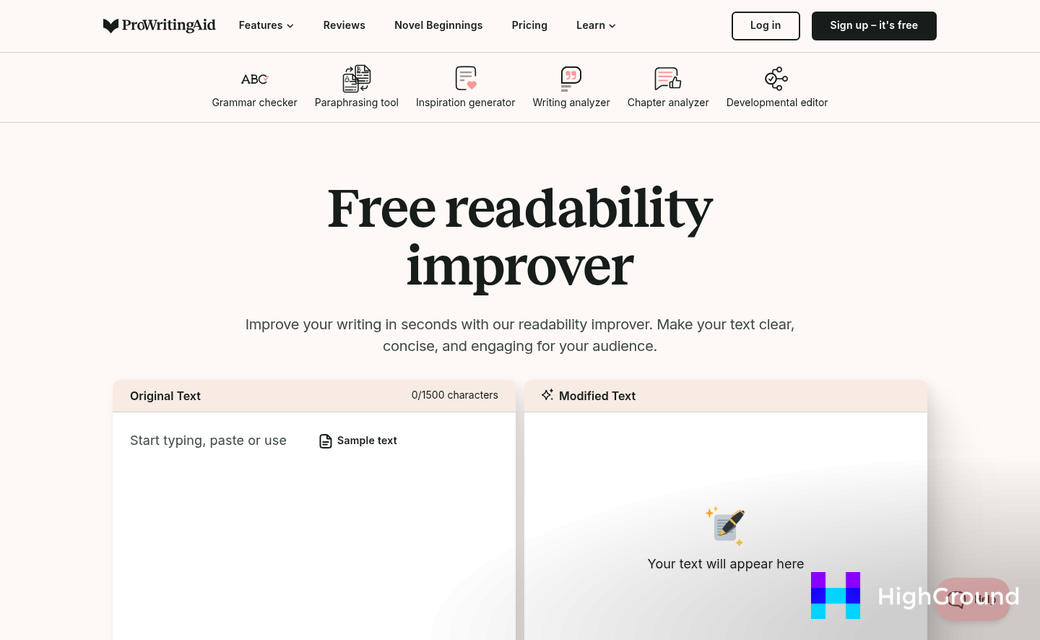
Readability covers more than writing in plain English. On a WordPress site, it can depend on a set of measurable tells that tools like Yoast SEO and Rank Math actively score your content against.
Those tells include sentence length, passive voice usage, paragraph length, subheading distribution, and Flesch-Kincaid reading level, and each one gives you a number or a flag to work against, which makes readability something you can track instead of just feel.
The Flesch-Kincaid score is worth understanding because it drives what these plugins flag - it calculates how easy your text is to read based on average word length and average sentence length. A higher score means easier to read, and most WordPress content goes for a score above 60.
Passive voice is another signal that gets flagged frequently. Sentences written in passive voice tend to feel distant and harder to follow, so WordPress SEO plugins recommend keeping passive voice below 10 percent of all sentences - it's a small thing. But it adds up across a long post.
Paragraph length matters for a different reason. On screens, a wall of text pushes readers to scroll past instead of through it. Short paragraphs give readers a visual break and make it easier to scan for the part they want to read.
Subheading structure plays into this too. When a long section of text runs without a subheading, readers and search engines lose the thread of what the content is about. Yoast and Rank Math flag sections that run too long without one, and that push exists to help readers get through instead of to satisfy an algorithm.
Here is a quick look at how these tells usually get scored in common WordPress SEO plugins.
| Readability Signal | What Gets Measured | Common Benchmark |
|---|---|---|
| Flesch-Kincaid Score | Word and sentence length | Above 60 |
| Passive Voice | Percentage of passive sentences | Below 10% |
| Sentence Length | Words per sentence | Under 20 words |
| Paragraph Length | Words per paragraph | Under 150 words |
| Subheading Distribution | Text length between subheadings | Every 300 words |
These benchmarks are not arbitrary. They align well with how readers behave on web pages, and they give writers a concrete goal to edit toward instead of a vague sense that something reads well.
How AI Editing Tools Approach Readability Fixes
AI editing tools work by scanning your content against a set of measurable laws. They flag passive voice, count words per sentence, check paragraph length, and look for structural patterns that make content harder to follow. The whole process takes seconds.
That speed is helpful. For scheduled content like product descriptions or FAQ pages, AI can cut editing time by 40 to 60 percent - it works with the mechanical things fast and it does so every time.
Where AI performs well is in catching the things that are easy to miss when you've been staring at your own writing. A sentence that runs 45 words long, a passive construction buried in paragraph three, a subheading that doesn't match the structure of the rest of the page - AI tools catch these reliably. They also apply the same standard across an entire site, which is hard to do manually at scale.
But the results aren't always what you'd expect. A 2025 study published in Nature found that some AI-generated edits actually made content harder to read - not easier. Separately, NCBI data showed that AI editing increased polysyllabic words and pushed long sentences from 62.0% of content as high as 69.3%.
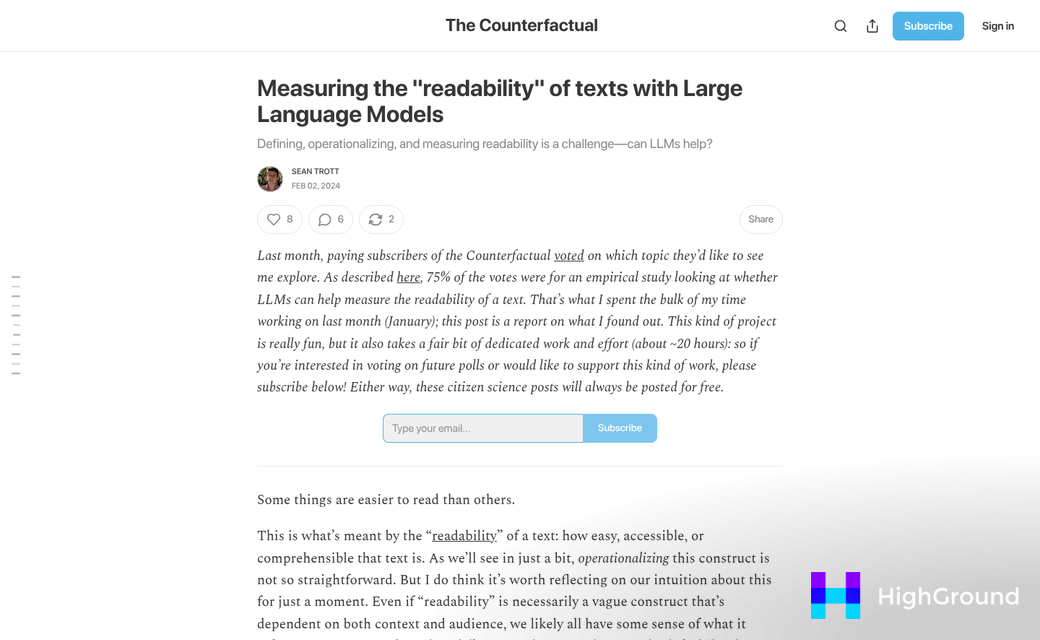
That's worth sitting with for a bit. AI tools are supposed to smooth out content. But the training data behind them explains why they sometimes do the opposite. Many AI editors learn from large bodies of formal text - academic writing, journalism, technical documentation. The result can seem more polished in one way while becoming harder to read in another.
There's also a pattern-matching problem. AI tools are good at flagging what looks like a readability problem on paper. A short sentence gets merged with the next one to "improve flow." An easy word gets swapped for a more precise one, and each individual edit can seem reasonable in isolation. But the combined effect across a post can quietly raise the reading level instead of lower it. If you're scaling AI content across many pages, this compounding effect is easy to overlook until it shows up in engagement metrics.
AI tools also have no way to know your audience. They apply the same readability logic to a beginner's guide as they would to a technical walkthrough. That one-size strategy works fine sometimes and doesn't at others.
Where Human Editors Catch What AI Misses
AI tools can tell you a sentence is readable. But you might still have to read it twice to get the point. That gap is where human editors do their best work.
AI tools are good at flagging sentence length and passive voice. But they score text against fixed rules. A sentence can pass every readability check and still feel awkward to a reader. Human editors pick up on that friction because they read the way your audience does - not the way an algorithm measures it.
Brand voice is one of the clearest examples of this. Research into content quality has found that human-edited content scores around 8.1 out of 10 for voice consistency. But AI-edited content scores closer to 6.9. That gap matters more than it looks on paper.
A human editor knows when a sentence sounds too formal for a casual blog or too breezy for a technical product page. They catch tonal mismatches that a readability score will never flag because those tools don't know what your brand is supposed to sound like. That context isn't something you can feed into a formula.
Human editors are also better at context-specific phrasing. Some industries have terms that read as tough language to an outsider but are standard to the target audience. AI proofreading tools will flag that language as difficult without knowing that keeping it is the right call. A human editor knows the difference and can make that judgment call on the spot.
Awkward flow is another place where the human eye wins. AI tools break text into measurable units and score each one. Human editors read for that forward momentum and they'll rework a transition that technically passes the test but breaks the rhythm of the piece.
None of this is to say human editing is perfect - it takes more time, it costs more, and consistency can slip between different editors. But for content where voice, tone, and audience trust matter - like product pages, brand stories, or thought leadership posts - human judgment picks up what the metrics leave behind. If you're weighing the tradeoffs, it helps to understand how much AI content actually costs per post before deciding where human review fits in your workflow.
The strengths here aren't about one strategy being better in every way. They're about knowing what each one is built for.
Side-by-Side: Speed, Accuracy, and Voice Across Both Approaches
The data from earlier sections tells a pretty steady story, and it helps to see it in one place. The table below pulls together the dimensions where AI and human editors perform differently.
| Dimension | AI Editor | Human Editor |
|---|---|---|
| Editing speed | 40-60% faster than human editing | Slower, but more deliberate |
| Flesch-Kincaid improvement | Strong on sentence length and structure | Stronger on contextual clarity |
| Brand voice score | 6.9 average | 8.1 average |
| Comprehension difficulty risk | Higher - misses tonal nuance | Lower - reads for audience fit |
| Cost per piece | Lower at scale | Higher, especially for long content |
| Bounce rate reduction potential | Moderate on its own | Up to 73% when refining AI output |
The speed gap is real and worth noting. AI can cut editing time in half, which matters quite a bit if you publish frequently or work with a small team.
The voice score gap is significant. Content that scores lower on voice consistency tends to read as generic and loses the trust of a returning audience faster than content with structural problems does.
The bounce rate figure puts everything in perspective. A reduction of as high as 73% only shows up when humans smooth out AI output - not when either works alone. That tells you something about where the value actually lives in this process.

Cost is the variable most people consider first, and it makes sense to factor it in. AI is cheaper per piece at scale, and human editing gets expensive fast on longer content. Cost per piece and value per piece are not the same number, though.
What the table can't show is the compounding effect of voice and structure working at the same time; it's where the performance difference starts to tell a story across a whole site.
The Bounce Rate Problem and Why Structure Alone Won't Solve It
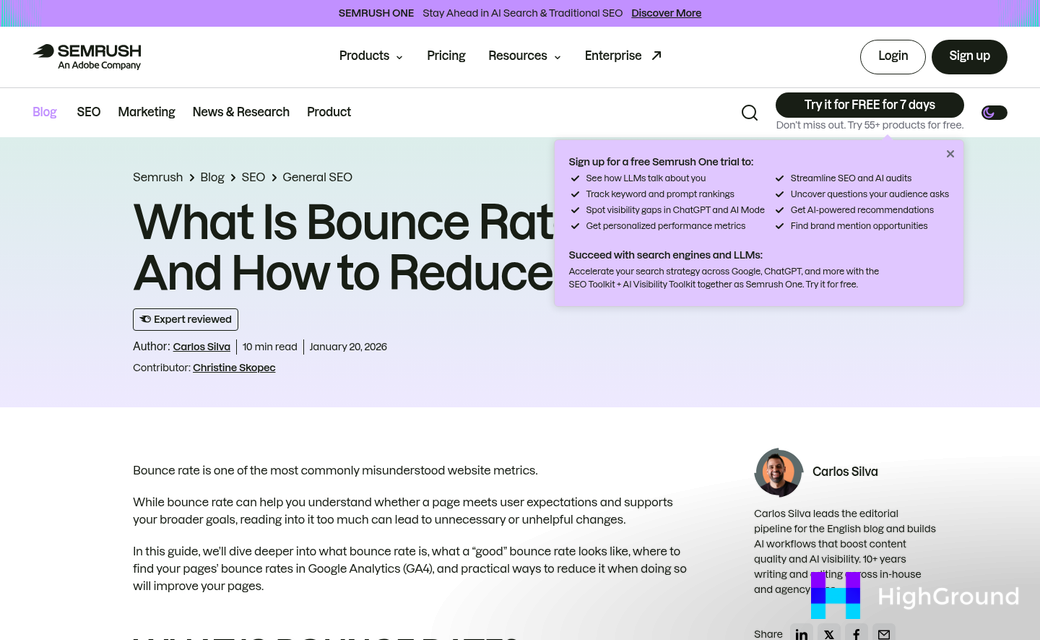
Bounce rate is one of the metrics that quietly tells you quite a bit. When someone lands on your page and leaves within a few seconds, the content didn't hold them - and no amount of formatting fixes that on its own.
Sites that used AI to restructure content did see results. Some reported bounce rate drops of as high as 73%, which is a win. But the catch is that those drops happened when human editors went in after the AI and refined what it had shown. If you don't have that second pass, the numbers didn't move nearly as much.
That gap seems like something worth trying to fix. Structure and engagement are not the same thing - even though they feel connected.
AI does a good job of breaking up dense paragraphs, shortening sentences and organizing content into a logical flow. These are readability improvements. But readability measures how easy something is to process - not how much a reader wants to stay.

A page can be technically well-structured and still feel flat. Readers pick up on that - even if they can't name it. They just stop reading.
Pure structure can't reach that part. A short paragraph and a heading help scan a page. But they don't give a reason to care about what comes next. That comes from the way an idea is framed, the word chosen over another, the sentence that earns a little trust.
Engagement lives in the details that AI tends to smooth over - it replaces informal phrasing to meet readability scores, trims sentences that carry personality and normalizes a writing style until it reads like a template. The result can pass every readability check and still push readers away.
The bounce rate problem isn't structure - it's the tendency to optimize for metrics without also protecting voice and intent. Structure gets readers into the content. But something else has to keep them there.
Combining AI and Human Editing Without Wasting Both
The most helpful setup for a WordPress editing workflow is to run AI first and humans second. AI is fast at catching structural problems - things like sentence length, passive voice and paragraph density. A human editor then comes in to fix tone, sharpen meaning and make the writing sound like a person wrote it.
Running it the other way around gives you a problem. If a human editor polishes the voice and flow first and AI processes it afterward, you lose most of that work. AI tools flatten personality out of writing, so whatever warmth or rhythm the human added gets smoothed away.
It's helpful to remember what each job does best.
| Hand to AI | Save for a Human |
|---|---|
| Sentence length checks | Tone and brand voice |
| Passive voice flags | Emotional resonance |
| Readability scoring | Logical flow and argument structure |
| Repeated word detection | Nuance and context |
| Basic formatting consistency | Reader empathy and intent |
AI handles the mechanical things well and handles them fast. That frees up the human editor to spend time on the parts that actually shape how a reader feels about a piece of content.
Content teams that work this way move faster without sacrificing quality. The AI pass takes minutes and flags the obvious problems. The human pass is then focused and purposeful instead of exhausting.

Not every piece needs both. Short posts with an easy structure might only need an AI pass and a light human read-through. Longer or more sensitive content - anything that needs to build trust with the reader - benefits from full human attention after the AI does its sweep.
You want to use each one where it performs well. AI is a fast first filter. A human editor is the last line of judgment before something goes live. Using AI writing assistants inside the block editor makes it easier to keep this workflow inside WordPress without switching between tools.
The most time-consuming part of your editing process is the best indicator of where to plug AI in first.
So, Which One Should You Actually Trust With Your Content?
Bounce rates tell you readers are leaving. Comprehension scores tell you the text is theoretically approachable. Neither one tells you if a person felt understood, stayed curious, or trusted what you wrote. That judgment still belongs to humans - not because AI is incapable of improving. But because voice, tone, and contextual nuance are not Flesch-Kincaid problems. They are relationship problems, and editors who know your audience solve them better.
Before you hand your next post over to one or the other, try this: pull up a recent WordPress post, run it through a readability tool, and note every flag it raises. Then send that same post to one reader - a colleague, a loyal subscriber in your audience - and ask them where they slowed down or lost the thread. Compare the two lists. The gaps between them are where your editing process is breaking down, and closing those gaps is more helpful than winning an argument about which tool is better.
FAQs
What is the best tool for WordPress readability editing?
Neither AI nor human editing alone is best. AI excels at catching structural issues like sentence length and passive voice, while human editors preserve brand voice and tone. The most effective approach combines both, with AI running first and humans refining afterward.
How does AI editing negatively affect WordPress content?
AI editing can flatten writing, misread tone, and apply generic fixes. Research shows AI edits sometimes increase polysyllabic words and raise reading difficulty rather than lowering it, potentially harming engagement despite passing readability benchmarks.
What readability benchmarks do WordPress SEO plugins measure?
WordPress SEO plugins like Yoast and Rank Math measure Flesch-Kincaid score (above 60), passive voice (below 10%), sentence length (under 20 words), paragraph length (under 150 words), and subheading distribution (every 300 words).
Why can't AI editing alone reduce bounce rates?
AI improves structure but not engagement. Significant bounce rate reductions of up to 73% only occur when human editors refine AI output. Readers leave when content feels flat or impersonal, which structural fixes alone cannot resolve.
What should human editors handle versus AI editors?
AI should handle sentence length checks, passive voice flags, readability scoring, and basic formatting. Human editors should manage tone, brand voice, emotional resonance, logical flow, and audience-specific nuance that algorithms cannot evaluate.