


Here's what's worth knowing: those old posts aren't dead weight. With the right approach, they can be refreshed, rescheduled, and pushed back into circulation to drive real, consistent traffic - often with far less effort than creating something from scratch. This isn't about gaming the system. Updating existing content has become a legitimate editorial strategy, and the numbers back it up. By 2021, 71% of bloggers reported updating old posts as part of their content strategy, a significant jump from just 53% in 2017. That shift didn't happen by accident.
The challenge most WordPress users run into isn't motivation - it's the mechanics. How do you actually reschedule a batch of old posts without doing it one by one? How do you republish content so it shows up fresh without creating duplicate pages or confusing search engines? And how do you build a system that keeps working without constant babysitting?
This article walks you through exactly that - the tools, settings, and workflows that make it possible to mass schedule or republish your existing WordPress content efficiently, so your older posts start pulling their weight again.
Short Summary
To mass schedule or republish old WordPress posts, use a plugin like "Scheduled Post Trigger," "PublishPress," or "WP Scheduled Posts." You can also use the "Bulk Edit" feature in the Posts dashboard to change multiple post dates at once, effectively rescheduling them. Another option is to use a plugin like "Revive Old Posts" to automatically reshare or republish older content on a set schedule. This drives fresh traffic by pushing old posts back to the top of your blog feed and resurfacing them in search and social media.
Why Republishing Old Posts Can Drive More Traffic Than Writing New Ones
Creating a new post from scratch takes hours. You research, write, format, and publish - then wait months to see if it ranks. But an old post already has something a new one doesn't: history. Google has already indexed it, it may have backlinks pointing to it, and it has some level of authority built up over time.
That head start matters more than most people realize. When you update and republish an old post, you give Google a freshness signal without starting from zero. Search engines favor content that stays current, so even modest updates can push a post back up the rankings.
The results from doing this well can be substantial. Backlinko reported a 260% increase in organic traffic after republishing updated content. HubSpot ran similar experiments and saw a 106% lift in search traffic to posts they refreshed and rereleased. These aren't edge cases - they reflect a pattern that holds up across different niches and site sizes.

The case gets even more convincing when you look at how individual bloggers have approached this. One well-documented case involved a blogger who spent 80% of their working time updating around 200 old posts instead of writing new ones. Within two to four weeks, those posts were seeing 50 to 100% traffic gains. That kind of return on time is hard to match by publishing fresh content alone.

Consider what that means for your own site. If you've been publishing for a year or more, you have a library of posts that already did the hard work of getting indexed and earning some links. Many of them have probably slipped in the rankings, not because the topic became irrelevant, but because the content aged or competitors published something fresher.
A new post competes against everything already out there. An updated old post competes from a position of existing authority and gets the bonus of looking current to both readers and search algorithms. That's a different starting point. Tools like BrandWell can help streamline the process of refreshing and optimizing older content at scale.
Before you open a blank document for your next piece, it's worth asking what's already sitting in your archives. The traffic you want might already be attached to content you wrote two years ago and haven't touched since. Find more strategies like this on the HighGround blog.
Which Old Posts Are Actually Worth Updating or Rescheduling
Not every old post deserves a refresh. Some posts are genuinely worth the effort, and some are better left alone. The trick is to know which is which before you spend time on them.
Start with Google Search Console. Look for posts that are getting impressions but very few clicks - these are pages that rank somewhere on page one or two but haven't earned the traffic yet. A quick update to the content and a republish can be enough to push them higher. These are the posts to go after first.
Ahrefs is useful for a different reason. You can use it to find posts that have backlinks pointing to them but have seen a drop in organic traffic over time. That's a sign the content has gone stale, not that the page has lost its value. Ahrefs treated this kind of audit as a core part of its content strategy and refreshed 75 of its 200+ posts as a result.

Posts with outdated statistics or references to tools that no longer exist are also strong candidates. A reader who lands on a post and finds a 2019 stat is likely to leave and look elsewhere. Updating those details alone can make the content feel current again without a full rewrite.

It also helps to think about the type of content you're looking at. Evergreen posts - the kind that answer timeless questions - have the most to gain from a refresh because they can keep driving traffic for years. Seasonal content is worth updating too, but on a schedule that matches when people actually search for it. News-based posts and heavily time-stamped content are usually the hardest to revive.
| Post Type | Description | Republishing Priority |
|---|---|---|
| Evergreen | Answers timeless questions that stay relevant year after year | High |
| Seasonal | Tied to a time of year but repeats annually | Medium |
| Outdated | Has old stats or references but covers a still-relevant topic | High |
| News-based | Tied to a specific event or moment in time | Low |
Once you have a shortlist of posts that fit the first few categories, you have a solid starting point to work from.
How to Bulk Update Post Dates and Republish in WordPress
Before you reach for a plugin, it helps to understand what republishing actually changes. When you update a post date, WordPress moves that post back to the top of your feed and treats it as new content for RSS subscribers. It does not change the URL or wipe out any existing SEO value the post has built up.
That distinction matters. You get the visibility benefit of a fresh publish without losing your backlinks or search rankings.
The Manual Route
WordPress lets you edit the publish date right from the post editor. Open the post, find the date field in the right-hand sidebar under "Publish", and click the pencil icon to change it to today's date. Hit update and the post jumps to the top of your feed.
This works fine for one or two posts, but it gets tedious fast when you have a whole batch to process. That's where plugins come in.
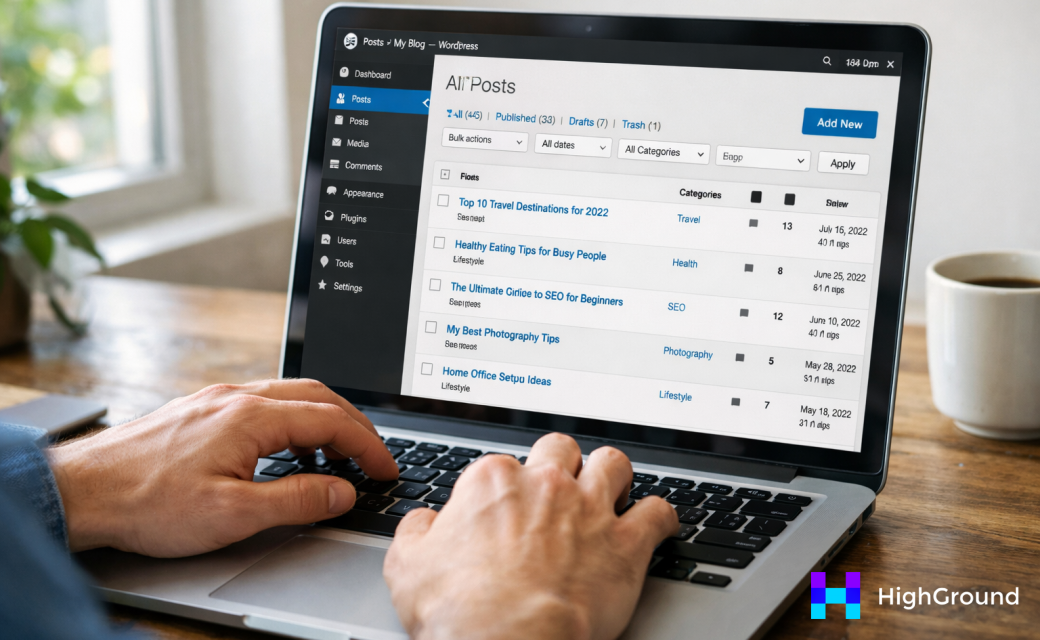
Using a Plugin to Republish in Bulk
Plugins like PublishPress Future let you schedule date changes in advance without touching each post individually. You can set a future date on multiple posts and the plugin handles the update automatically when that time arrives.
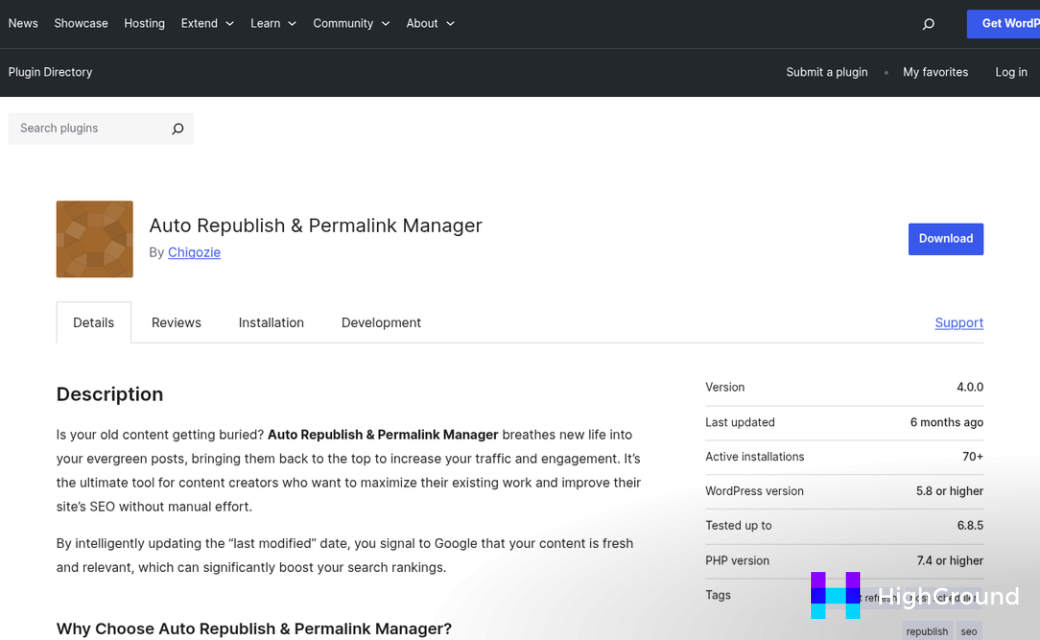
For a more automated approach, WP Auto Poster's premium plan at $25 is worth a look. It can push updates to your feed and connected social accounts on a schedule you set, which saves a lot of back and forth.
Here is a simple workflow to follow so you don't lose track mid-process.
| Step | What to Do |
|---|---|
| 1 | Make your content updates first - fix outdated info, refresh stats, improve the intro |
| 2 | Decide on your target republish dates before you open any settings |
| 3 | Install your chosen plugin and connect it to your post list |
| 4 | Assign new dates to each post inside the plugin dashboard |
| 5 | Double-check that URLs and categories have not changed before you confirm |
Always update the actual content before you change the date. A republished post with stale information does not do you any favors with readers who click through expecting something useful. Republishing with genuinely refreshed content is far more likely to deliver lasting SEO benefit than a date change alone. To see how it works when combining content refresh tools with your publishing workflow, it's worth exploring your options before committing to a single approach.
Scheduling a Batch of Republished Posts Without Flooding Your Feed
Once you have a batch of posts ready to go back out, it's tempting to push them all live at once and call it done. That's where things go wrong. Sending 30 or 50 republished posts out in a single day can trigger email subscribers to unsubscribe and make your site look like it's churning out low-effort content.
Google also pays attention to publishing patterns. A sudden spike in "new" posts from a site that was previously quiet can look unnatural and work against you in search rankings. Spreading your republished content over several weeks or months is a much safer path.
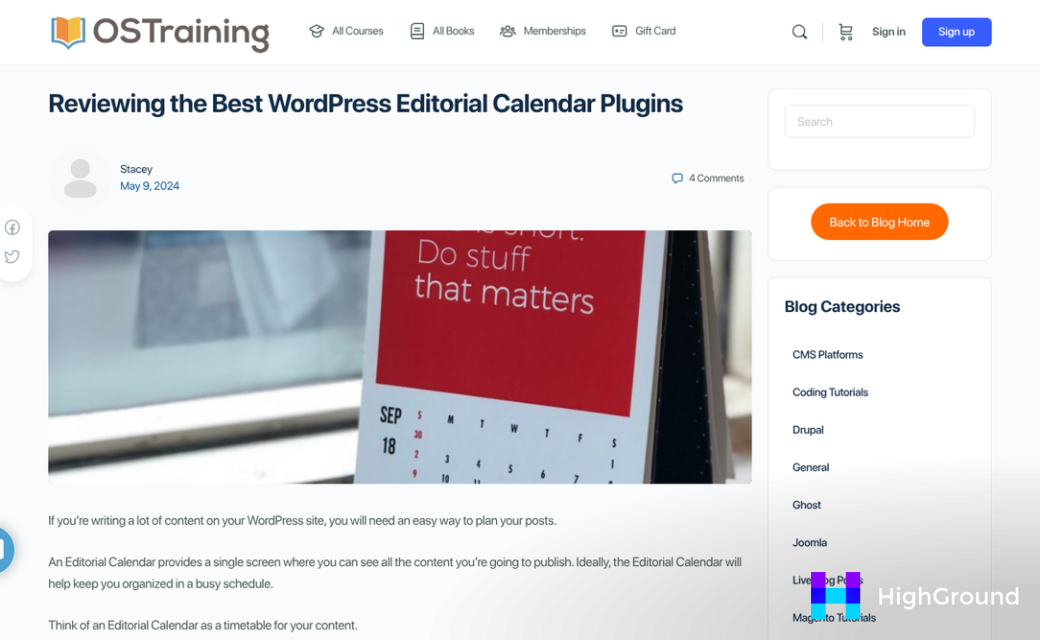
A simple content calendar is the easiest way to stay in control. You don't need anything fancy - even a spreadsheet works. The goal is to assign each republished post a specific date so nothing goes out by accident and nothing overlaps with your fresh content in a confusing way.
If you want to automate the spacing, plugins like CoSchedule or the Editorial Calendar plugin for WordPress let you drag and drop posts onto calendar dates. This makes it easy to see your whole publishing schedule at a glance and fill in gaps without overcrowding any single week.
A good rule of thumb is to republish no more than two or three older posts per week. That keeps a steady flow without drowning out anything new you're also publishing. It also gives returning readers a chance to notice and engage with each post rather than scroll past a wall of updates.

Here is a simple example of what a balanced weekly schedule might look like when you're working through a backlog:
| Day | Post Type | Frequency |
|---|---|---|
| Monday | New original post | Every week |
| Wednesday | Republished evergreen post | Every week |
| Friday | Republished evergreen post | Every other week |
This kind of structure keeps your feed active without making it feel like a dump of recycled content. It also helps you pace the work of updating posts so you are not rushing through edits just to hit a self-imposed deadline.
Returning readers notice when a site suddenly floods their inbox or RSS feed with older content they've already seen. A slower, more deliberate pace respects their attention and keeps your site looking like it's run with intention.
What to Actually Fix Before You Hit Republish
Changing the date and republishing is the bare minimum and it rarely moves the needle on its own. The posts worth rescheduling are the ones you take a few minutes to improve first.
This is not about rewriting everything from scratch. You are just looking for the parts that are holding the post back and fixing those.
Start with outdated stats and data. If your post references a study from five years ago or a number that no longer holds up, replace it with something current. Moz has noted that 71.33% of organic clicks go to page one results, which is a good reminder that small quality gaps between your post and the top results can cost you real traffic.

Next, check your links. Broken outbound links are a bad experience for readers and they signal neglect to search engines. Internal links matter here too - if you have published related posts since the original went live, now is the time to link to them.

Thin sections are worth a look as well. If part of the post raises a question and then moves on without answering it, add two or three sentences to fill that gap. You do not need to expand the whole post, just the parts that feel incomplete.
Finally, look at your calls to action. An old CTA that points to a discontinued product or an expired offer makes the whole post feel abandoned. Update it to reflect what you actually want readers to do now. If you are also evaluating Copy.ai alternatives for small business, it may be worth revisiting those CTAs with a fresh tool in mind.
| What to Check | What to Do |
|---|---|
| Outdated stats or data | Replace with a more recent source |
| Broken outbound links | Remove or replace with working links |
| Missing internal links | Link to related posts published since the original |
| Thin or incomplete sections | Add a few sentences to answer the implied question |
| Old or irrelevant CTAs | Update to reflect your current goal |
None of these changes need to take longer than fifteen to twenty minutes per post. The goal is to make the content worth ranking again, not to rebuild it entirely.
Your Old Posts Deserve a Second Shot at the Spotlight
You do not need to overhaul everything at once. Start small. Pick five posts this month, work through the process, and see what happens to your traffic and rankings. Once you see results from that first batch, the next round becomes easier and more focused. Momentum builds quickly when you have a repeatable system in place.

The traffic you are looking for does not always require new content. Sometimes it just requires giving search engines and readers a compelling reason to come back to what you have already built. That reason is already sitting in your drafts folder - it just needs a publish date.
FAQs
What is the benefit of republishing old WordPress posts?
Old posts already have search history, backlinks, and authority. Updating and republishing them sends a freshness signal to Google, often boosting rankings faster than publishing brand-new content.
How do I bulk reschedule old posts in WordPress?
Plugins like PublishPress Future let you assign new publish dates to multiple posts at once. For automated scheduling, WP Auto Poster can push updates to your feed and social accounts on a set schedule.
How many old posts should I republish per week?
Republish no more than two to three older posts per week. This maintains a steady content flow without overwhelming subscribers or triggering unnatural publishing patterns that could negatively affect search rankings.
Which old posts are worth refreshing and republishing?
Prioritize evergreen posts with declining traffic, pages earning impressions but few clicks in Google Search Console, and posts with outdated statistics. News-based or heavily time-stamped posts are generally the hardest to revive.
What should I fix before republishing an old post?
Update outdated stats, fix broken links, add internal links to newer related posts, fill in thin sections, and refresh old calls to action. These updates typically take 15-20 minutes per post.

