


The numbers make this gap hard to ignore. 73% of B2B marketers use AI for content creation, and the top 40 AI-powered WordPress plugins collectively pulled in over 315 million visits in a single year. The shift toward AI-assisted workflows isn't coming - it's already here, and bloggers who aren't repurposing their existing content with these tools are leaving reach on the table.
The good news is that the barrier to entry has never been lower. A new wave of AI tools makes it legitimately fast to change a long-form WordPress post into half a dozen different content formats, without starting from scratch every time or hiring a full content team for it.
I'll break down the best AI tools available in 2026 for repurposing WordPress blog content - what they do well, where they fall short, and which ones are worth your time depending on how you work.
Short Summary
The best AI tools for repurposing WordPress blog posts in 2026 include Jasper for rewriting content across formats, Descript for converting posts into podcasts or videos, Canva AI for transforming text into social graphics, Opus Clip for generating short video clips, and ChatGPT or Claude for summarizing and reformatting content into newsletters, threads, or scripts. Many WordPress plugins like Bertha AI and ContentBot also integrate directly, automating repurposing workflows. Choose tools based on your target formats, whether social media, video, audio, or email.
Why Repurposing WordPress Blog Posts With AI Actually Makes Sense
Most blog posts have a short window of attention. They get published, maybe rank for a week or two, and then quietly fade into the archive where almost no one reads them again.
The good news is that the content itself doesn't expire. A well-researched post from 2024 still holds value. What changes is the format it lives in and where it gets seen.
Consider what your best post from last year could become with a bit of restructuring - maybe a video script, a LinkedIn carousel, a short newsletter, or a podcast outline - all pulled from the same original writing. AI makes that process fast enough to be worth doing on a regular basis instead of saving it for a slow week.
There's also a performance argument here that's hard to ignore. Visitors who arrive through AI-driven search convert at 4.4 times the rate of traditional organic visitors; it's not a small gap. And businesses that use AI SEO tools are seeing around 45% more organic traffic compared to those that don't. Repurposing is one part of that picture.

Repurposing works with AI because the hard part - the research, the structure, the core argument - is already done. The AI has something to work with and can adapt that material for a different audience or platform without starting from scratch.
WordPress makes this even easier because your content already lives in one location. You can pull a post, run it through an AI tool, and produce a few different formats in less time than it took to write the original; it's a different way to think about content production.
The one-and-done approach to publishing made sense when there weren't better options. Now there are. AI won't replace the thinking behind a great post. But it can stretch how far that thinking travels.
AI Writing and Repackaging Tools Worth Paying For
Not every AI writing tool works with repurposing well. Some are built to generate content from scratch, which is a very different job. The tools below are worth mentioning because they work with what you already have.
Jasper AI is one of the more established names here. The Creator plan starts at $39/month and the Teams plan comes in at $99/month. What makes it helpful for repurposing is its ability to take a long-form blog post and change it into something else - a social media caption, an email intro, or a short ad. You feed it the source content and tell it what you want. The output is usually clean and readable, though it can lose some of your original tone if you don't give it enough context to work with.
That's the watch-out with tools like this. AI tends to flatten voice. A blog post that a person wrote can come back sounding like a press release. The fix is to write a short style note before you run anything - even one or two sentences about your tone goes a long way.
eesel AI takes a different strategy and it's worth a look if you have posts to work through. Its Early Bird plan runs $99/month and covers as many as 50 blog generations - it's built more for volume than for fine-tuning personal pieces. If you manage a WordPress site with a large content archive and want to reformat or expand posts at scale, eesel is a helpful fit.
| Tool | Starting Price | Best For | Repurposing Feature |
|---|---|---|---|
| Jasper AI | $39/month | Long-form rewriting | Blog to social, email, ad copy |
| eesel AI | $99/month | Bulk blog generation | Blog reformatting and expansion |
Both tools manage the text side of repurposing well. What neither does is get your content into visual or audio formats - it's where the next category of tools picks up. If you're weighing options, it's also worth looking at Jasper alternatives that actually publish to WordPress before committing to a plan.
Tools That Turn Blog Text Into Visuals, Video, and Audio
Text is not necessarily the best format for every idea in a blog post. Some topics land better as a short video or an infographic because they are easier to absorb visually than they are to read through. A process, a comparison, or a stat-heavy argument can do more work as a designed graphic than as four paragraphs of prose.
Tools like Pictory and Lumen5 let you paste in a blog URL or body text and generate a short video from it. They pull out the sentences that matter and match them with stock footage or animated slides. The output is not necessarily perfect. But it gets you most of the way there without a video editor or a production budget.
For audio, tools like Podcastle and ElevenLabs can convert written posts into narrated audio files- this gives you a "listen to this post" option right on the page, or you can strip the audio out and use it as podcast content- it's a low-effort way to reach people who like to listen during a commute or workout.
Canva's AI features deserve a mention here as well. You can feed it a blog post and have it generate an infographic layout, a social carousel, or a Pinterest graphic in a few minutes- it works with the design logic so you don't have to start from a blank canvas every time. If you're also generating AI featured images for WordPress, it's worth keeping your visual style consistent across formats.
What small blog owners don't expect is how affordable a full stack can be. Design, editing, video repurposing, image generation, and scheduling tools together can come in under $100 per month. The actual cost per blog post is often lower than people assume once you factor in how many formats a single piece of content can produce. But it's much less than hiring a designer or video editor to manage each format separately.
The one thing worth watching is format sprawl- it's easy to get excited and produce videos, audiograms, and carousels all at once. If you don't have a plan for where each piece actually goes and who will see it, you end up with content and not much reach. Pick one or two formats that fit the places your audience already uses and build from there.
Fitting AI Repurposing Into a WordPress Content Workflow
The hardest part is not finding a tool - it's learning where to start. Before you open any app, go through your existing posts and find which ones already get traffic, cover a topic people are asking about, or have legitimately helpful information that holds up over time. Those are the posts worth repurposing first.
Once you have a shortlist, choose which formats make sense for each post. A long tutorial might work well as a short video script or an email sequence. A data-heavy comparison post could become a shareable graphic. You don't have to do everything at once - one post, two formats, one week is a basic place to start.
What a Realistic Weekly Routine Looks Like
A working repurposing schedule does not have to be tough. Many WordPress publishers settle into a rhythm where Monday is for picking the post, Tuesday and Wednesday are for running it through AI tools to generate new formats, and Thursday is for scheduling or publishing. Friday can become a light review day to check what performed well.
Most AI tools let you export content. But you'll still need something like Buffer, Hootsuite, or a native WordPress plugin to get that content out on a timeline. Plugins like Revive Old Posts can help push repurposed content automatically without manual effort each week.

API Pipelines for Higher Output
If you are making 20 to 40 pieces of repurposed content each month, a manual copy-paste workflow starts to slow you down. API pipelines connect your AI tools directly to your WordPress site or social platforms and run tasks automatically. For a small business, this setup usually costs between $15 and $50 per month depending on usage and which tools you connect.
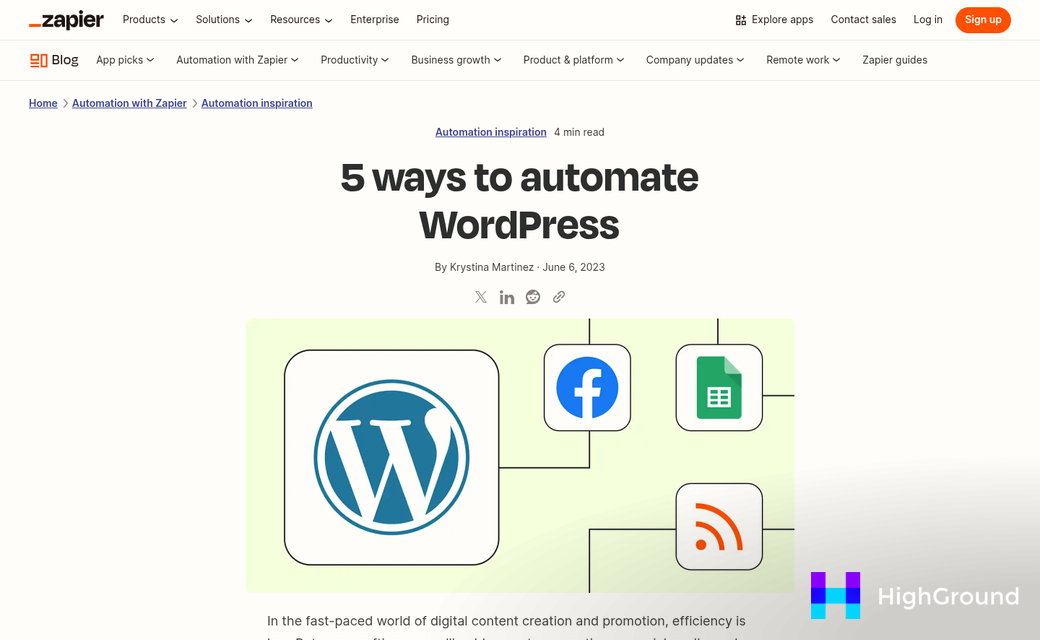
Zapier and Make (formerly Integromat) are the two most common tools used to build these connections without writing code. A basic setup might pull a published WordPress post, send the text to an AI writing tool, and then push the output to a Google Doc or a scheduling queue - it takes a little time to configure but saves repetitive work each week.
You don't need a full pipeline on day one. Start manually, get comfortable with the tools, and then automate the steps that feel repetitive.
Your Blog Posts Deserve a Second Life - Here's How to Give Them One
Before you move on, sit with two honest questions: which post in your archive is the most helpful thing you've ever written, and how many actually saw it? If the answer to that second question stings a little, that's your starting point. Pick that post. Run it through one of these workflows. See what comes back. The first repurpose is always the one that makes everything click.
FAQs
What are the best AI tools for repurposing WordPress blog posts?
Jasper AI and eesel AI are strong options for text-based repurposing, while Pictory, Lumen5, and Canva handle visual and video formats. For audio, Podcastle and ElevenLabs convert blog posts into narrated content.
How much do AI repurposing tools typically cost?
Jasper AI starts at $39/month, while eesel AI begins at $99/month. A full repurposing stack including design, video, and scheduling tools can often be assembled for under $100/month total.
Can AI repurposing tools maintain my blog's original voice?
AI tools can flatten your tone, making content sound generic. Writing a short style note describing your tone before running content through any AI tool significantly improves output quality.
How do I start repurposing my WordPress blog posts with AI?
Begin by identifying existing posts that already get traffic or cover evergreen topics. Then choose one or two formats per post, such as a short video or social carousel, before building a broader workflow.
Can I automate WordPress blog repurposing with AI tools?
Yes. Tools like Zapier and Make can connect AI writing tools directly to WordPress and social platforms. A basic automation pipeline typically costs between $15 and $50 per month depending on usage.

