


The tricky part is figuring out which tools are actually worth using. Some are built specifically for WordPress workflows, others are general writing assistants that work well for this use case, and a few fall somewhere in between. They can vary pretty widely in how they manage things like term definitions, internal linking suggestions, schema markup, and bulk generation.
This guide breaks down the best options available, with a helpful breakdown to find the right fit. Whether you're running a SaaS product site, an e-commerce store, or a niche content blog, there's a tool here that matches how you work - and we'll help you figure out which one that is.
Short Summary
In 2026, the best AI tools for generating WordPress glossary pages include ChatGPT (via custom prompts or plugins), Jasper AI for bulk term generation, Surfer SEO for SEO-optimized definitions, and Glossary plugins like CM Tooltip Glossary combined with AI writing assistants. Dedicated WordPress AI plugins like Bertha AI and GetGenie also streamline glossary creation directly within the dashboard. For automation, Zapier workflows connecting AI APIs to WordPress REST API work well. Choose based on your priority: SEO optimization, bulk generation, or seamless WordPress integration.
Why WordPress Glossary Pages Are Hard to Build Without AI
A glossary page sounds easy enough. You write some definitions, format them nicely, and publish. But get past a dozen or so entries, and the process starts to show its true weight.
Volume is the first thing that slows you down. A helpful glossary for even a mid-sized niche site might need 50 to 200+ entries to feel complete. Writing each definition from scratch, keeping the reading level consistent, and formatting every entry the same way takes a long time - and that's before you even think about SEO.
Glossary pages also carry a set of SEO demands, and each definition needs to be written in a way that targets a search query without sounding robotic. Headings, anchor text, and structured markup all need to work together. Getting that right across hundreds of entries manually is a grind.
Then there's internal linking. A well-built glossary links related terms to each other and to relevant content across the site. Done by hand, that's hours spent just on links - and skipping it leaves SEO value on the table.
It's worth asking if your current process scales at all. If you have 30 terms published and need 150 more, could you realistically get there in a reasonable timeframe without burning out or cutting corners on quality?
Maintenance is the part people underestimate. Industries change, words evolve, and definitions that were accurate last year may need updates. If you don't have a fast way to revisit and revise entries, a glossary can quietly become outdated.
Formatting consistency is also harder than it looks. When multiple people contribute entries over time, tone and structure start to drift. One definition reads like a textbook, another reads like a blog post. That inconsistency erodes trust with readers and makes the page harder to get through.
These challenges stack together in a way that makes manual glossary management unsustainable; it's the core problem AI tools are stepping in to solve, and it's worth understanding the full picture before looking at what those tools actually do.
What to Look for in an AI Glossary Generation Tool
Not every AI writing tool is built the same way, and that gap can become obvious fast when you try to build a glossary. The right tool should do more than write text - it should structure entries, manage definitions at scale, and fit into a WordPress workflow without a fight.
The first thing to check is output depth. You want a tool that can write an explanation, add context, and maintain a steady format across hundreds of terms.
Source reliability matters too. Some tools pull from credible training data and stay factually grounded, and others confidently generate inaccurate definitions. If your glossary covers a technical or regulated industry, that distinction is a big deal.
WordPress compatibility is worth checking before anything else. Some tools export content that pastes cleanly into the block editor, and others produce formatting that needs cleanup. A tool that connects directly to WordPress via plugin or API will save quite a bit.

SEO support is another feature to look for. Does the tool add meta descriptions, recommend internal links, or structure headings in a way that search engines can read well? These things are easy to forget until your glossary isn't ranking. Auto SEO and meta automation can handle a lot of that work if your tool supports it.
Pricing transparency is the last item on this list, and it's not a minor point. Some tools charge per word, some charge per seat, and some bury the features behind an enterprise tier. Understanding what AI content actually costs before you scale up can save a lot of surprises.
| Feature | Why It Matters | What to Watch For |
|---|---|---|
| Output depth | Thin definitions reduce credibility | Look for tools that write full structured entries |
| Source reliability | Inaccurate content damages trust | Test with terms you already know well |
| WordPress compatibility | Bad formatting slows down publishing | Check for direct integrations or clean export |
| SEO support | Glossaries need to rank to get traffic | Look for meta fields and heading structure |
| Pricing transparency | Costs grow fast at scale | Read the pricing page before the free trial ends |
The honest question to ask about any tool you test is whether it generates text or actually thinks about structure. That difference separates a writing assistant from a glossary generation tool.
AI Writing Tools That Handle Glossary Content at Scale
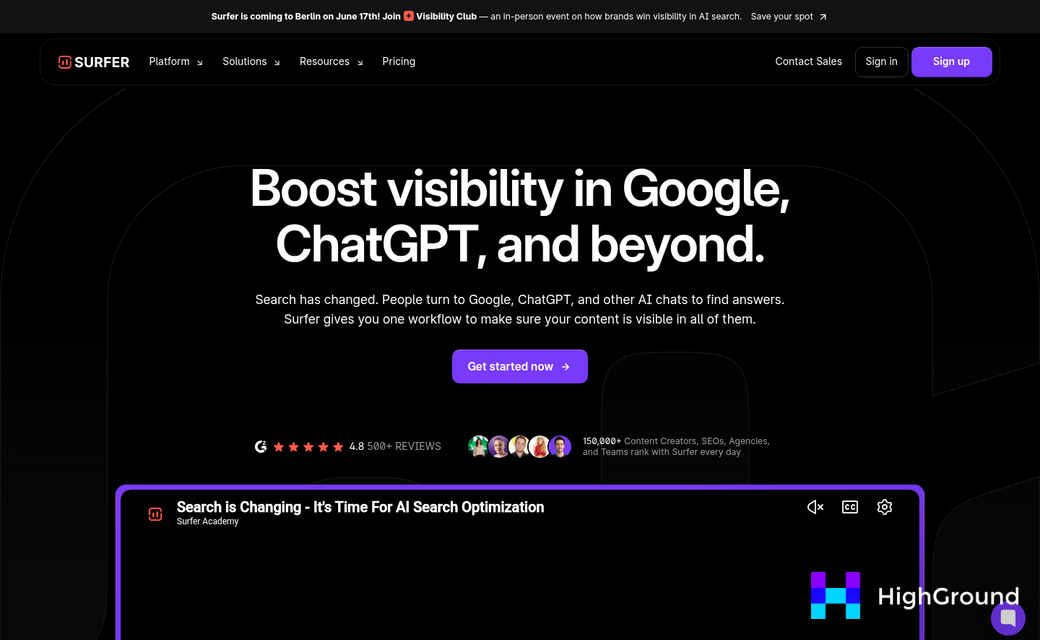
If you have to build out a glossary with dozens or hundreds of entries, you want a tool built for volume. Two places that look great for this work are Content at Scale and FlowHunt's Glossary Article Generator, and they take very different strategies.
Content at Scale was built to produce long-form content in bulk. Starting at $250/month for 8 posts, it targets teams that need to publish without writing everything from scratch. It works for glossary pages that have a list of terms and want structured, readable entries without spending hours on each one.
FlowHunt's Glossary Article Generator takes a more research-heavy strategy. It pulls from as many as 24 authoritative sources per entry and produces articles ranging from 3,000 to 5,000+ words. That depth can be helpful for technical niches where shallow definitions lose credibility fast.
The tradeoff with longer outputs is over-generation. A 5,000-word glossary entry for a mid-level term can seem padded, and some of that content is going to need editing before it earns a place on your site. Keep that editing time in your planning.
| Tool | Starting Price | Output Length | Source Depth | Best For |
|---|---|---|---|---|
| Content at Scale | $250/month (8 posts) | Medium to long-form | Limited source citing | Bulk glossary production at volume |
| FlowHunt Glossary Generator | Varies by plan | 3,000-5,000+ words | Up to 24 sources per entry | In-depth entries for technical topics |
One thing to watch with any bulk writing tool is accuracy. These tools draw from existing web content, and that content is not necessarily correct. For glossary pages especially, a wrong definition can undermine trust faster. If you're scaling this kind of output, it's worth understanding how to scale AI content without getting penalized.
Content at Scale fits teams that want to move fast across a large term list. FlowHunt is a better fit when depth and source backing matter more than speed. Either way, understanding what AI content actually costs per post helps you budget realistically before committing to either platform.
SEO-Focused AI Tools for Optimizing Glossary Definitions
Generating glossary content at scale is one thing. But getting those definitions to actually rank is a different job; it's where SEO-layer tools come in, and they work alongside your writing tools instead of replacing them.
Each glossary definition should be treated like a mini landing page, because search engines do treat them that way. A well-structured definition with the right keyword signals, internal links, and semantic depth will outperform a longer but unfocused one.
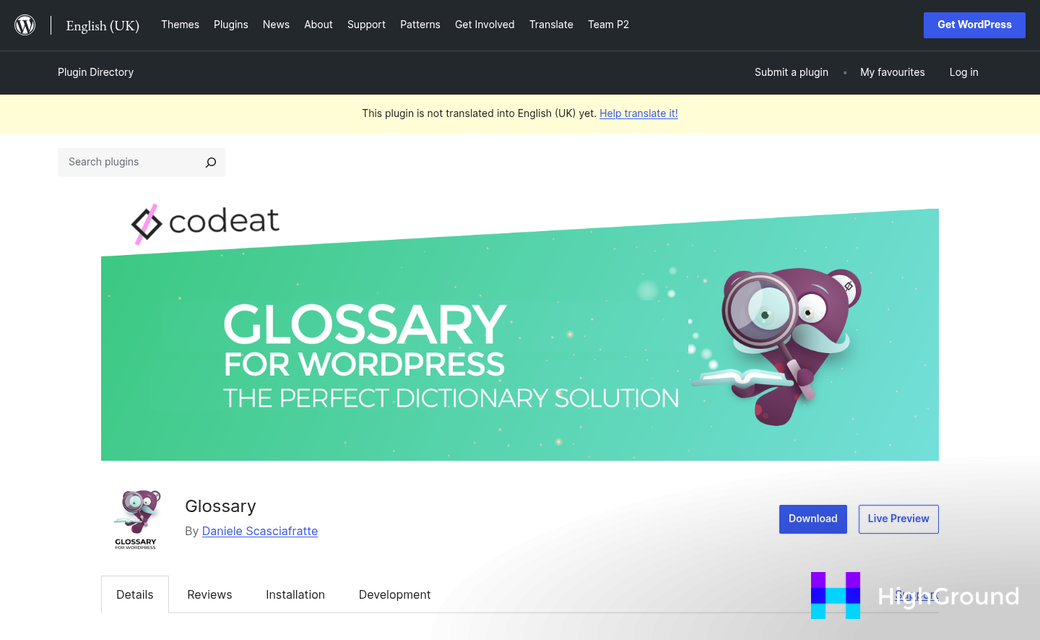
Surfer SEO is one of the most commonly used tools for this work. It starts at $89 per month for up to 30 articles, with a Scale plan at $129 per month, and gives you a content score for each page and tells you which related terms to include. For glossary pages, this is helpful because Surfer helps you find keyword clusters that belong together, so you can link related definitions to each other in a way that makes structural sense.
Rank Math Content AI takes a slightly different approach by living directly inside WordPress. Plans start at $59 per year and increase to $499 per year for agencies. It scores your content as you write and flags gaps in keyword coverage without requiring a switch between tools. For teams managing large glossaries, that workflow reduction adds up.
One pitfall to watch for with these tools is over-optimization. Short definitions are especially vulnerable to this. When you try to hit a high content score on a 60-word entry, it's easy to stuff in keywords until the definition reads like a list instead of an explanation. The score goes up but the usefulness goes down.
A more helpful strategy is to use these tools to find internal linking opportunities and content gaps instead of chasing a perfect score on every entry. Link clusters of related terms to each other, flag definitions that are too thin to rank on their own, and focus your optimization energy on the terms that have search volume behind them.
WordPress Plugins That Work Alongside AI-Generated Glossary Content
Once your AI tool has done the heavy lifting on definitions, you still need a way to display everything inside WordPress; it's where glossary plugins come in - they manage the presentation, linking and organization so your content actually works as a functional glossary page.
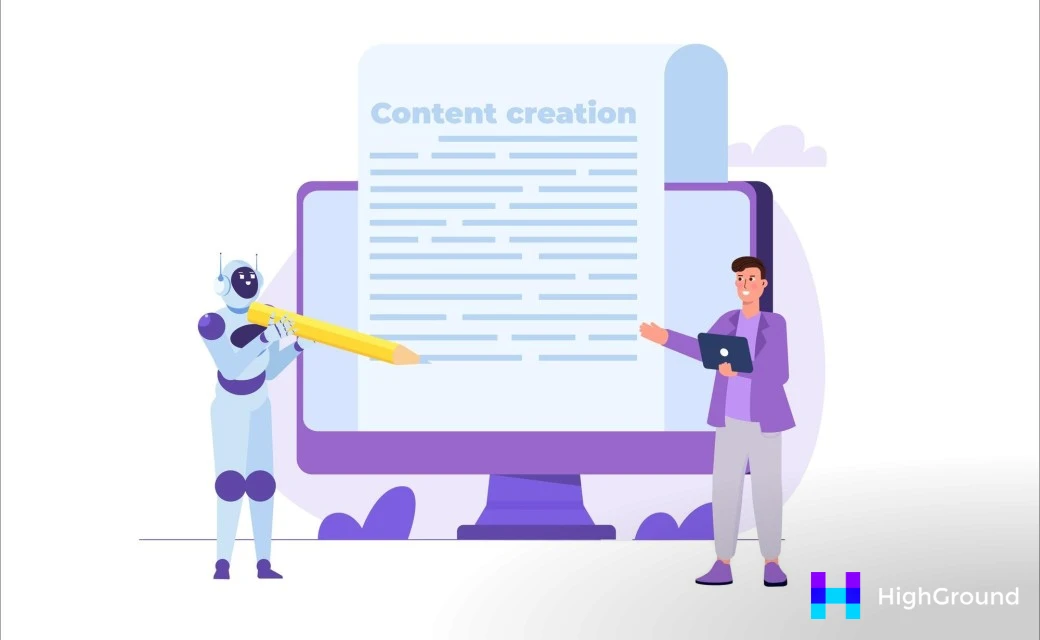
Glossary by Codeat is one of the most trusted free options available - it holds a 4.7 rating on the WordPress plugin directory and was last updated in March 2026, which is a sign of long-term reliability - it automatically links glossary terms throughout your site, so readers can click any term to see its definition without you having to add links by hand. If you want to go further with automatic internal and external linking using AI, there are dedicated tools that handle this at scale across your whole site.

WP Glossary is a premium plugin from Codecanyon that gives you more control over how terms look and behave on the page - it supports custom post types and lets you build out a well-structured glossary with filtering and alphabetical navigation. For sites with a large number of terms, that structure makes the page much easier to use.
The Encyclopedia/Glossary/Wiki Plugin sits at the higher end of the price range for single-site licenses - it's built for more complex knowledge bases and works if your glossary needs to function closer to a full internal wiki. The extra features are worth it for content-heavy sites but may be more than you need for a simple glossary. If you manage several sites, it's also worth looking at WP Umbrella alternatives built for multi-site content work.
| Plugin | Price | Rating | Key Feature |
|---|---|---|---|
| Glossary by Codeat | Free | 4.7 / 5 | Auto-links terms across your site |
| WP Glossary | $39 | - | Alphabetical navigation and filtering |
| Encyclopedia/Glossary/Wiki Plugin | $55/site | - | Full wiki-style knowledge base support |
Each one of these plugins accepts standard text content, so pasting in AI-generated definitions is easy. You don't need to reformat anything unusual to get started.
Connecting Your AI Tool and Plugin Into One Glossary Workflow
Having the right tools is one thing. But knowing how to run them together in a repeatable way is what saves you time. A glossary workflow moves in one direction: research your terms, draft definitions with AI, review for SEO, import into your plugin, then publish and interlink.
Start with topic research and open any AI tool. Use your keyword data or an existing content gap to build a list of terms worth defining. This list can become your source of truth for the whole process, so it pays to get it right before drafting anything.
Once you have your term list, you can use your AI tool to draft definitions in batches instead of one at a time. Keep your prompts steady across each batch so the tone and length stay uniform. One place you will hit a wall: AI definitions like to run long, and most glossary plugins cap tooltip previews at around 20 to 30 words. Write a short version and a full version for each term from the start to avoid extra editing later.

Formatting is another friction point during import. Markdown, quotes, and em dashes can all break depending on how your plugin works with pasted text. Plain text with manual HTML is the safest format to import from.
What Happens When the Glossary Needs to Grow
A workflow that works for 50 terms can fall apart at 500. When you need to update definitions at scale, it helps to keep your AI-generated drafts in a spreadsheet alongside each term. That way, you can update the source file and re-import instead of editing entries one by one inside WordPress.
Interlinking is easy to forget until it becomes a problem. Some plugins manage this automatically. But if yours doesn't, build a quick internal link pass into your publishing step. Even a simple checklist helps you stay steady as the glossary grows.
The workflow doesn't have to be tough. You want to make each step predictable so anyone on your team can pick it up without starting from scratch.
Matching the Right Tool Combination to Your Site's Size and Budget
Before you spend anything, you should think about one honest question: how many glossary entries do you actually plan to publish? A solo blogger building a 40-entry glossary has very different needs from an agency taking care of glossary pages across a dozen client sites. The answer shapes every tool choice you make from here.
The table below maps common site situations to basic tool tiers and rough monthly costs. These figures draw on the pricing covered earlier, so treat them as a starting point instead of a firm quote.
| Site Type | Glossary Size | Recommended Tier | Rough Monthly Cost |
|---|---|---|---|
| Solo blogger or hobby site | Under 75 entries | Free or entry-level AI writer + free WordPress glossary plugin | $0-$20 |
| Small business site | 75-300 entries | Mid-tier AI writer + affordable SEO tool + paid plugin | $40-$90 |
| Content-heavy or multi-author site | 300-1,000 entries | Pro AI plan + mid-range SEO toolset + premium plugin | $90-$180 |
| Agency managing multiple clients | 1,000+ entries across sites | Team or agency AI plan + full SEO suite + scalable plugin license | $180-$400+ |
One thing worth watching is the pull toward business-tier tools when your glossary is still small. Paying $150 a month for a tool built to manage thousands of pages is not a smart move if your whole project tops out at 50 entries. Start lean and scale up when your publishing volume earns it.
For most small businesses, the mid-tier combination gives the best balance. You get enough AI output quality to produce steady definitions and enough SEO data to make those pages findable.
Agencies are the one group where a higher investment pays off faster. Managing glossary content across multiple WordPress installs without a team plan creates friction that slows the whole workflow down.
Pick the tier that fits what you are building - not the one that fits where you hope to be in two years.
Build Your Glossary Smarter, Not Bigger
The goal was never to generate the most definitions - it's to publish the most helpful ones - entries that answer questions, support your wider content, and give search engines something to work with. A glossary with fifty shallow definitions will always underperform one with twenty well-designed, structured entries that earn links and cut back on bounce rate.
Your best first step is to open your AI tool of choice, paste in three to five terms from your niche, and draft your first entries. Don't wait until the plugin is installed or the SEO strategy is mapped out. Start with the content. The tooling, the automation, the internal link structure - it's all easier to build when you have something in front of you.
FAQs
What makes glossary pages difficult to build manually?
Manual glossary creation becomes unsustainable at scale due to volume, SEO demands, internal linking, formatting consistency, and ongoing maintenance. A mid-sized niche site may need 50-200+ entries, making manual management extremely time-consuming.
Which AI tools are best for bulk glossary generation?
Content at Scale ($250/month) suits teams needing fast bulk output, while FlowHunt's Glossary Article Generator is better for technical topics requiring depth, pulling from up to 24 authoritative sources per entry.
What WordPress plugins work with AI-generated glossary content?
Glossary by Codeat (free), WP Glossary ($39), and the Encyclopedia/Glossary/Wiki Plugin ($55/site) all accept standard AI-generated text and handle display, navigation, and automatic term linking inside WordPress.
How much should I budget for AI glossary tools?
Solo bloggers can manage under $20/month using free tools. Small businesses typically spend $40-$90/month, while agencies managing multiple sites may need $180-$400+/month for team plans and full SEO suites.
How do SEO tools improve AI-generated glossary definitions?
Tools like Surfer SEO and Rank Math Content AI help identify keyword clusters, flag thin content, and structure headings so individual definitions rank in search. They work alongside writing tools rather than replacing them.