


It's not just the pricing. Feature gaps, performance concerns, and changing product goals have pushed more agencies to start looking elsewhere. Over 550 agencies have already migrated away from ManageWP in search of tools that better match how they actually work. And with WordFence reporting more than 54 billion attacks on WordPress sites in 2024 alone, the pressure to have a reliable, full-featured management platform isn't optional anymore - it's a business-critical choice.
If you're at that crossroads, this post is for you. We've put together a focused, no-fluff list of the top 7 ManageWP alternatives worth thinking about in 2026 - tools that cover everything from bulk updates and automated backups to client reporting and white-labeling. Whether you're taking care of a handful of client sites or a few hundred, there's an alternative out there that fits your workflow and your budget.
Short Summary
The top ManageWP alternatives for agencies in 2026 include MainWP, WP Umbrella, Solid WP (formerly iThemes Sync), Divi Dash, CMS Commander, InfiniteWP, and Blazer. MainWP is the top open-source self-hosted option, WP Umbrella excels in reporting and client communication, and Solid WP integrates security and backups. Divi Dash suits Elegant Themes users, while CMS Commander offers broad CMS support. InfiniteWP provides unlimited sites on self-hosted plans, and Blazer focuses on performance monitoring. Each offers distinct pricing and feature sets suited to different agency sizes and workflows.
True Cost Calculator
Compare ManageWP vs. alternatives at your exact site count & feature set. Prices update instantly.
Your Estimated Costs
At 50 sites with your selected features, ManageWP costs -/year.
Calculating…
| Tool | Monthly Est. | Annual Cost | vs. ManageWP | Notes |
|---|
Calculation Assumptions
- ManageWP bundles: For each feature, the calculator picks the cheaper of (per-site rate × site count) or the flat bundle price. Sites over 100 pay bundle for first 100 + per-site rate for the rest. If the sum of all individual bundles ≥ $150 and site count ≤ 100, the $150/mo all-in-one bundle is applied.
- WP Umbrella: Annual pricing with 10% prepay discount applied. Base $2.19/site/month includes most features. Vulnerability protection adds $2/site/month.
- MainWP Pro: $199/year flat, unlimited sites. A $180/year self-hosting cost estimate is added and disclosed.
- InfiniteWP: Annual license tiers (1-10, 11-20, 21-50, 51+). Uptime (+$97/yr) and Security (+$127/yr) are paid add-ons. Self-hosting estimate of $180/yr added. Some features are unavailable.
- Solid Central: Pricing is approximated from public tiers. Certain features unavailable.
- All annual costs are calculated on a 12-month basis. Monthly estimates are annual ÷ 12.
- Self-hosting estimate ($180/yr) reflects a typical shared/VPS plan for self-hosted tools; actual costs vary.
Why Agencies Are Rethinking ManageWP in 2026
ManageWP holds a 4.7 on Capterra, and that rating is earned. For freelancers or small teams taking care of a handful of sites, it does the job well. But agencies that have grown past that point are starting to feel where the cracks are.
The pricing model is one of the first things that gets uncomfortable at scale. ManageWP uses a per-site structure, and some of its most helpful features - safe updates, performance monitoring, advanced reporting - sit behind add-on costs. That means the bill grows in two directions at once: more sites and more add-ons. For an agency adding clients every quarter, that math gets hard to ignore.
It is worth being honest about what this actually looks like in practice. An agency taking care of 150 sites and a handful of premium add-ons can end up paying more than the base plan seems to suggest. The base price looks reasonable until you start building the setup your team needs to run efficiently.
There is also the question of time. ManageWP is built to save it, and for a long time it does. But as a client roster grows, some agencies find themselves working around the platform instead of through it. Bulk actions have limits. Reporting customization can seem restricted. Onboarding new sites takes more manual steps than it should.
The tension worth naming is the point at which a tool stops saving time and starts slowing down growth.
Client reporting is another area where agencies hit a ceiling. White-label reports in ManageWP are available. But the customization depth is not necessarily enough for agencies that want to deliver polished, branded experiences to their clients. When a report looks like it came from your management tool instead of your agency, it's a small thing that adds up over time.
None of that means ManageWP is a bad product - it means it was built for a specific use case, and some agencies have grown past that fit. The frustration is not with the tool itself but with when your needs outpace what it was designed to manage.
That difference between what an agency needs and what any single platform delivers is what I'll dig into next. The alternatives below are worth a close look if any of this sounds familiar.
What to Look for in a ManageWP Alternative
Before you start comparing tools, it helps to know what you actually need. A long feature list can make almost any platform look desirable. But the features that matter are the ones you use every day to keep client sites running and clients happy.
Pricing structure is a good place to start. Flat-rate plans let you add sites without watching your bill climb, which makes budgeting quite a bit easier as your agency grows. Per-site pricing can work if you manage a small number of sites. But it gets expensive fast when you scale up.
White-labeling is an absolute must for most agencies. Your clients should see your brand on reports and dashboards, not the name of a third-party tool. If a platform does not support white-label client reports, that alone can be a reason to move on.
Uptime monitoring and bulk updates are the two features you'll use most. Uptime monitoring catches problems before your clients do, and bulk plugin updates save hours of manual work each week. These are table stakes for any agency tool, so treat them as a baseline instead of a bonus.
Security scanning can add value, and that's also the case when a client asks what you are doing to protect their site. But it sits in a slightly different category. Some agencies manage security through a separate dedicated tool, so it's less of a dealbreaker than the features above.
Client billing tools are helpful but are not the first thing to prioritize. They are a great addition when a platform includes them. But most agencies already have a billing workflow they are comfortable with.
Ask yourself which features you open the platform for on a common Tuesday versus which ones you only saw because they were listed on a pricing page. That distinction will sharpen how you read the comparisons ahead.
| Feature | Nice to Have | Must Have for Agencies |
|---|---|---|
| Uptime Monitoring | ✓ | |
| White-Label Reports | ✓ | |
| Bulk Plugin Updates | ✓ | |
| Client Billing Tools | ✓ |
The 7 Best ManageWP Alternatives Ranked for Agencies
Here are the seven tools worth your time, each a good choice for a different agency setup. The comparison table below gives you a quick snapshot, and the breakdowns after it go into the facts that matter.
| Tool | Starting Price | Best For |
|---|---|---|
| WP Umbrella | €1.99/site/mo | Cost-conscious agencies |
| MainWP | Free (self-hosted) | Control-focused teams |
| WP Buff | $79/month | Done-for-you maintenance |
1. WP Umbrella
WP Umbrella is the most natural landing spot for agencies moving away from ManageWP. At €1.99 per site per month, it undercuts most competitors by a wide margin. You get uptime monitoring, performance tracking, white-label client reports, and bulk updates all in one dashboard. The 14-day free trial makes it easy to test with your client sites before you commit.
The interface is clean and the learning curve is short - it fits small to mid-size agencies that want a full-featured tool without a growing monthly bill.
2. MainWP
MainWP runs on your own server, which means you own your data. The core dashboard is free, and you pay only for the premium extensions you actually want to use - this setup is loved by agencies with a developer on staff who is able to manage the initial configuration. The trade-off is that you take on the responsibility of keeping the dashboard itself updated and protected.
3. WP Buff
WP Buff takes a very different approach - it's a managed service instead of a self-service dashboard. Starting at $79 per month, a team handles updates, security checks, and fixes on your behalf - this works for agency owners who want to hand off maintenance work, but it's not a fit for teams that want control over every site action.
4. Solid WP (formerly iThemes Sync)
Solid WP has repositioned itself as a wider site management platform with strong security roots - it bundles backup, security scanning, and remote management into a single subscription. Agencies that already use Solid Security will find the integration to be a natural fit.
5. InfiniteWP
InfiniteWP is another self-hosted option with a one-time pricing model that's loved by cost-focused teams. You pay once and manage unlimited sites without a recurring fee. The interface feels older than some competitors, but the core functionality is solid for bulk updates and keeping your sites clean.
6. Kinsta's MyKinsta Dashboard
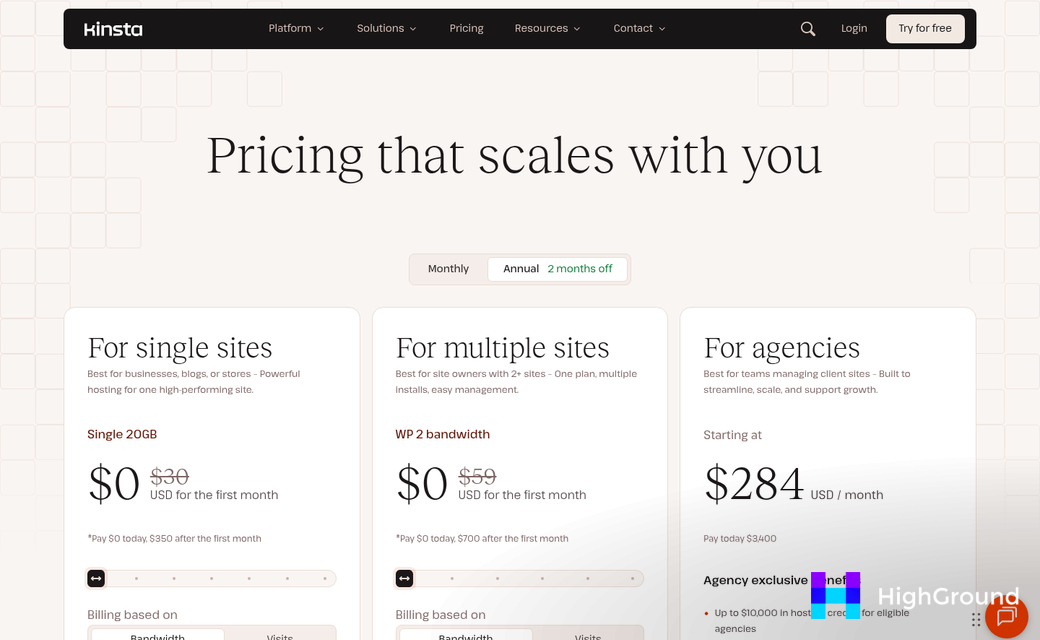
For agencies that host client sites exclusively on Kinsta, the built-in MyKinsta dashboard removes the need for a third-party tool altogether. Site management, backups, and performance data live in one location - it only works within the Kinsta ecosystem, so it's not a standalone alternative for mixed hosting environments.
7. ManageWP (Revisited)
It's worth keeping ManageWP on the list for context. Some agencies with legacy setups find the platform still meets their needs at the free tier. The paid add-ons remain expensive compared to alternatives, but the familiarity factor is real for long-time users who haven't yet hit a pain point. If you're also managing content at scale, tools that handle AI internal linking for WordPress sites can complement any management setup you choose.
Hidden Costs and Gotchas to Watch Before You Switch
Before you cancel subscriptions, it's worth slowing down for a bit. Switching platforms mid-way through active client contracts is one of the fastest ways to create problems you didn't sign up for.
The first thing to check is whether your latest data leaves ManageWP in a usable format. Client reports, uptime history, and performance logs don't always move cleanly to a new platform. You may be rebuilding more than you expect.
Entry Price vs. What You'll Actually Pay
Most tools look affordable on the pricing page. But that changes once your site count grows. Take WP Buff as an example - plans run from $79 to $347 per month. If you manage 40 client sites, you'll need to map where you land in those tiers before you commit.
Per-site pricing is another thing to watch. Some platforms charge a flat monthly rate and some charge per site, which means your bill grows every time you onboard a new client. Understanding how these costs add up per deliverable can help you build a more accurate budget before switching.
Learning Curves Cost Time Too
A new dashboard takes time to learn, and that time comes out of your workday. If you have team members who manage client maintenance, they'll need to get up to speed as well; it's a cost that doesn't show up on any pricing page.
Some platforms have a steeper learning curve than others. Budget at least two to three weeks before your team feels comfortable, and try not to schedule the switch during a busy period for your agency.
Switching Mid-Contract Creates Risk
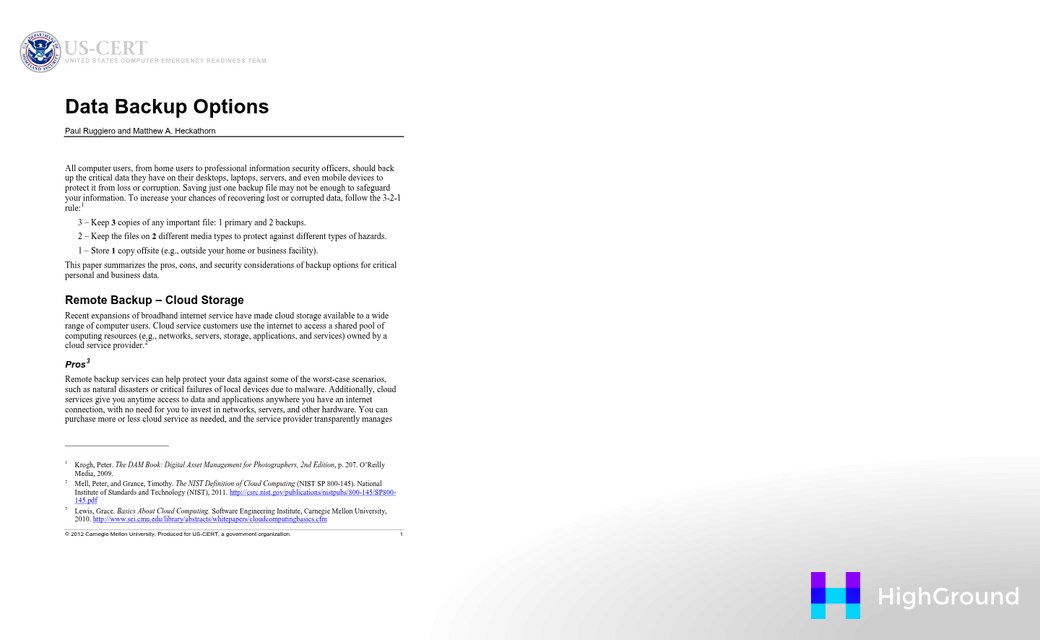
If you're mid-contract with a client and something breaks during migration, it falls on you regardless of what caused it. Pausing automated backups even briefly puts client sites in a vulnerable position. The safest strategy is to run platforms in parallel for a short window and migrate clients in small batches instead of all at once.
Add-on fees are also worth checking in advance. Some tools charge extra for white-label reporting, advanced user roles, or integrations with billing software. Those costs are easy to miss when you're focused on the headline price.
How to Migrate Away from ManageWP Without Breaking Client Sites
Switching platforms is not the hard part. Rushing it is. A structured strategy keeps your client sites stable and gives you time to catch problems before they become emergencies.
Start with a full audit of your ManageWP setup
Before you touch anything, document what you actually have. List every connected site, every scheduled backup, every uptime monitor, and every report that goes out to clients. You want to know what ManageWP is doing for you so nothing falls through the gap during the move.
Export or download your most recent backups for every site while they are still on ManageWP. Do not assume those backups will be accessible after you cancel. Grab them first and store them somewhere you control.
Test on low-risk sites before you go all in
Pick three to five smaller client sites to migrate first. These should be sites where a quick interruption would not cause a problem for anyone. Connect them to your new platform and run tools in parallel for a week or two - this lets you compare monitoring alerts, check that backups are landing correctly, and get familiar with the new interface without pressure.
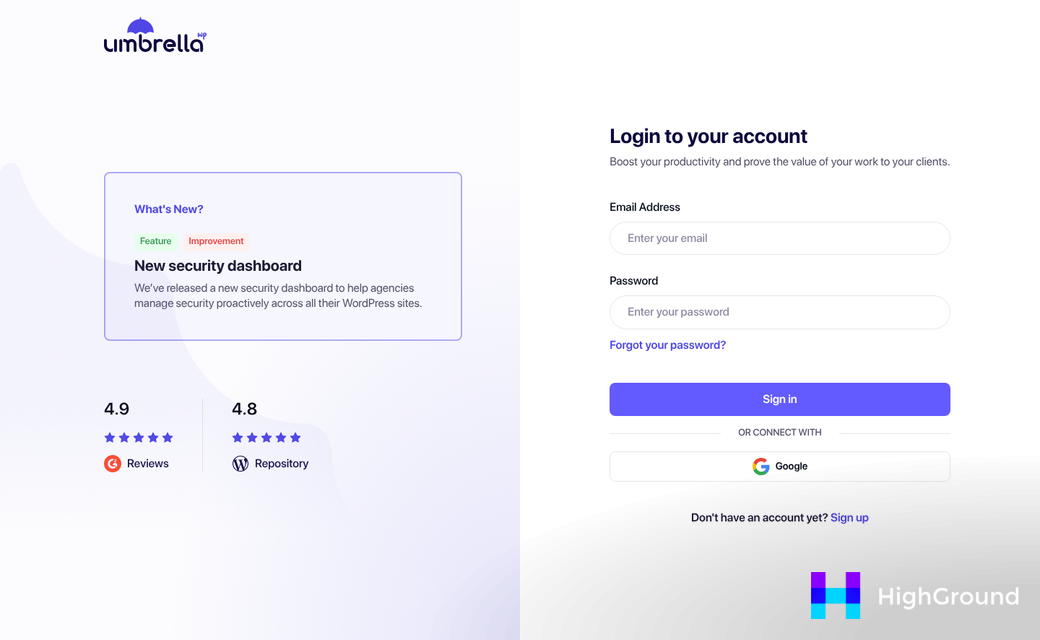
WP Umbrella has a 14-day free trial that works for this exact stage. You can run it alongside ManageWP on your test sites and see how it performs in your workflow before you commit. More than 550 agencies have made this switch already, so it's a well-worn path.
Set expectations with clients before anything changes
Clients don't need a technical briefing. They do need to know that maintenance is moving to a new system, and that reports might look slightly different for a month or so. A short email is enough to get ahead of any questions.
Where things go wrong is when agencies migrate everything at once and skip the communication step. A client who gets a different-looking report with no explanation will call you. That is an easy problem to avoid.
Roll out the rest in batches
Once your test sites are running cleanly, move the rest of your portfolio in groups of ten to twenty. Cancel ManageWP only after your last site is confirmed and working on the new platform. There is no reason to rush the final step.
Picking the Right Tool Before Your Clients Pick a New Agency
Your clearest next step is to narrow the list to two candidates based on the things that matter most to your agency - seat pricing, white-label depth, uptime alerting, or safe updates - and run a trial with a handful of active client sites. WP Umbrella's free trial is a low-friction starting point if streamlined performance watching and client reporting topped your list. Whichever tool makes the cut, the metric that matters most isn't feature count; it's whether your team actually opens it every day. The best site management platform is the one that can become a habit - not a chore.
FAQs
Why are agencies switching away from ManageWP in 2026?
Agencies are leaving ManageWP due to per-site pricing that becomes costly at scale, limited reporting customization, and feature gaps that slow growth. Add-on fees for essential tools like safe updates and performance monitoring make the true cost significantly higher than the base plan suggests.
What features should agencies prioritize in a ManageWP alternative?
Uptime monitoring, bulk plugin updates, and white-label client reporting are must-haves. Flat-rate pricing is also critical for agencies adding clients regularly, as per-site pricing models become expensive quickly at scale.
Which ManageWP alternative is best for budget-conscious agencies?
WP Umbrella, at €1.99 per site per month, offers the most competitive pricing. It includes uptime monitoring, white-label reports, and bulk updates, making it a strong full-featured alternative without a growing monthly bill.
How should agencies migrate away from ManageWP safely?
Start by auditing your current setup, exporting all backups, then testing on three to five low-risk sites first. Run platforms in parallel briefly, migrate remaining sites in batches, and notify clients before reports change appearance.
What hidden costs should agencies watch for when switching platforms?
Watch for per-site pricing tiers, add-on fees for white-label reporting, and team training time. Switching mid-contract also carries risk - brief gaps in automated backups can leave client sites vulnerable during migration.

