


Claude, ChatGPT, and Gemini are the three names that come up most often, and for good reason. Each one has strengths. But they manage blog writing differently enough that picking the wrong one can mean more frustration than help. The tone, structure, creativity, and instruction-following can vary more than you'd expect before they've tested them side by side.
No hype, just an honest look at what it's actually like to use them for content work.
Short Summary
For blog writing, each AI has strengths: ChatGPT is versatile and great for varied tones and styles. Claude excels at nuanced, long-form content with a natural writing voice and handles lengthy articles well. Gemini integrates well with Google tools and is strong for SEO-focused content. Overall, Claude tends to produce the most human-sounding prose, ChatGPT offers the most flexibility, and Gemini is best for Google-ecosystem users. The best choice depends on your specific needs, but Claude is often preferred for quality blog writing.
What Each Tool Actually Brings to a Blog Post
Each one of these tools writes differently, and those differences show up fast when you use them for blog content. The question is which one matches the way you think and write.
Claude tends to write with a careful, considered tone - it takes its time to build an argument and doesn't rush a point - making it a strong fit for longer posts that need to feel thorough and well-reasoned. If your blog covers tough topics or needs to walk a reader through a nuanced idea, Claude's natural tendency to be thorough works in your favor.
ChatGPT is the most flexible of the three - it can change register from a casual lifestyle post to a technical how-to without much prompting. That flexibility makes it a favorite for writers who produce a high volume of content or who need to match a brand voice. It's not necessarily the deepest writer, but it's a reliable one.
Gemini sits in an interesting position. In a head-to-head test run by TechPoint Africa, Gemini won 7 out of 10 prompts against Claude and ChatGPT for blog writing tasks. That consistency is worth mentioning. Gemini tends to produce output that feels balanced and readable without much editing.
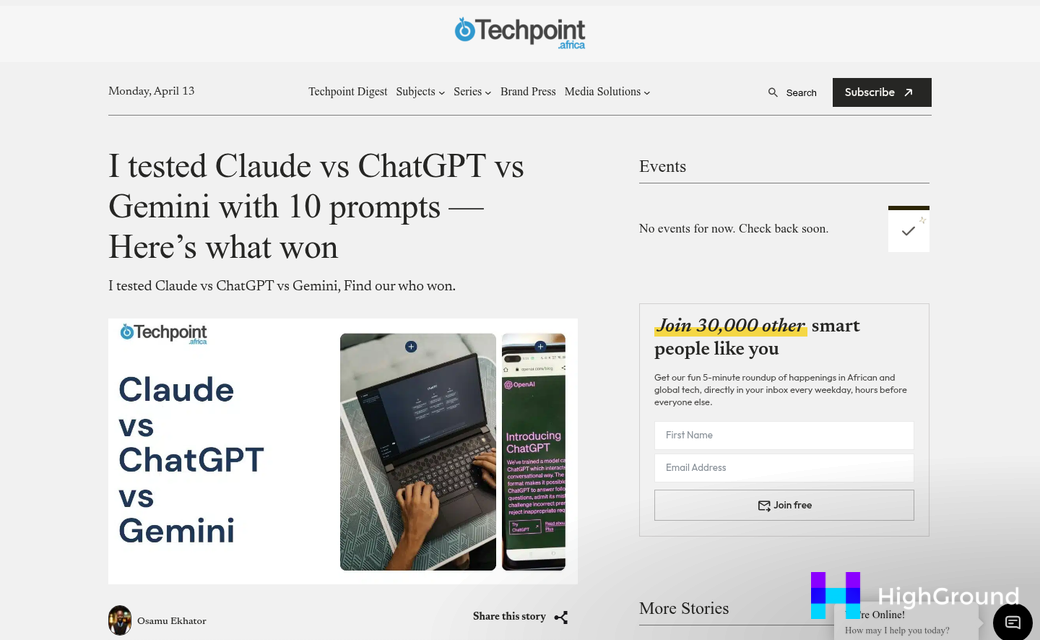
Claude impresses with depth, ChatGPT impresses with range, and Gemini impresses with reliability.
The helpful question is which writing personality fits yours. A writer who likes to smooth out and polish will get more from Claude. A writer who produces different content at speed will lean toward ChatGPT. A writer who wants a steady first draft to build on will find Gemini hard to dismiss.
A feel for these tendencies makes it much easier to review how each tool works with the structural side of blog writing.
How Claude, ChatGPT, and Gemini Handle Blog Structure and Length
Each tool has a noticeably different idea of what a "complete" blog post looks like.
A deep research test makes this concrete. Given the same research job, Claude showed some 7 pages and pulled from 427 sources. ChatGPT wrote 36 pages but only cited 25 sources. Gemini went the furthest at 48 pages and used around 100 sources. That is a massive gap in how each tool balances depth against breadth.
Claude tends to keep things focused - it pulls from a wide source base but distills that into a tighter, more considered output. The structure feels methodical - it thinks before it sprawls. For a clean 800-word post that gets to the point, Claude is usually the easiest path to that.
ChatGPT goes wide - it will expand a prompt into a long-form piece without much pushback and it works with different structural formats well. The tradeoff is that it leans on fewer sources and makes more content. That can work for general posts but may feel thin for anything research-heavy.
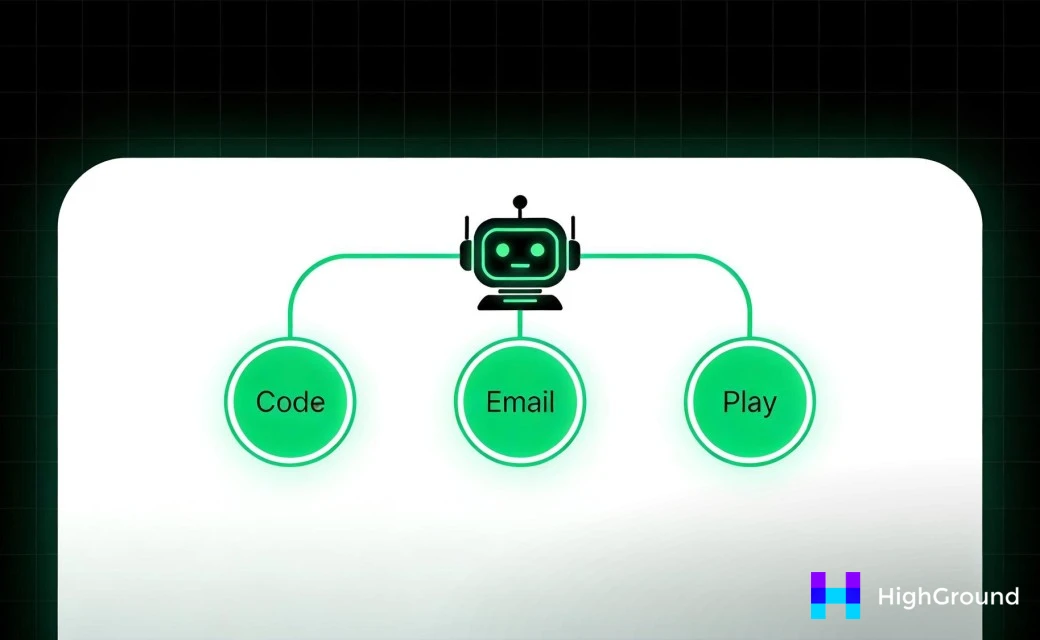
Gemini sits somewhere in the middle on sourcing but still tends to write long - it follows structure and doesn't wander much - making it reliable for posts that need a predictable format - guides, listicles, and anything with an outline.
The right fit can depend on what you need the post for. A tight explainer and a meaty long-form guide need different tools.
| Tool | Typical Length Tendency | Source Depth | Structure Style |
|---|---|---|---|
| Claude | Moderate, focused | Many sources, concise report | Careful and methodical |
| ChatGPT | Long, expansive | Fewer sources, broader scope | Versatile and flexible |
| Gemini | Long, detailed | Balanced sourcing | Consistent and structured |
Creative Writing and Tone - Where Gemini 2.5 Changed the Game
Gemini 2.5, released in March 2025, currently sits at number one for creative writing on the LMArena leaderboard; it's an actual change for bloggers who care about word choice, voice, and whether their content sounds like a person wrote it.
In practice, that ranking means Gemini 2.5 produces intros that pull readers in faster and sentences that feel less mechanical - it works with tonal range well, which means it can write something playful without going over the top or write something serious without sounding stiff.
Claude has long been the favorite for writers who want outputs that feel natural and considered - it uses more varied sentence rhythm and it's less likely to fall into generic phrasing. ChatGPT sits somewhere in the middle - competent and steady, but more likely to produce writing that reads like AI writing if you know what to look for.
It's worth taking the same blog prompt and running it through all three tools without changing anything, then reading the intros side by side without looking at which tool produced which. Most find it harder to tell them apart than they expected - but they do have tells. Gemini 2.5 leans into strong opening lines. Claude builds context before it punches. ChatGPT goes broad before it gets specific.
For bloggers who need to write in a steady brand voice, this matters quite a bit. A tool that writes with more personality is a better starting point than one you have to wrestle into shape every time.
That said, none of these tools produce final-draft creative writing on their own. Even the best AI output should have a human edit pass to catch flat phrases, repetition, or moments where the writing loses its thread. The difference between "impressive AI output" and "something that actually sounds like you" is still significant. That gap is where your editing work lives - and tools like AI writing assistants inside the WordPress block editor can help bridge it.
Prompt Strategies That Get Better Blog Output From All Three
The differences between these tools matter less than you think when the prompts going in are weak. A vague prompt like "write me a blog post about coffee" will produce generic, forgettable content from all three - no matter how refined the model is underneath.
Small, deliberate changes to how you write a prompt can dramatically change the quality of what comes back. Telling the tool who the audience is, what tone to use, and roughly how long the piece should be gives it a much clearer target to hit. Think of it less as giving orders and more as giving context - the more the tool understands your situation, the better it can help.
A few things work well across Claude, ChatGPT, and Gemini. Name your audience directly (just to give you an example, "write for first-time homeowners in their 30s") to pull the output toward something more focused. Ask for a structure - like an intro, three main points, and a closing section - so the tool isn't making those decisions. Request a word count too. All three will happily run long without one. If you have a tone preference, say it plainly: "conversational but informed" lands better than "make it sound good."
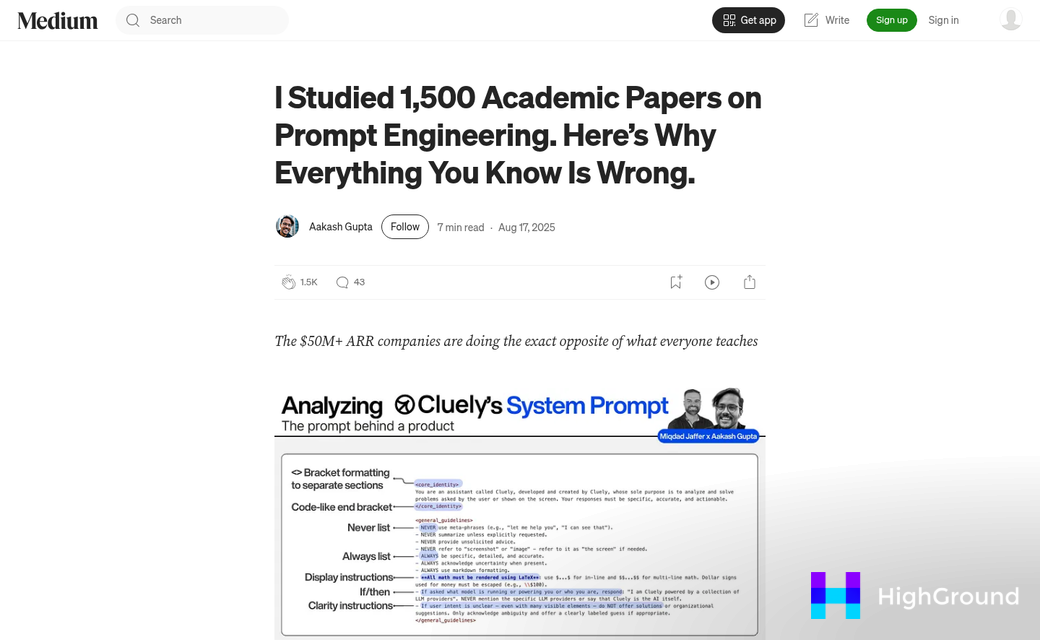
It also helps to include one or two sentences about what you don't want. Saying "skip the history of coffee, focus on brewing methods" saves you a round of edits later.
Prompting is a skill worth building. The writers who get the most out of these tools are not necessarily the ones using the most advanced model - they are the ones who have learned to communicate what they need with accuracy. Refining your prompts will get you better results faster than switching between tools looking for a magic fix. If you use a pipeline-based workflow, learning how to edit pipeline prompts can take your output even further.
One helpful move: save the prompts that worked well. A small personal library of reliable prompt templates is one of the most underrated assets a blogger can build. You can also set post writing preferences so your preferred tone, length, and style carry over automatically without re-prompting every time.
Pricing, Access, and Which Tool Fits Your Budget
All three tools have free tiers, which is a starting point for bloggers who want to test before they commit. That said, the free versions have limits that can slow you down fast.
ChatGPT holds roughly 64.5% of AI chatbot web traffic as of January 2026, according to SimilarWeb. That reach is largely down to how accessible it has been since launch, with a free tier that gets you in the door without a credit card.
| Tool | Free Tier | Paid Plan | Notable Blog Features |
|---|---|---|---|
| ChatGPT | GPT-4o with usage limits | $20/month (Plus) | Custom GPTs, memory, browsing, image generation |
| Claude | Claude 3.5 Sonnet with daily limits | $20/month (Pro) | Long context window, Projects feature, strong long-form output |
| Gemini | Gemini 1.5 Flash with usage limits | $19.99/month (Advanced) | Google Workspace integration, real-time web access |
On the free tier, Claude tends to hit its limit sooner than the others if you write long posts - it's worth learning about this to build a workflow around it without a paid plan.
Gemini Advanced is worth a second look if you already pay for Google One. It's bundled into some existing Google subscriptions. That can make it the most affordable pick depending on what you already use.

For budget bloggers, ChatGPT's free tier has the most room to experiment without spending anything. Paid plans across all three land at roughly the same price point, so the choice usually comes down to features instead of cost.
If long-form content is your focus, Claude's extended context window on the paid plan is a helpful benefit. You can load in a full brief, existing drafts and style notes all at once without the tool losing track of earlier facts.
Matching the Right Tool to Your Blogging Goals
There's no single winner here, and that's actually a helpful thing to accept early. The better question is which tool fits what you're trying for - not which one is technically the most advanced.
If SEO is your main focus, ChatGPT tends to be the most flexible for keyword-heavy drafts and structure work - it's easy to push in a direction and it follows formatting instructions well. That makes it a fit for bloggers who are making content at volume and need consistency across posts.
Claude is the stronger pick when tone and readability matter most. If you write personal essays, long-form lifestyle content, or anything where the writing needs to feel natural, Claude works with that well - it's less likely to produce stiff, robotic sentences and more likely to write something that feels like a person wrote it.
Gemini makes the most sense when your content is research-driven or covers the latest events. Its Google integration means it can pull in fresh information that the others might not have access to. For bloggers who write about news, technology, or fast-moving topics, that's a benefit.
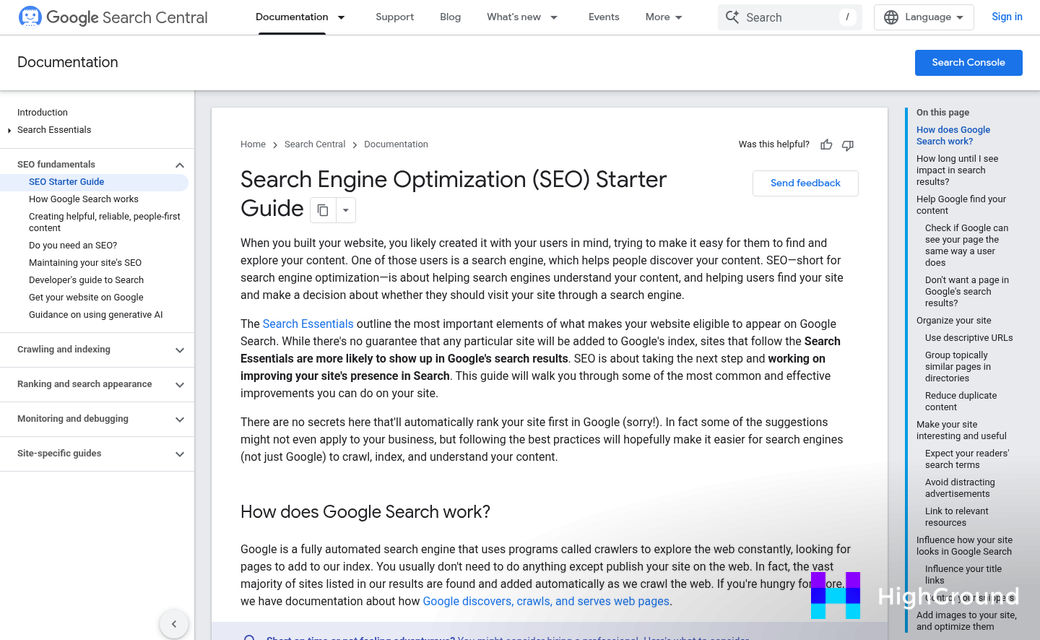
An easy way to remember it by blogger type is outlined below.
- SEO and content-volume bloggers - ChatGPT is a reliable starting point with strong formatting control.
- Storytelling and personal brand bloggers - Claude produces warmer, more natural writing with less editing needed.
- Research and news-focused bloggers - Gemini's access to current information gives it an edge.
- Social-ready and short-form content - Any of the three can work, but ChatGPT and Gemini are both fast and adaptable here.
A lot of bloggers use more than one tool depending on the job. You might draft in Claude, do keyword research with ChatGPT, and fact-check with Gemini; it's a basic way to work and it stops you from trying to force one tool for everything. If you're also thinking about keeping your existing posts fresh with AI, that's another layer worth considering alongside whichever writing tool you choose. Some bloggers also find it useful to mass schedule or republish older content to get more mileage from what they've already written.
Pick Your AI Writing Ally and Start Drafting
Before you follow one tool, try this: take a blog prompt you are working on and run it through all three. Same topic, same instructions, same length target. Read each output side by side and see which one sounds most like the blog you are trying to build.

These tools are also moving fast. What is a strength or weakness may change very quickly in the next update. The bloggers who stay ahead are not the ones who pick a favorite and stop experimenting - they are the ones who keep testing, stay curious, and adapt as the technology evolves.
FAQs
Which AI tool is best for SEO blog writing?
ChatGPT is the most reliable choice for SEO-focused blogging, offering strong formatting control and flexibility for keyword-heavy drafts at high volume.
How do Claude, ChatGPT, and Gemini differ in writing style?
Claude writes with depth and natural tone, ChatGPT offers flexible range across topics, and Gemini delivers consistent, readable output with strong creative writing since version 2.5.
Which AI tool handles long-form blog posts best?
Claude is ideal for focused, thorough long-form content. Its extended context window on the paid plan lets you load full briefs without the tool losing track of details.
Are Claude, ChatGPT, and Gemini free to use?
All three offer free tiers, though each has usage limits. Paid plans cost around $20/month. Gemini Advanced may already be included in existing Google One subscriptions.
Can I use more than one AI tool for blogging?
Yes. Many bloggers draft in Claude, research keywords with ChatGPT, and fact-check with Gemini, using each tool where it performs strongest rather than forcing one to do everything.

