


Nearly three quarters of online shoppers say they prefer getting quick answers from a chatbot over sitting on hold or waiting for an email response. People are not just tolerating automated conversations - they are actively choosing them when the alternative is uncertainty and delay. The tools available in 2026 can hold legitimately helpful conversations, context, qualify leads and hand off to a human agent at the right second. For WordPress site owners, that change changes everything about what a chatbot can do for a business.
I'll be your helpful guide to taking care of that. I'll talk about what separates a great AI chatbot plugin from a frustrating one, point out the options that have legitimately earned their reputation this year and give you a framework for matching the right tool to your situation - whether you run a lean solo operation or a high-traffic e-commerce store with a full support team behind it.
If you have wondered if an AI chatbot is worth the investment, or felt overwhelmed by the number of options now available, you are in the right place - by the end you'll know where to start.
Short Summary
The best AI-powered WordPress chatbots in 2026 include Tidio, which offers strong AI automation and live chat integration; ChatBot.com for visual flow building; Intercom for enterprise-level support; Drift for sales-focused conversations; and WP-Chatbot for simple Facebook Messenger integration. For GPT-powered options, Botsonic and CustomGPT stand out. Key factors to consider are ease of setup, WooCommerce compatibility, natural language processing quality, pricing, and whether the bot supports handoff to human agents.
WordPress Chatbot Plugin Matchmaker
Tell us about your needs and we'll rank the best plugins for your situation.
Your Setup
Hard Requirements
What Matters Most?
Rate each from 1 (low) to 5 (critical)
What Makes an AI WordPress Chatbot Worth Installing
Before you start comparing plugins, it helps to know what you actually need this bot for. That answer shapes everything, and skipping it is how you end up with a technically great chatbot that doesn't solve a single problem on your site.
A basic FAQ pop-up can detect the word "refund" and show a policy page. An AI chatbot understands "I ordered the wrong size and need to fix it" and guides the person through the right steps. That difference is what separates a useful tool from a frustrating one.
If you run a WooCommerce store, compatibility with your shop is an absolute must. You want the chatbot to access order data, product information, and customer details in real time. If you don't have that integration, your bot is basically a brochure that talks back.

Mobile performance is another factor that deserves more attention than it usually gets. More than half of all chatbot interactions happen on mobile devices, which means a bot that loads slowly, overlaps content, or breaks your layout on smaller screens is actively hurting the experience for your biggest audience segment. Test on mobile first, not as an afterthought.
An AI chatbot can collect names, email addresses, and even qualify leads by asking the right questions at the right moment, but this only works when the conversation feels natural instead of like a form in disguise.
Handoff to a human agent is a feature people forget about until they need it. No chatbot handles every situation perfectly, and there will always be conversations that need a person to step in. A bot that can recognise when it's out of its depth and pass the conversation to your team is far more helpful than one that keeps guessing.
There is also the danger of over-engineering a solution for a simple problem. If your site gets modest traffic and visitors mostly want your opening hours or a contact form, a lightweight bot with basic AI capabilities might do the job better than a tough platform with a steep learning curve. More features are not necessarily better - the right features for your use case are what matter.
| Feature | Why It Matters |
|---|---|
| Natural language understanding | Interprets intent, not just keywords |
| WooCommerce integration | Enables real-time order and product support |
| Mobile optimisation | Over half of interactions happen on mobile |
| Lead capture | Turns conversations into contacts |
| Human handoff | Keeps complex queries from going unanswered |
The Top AI Chatbot Plugins for WordPress Sites Right Now
With those benchmarks in mind, here are the plugins that hold up against them, and each one has been evaluated for ease of setup, conversation quality, integration depth, and how well it works with sales and support scenarios.
Tidio
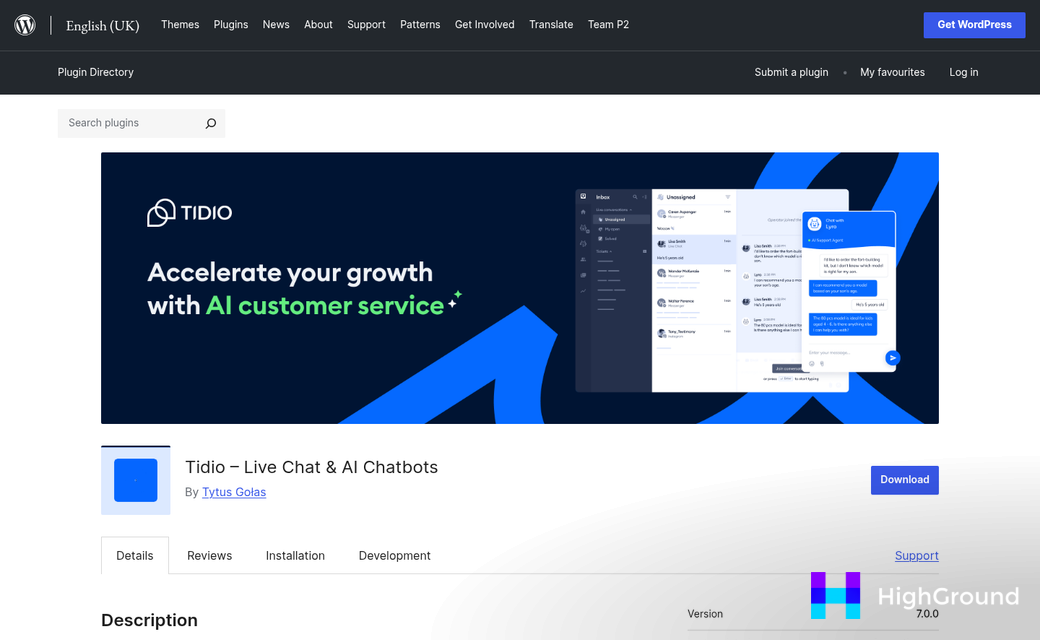
Tidio is one of the most commonly used options for small to mid-sized WordPress sites. Its AI layer, called Lyro, handles a number of customer questions without needing much manual training. The free plan is usable, and paid plans start at around $39 per month. It connects cleanly with WooCommerce, which makes it a natural pick for store owners who want to automate order-related questions.
Freshchat
Freshchat sits in the mid-range and it's built for teams that need live agent handoff alongside automation. The AI side manages routine questions while human agents step in for anything more complex. It works for businesses that get a high volume of mixed query types. Pricing starts at roughly $19 per agent per month, though the AI features kick in at higher tiers.
Intercom
Intercom is the premium pick here, with pricing that can reach $76 per month or more depending on seat count. What you get for that is a polished, well-documented platform with strong AI conversation flows and deep CRM integration. It fits SaaS businesses and membership sites that need user segmentation. The learning curve is real, but the payoff for bigger operations is significant.
HubSpot Live Chat
HubSpot's WordPress plugin is free to install and connects directly to its CRM at no cost. The AI features are more limited compared to dedicated chatbot tools. But the CRM connection is a genuine benefit for lead capture. If you already use HubSpot for email or marketing automation, this is worth adding to the stack. It's not the right fit for complex support workflows.
Chatbase
Chatbase lets you train a chatbot on your own content, like PDFs, help docs, and website pages, which makes it especially useful for knowledge-heavy sites like online courses or service businesses with FAQs. Setup is fast and does not need a developer. Plans start at $19 per month, which makes it one of the more accessible options for solo operators.
| Plugin | Starting Price | Key Strength | Best For |
|---|---|---|---|
| Tidio (Lyro) | $39/month | WooCommerce integration | Ecommerce stores |
| Freshchat | $19/agent/month | AI plus live handoff | Mixed support teams |
| Intercom | $76/month | Deep CRM and segmentation | SaaS and membership sites |
| HubSpot Live Chat | Free | Native CRM connection | Lead generation |
| Chatbase | $19/month | Custom content training | Knowledge-heavy sites |
Budget factors in here. But it should not be the only factor. A free tool that fits your workflow will outperform an expensive one that your team never sets up.
How AI Chatbots Actually Affect Conversions and Support Costs
The numbers here are worth sitting with for a bit. Sites that deploy AI chatbots see conversion lifts of around 45% on average, and support costs drop by roughly 30%. Those aren't small margins - it's the kind of change that reshapes how a business runs.
A big part of that conversion lift comes from timing. A chatbot can engage a visitor the second they pause on a pricing page or start to leave a product listing - it can answer a blocking question in seconds, and that removes the friction that causes them to leave without buying.
Lead quality also improves. About 55% of businesses report that chatbots help them generate better leads because the bot pre-qualifies visitors before passing them to a human. Instead of a messy list of vague inquiries, your sales team gets contacts who have already confirmed their budget, their timeline, and their interest; it's a much better starting point for any conversation.
On the support side, modern AI bots resolve between 70% and 85% of incoming questions without any human involvement. For a small team, that's a real change - it means your staff can handle the tough cases that need a person, instead of answering the same five questions all day.
What Even a 20% Improvement Looks Like
It's worth doing this math for your own site. If your store converts at 2%, a 20% improvement brings that to 2.4%. That sounds small. But across thousands of monthly visitors, it can add up to significant revenue. The same thing goes for support - if your team handles 500 tickets a month and a bot deflects 20% of them, that's 100 fewer tickets to write, track, and close.
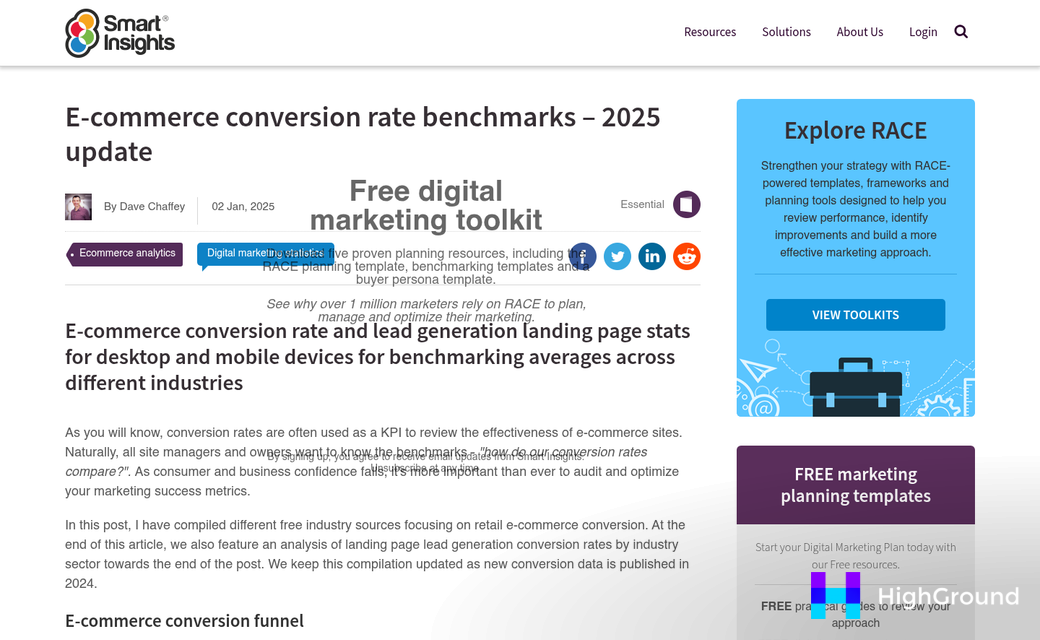
Most chatbot tools at the mid-tier price range cost between $30 and $100 per month. If deflecting 100 support tickets saves even one hour of staff time per week, the tool has likely paid for itself. The math gets more favorable as your site traffic grows.
| Metric | Reported Impact |
|---|---|
| Conversion rate lift | Up to 45% |
| Support cost reduction | Around 30% |
| Businesses with better leads via pre-qualification | 55% |
| Inquiries resolved without human input | 70-85% |
The case for adding a chatbot is about removing the moments where a visitor runs into a wall and leaves. Every one of those moments is a lost opportunity, and a well-trained bot is able to manage a large share of them around the clock without adding headcount.
The plugin you choose shapes how much of this potential you actually unlock - but so does how you set it up.
Setting Up Your WordPress Chatbot Without Breaking Your Site
Once you've picked a chatbot tool, the setup is easy - but a few small mistakes early on can give you real problems later. Getting the order of steps right matters more than you might expect.
The Basic Setup Steps
- Install the chatbot plugin from the WordPress plugin directory or upload it manually.
- Activate the plugin and open its settings panel in your WordPress dashboard.
- Connect your AI engine by pasting in your API key from the provider (OpenAI, for example).
- Write your opening prompt - this tells the bot who it is and how it should talk to visitors.
- Set boundaries for what topics the bot should handle and what it should hand off to a human.
- Run tests on both desktop and mobile before you go live.
The opening prompt is worth spending time on - it shapes the bot's tone and keeps it on track when conversations go in unexpected directions. A vague prompt produces a vague bot.
Where Things Go Wrong
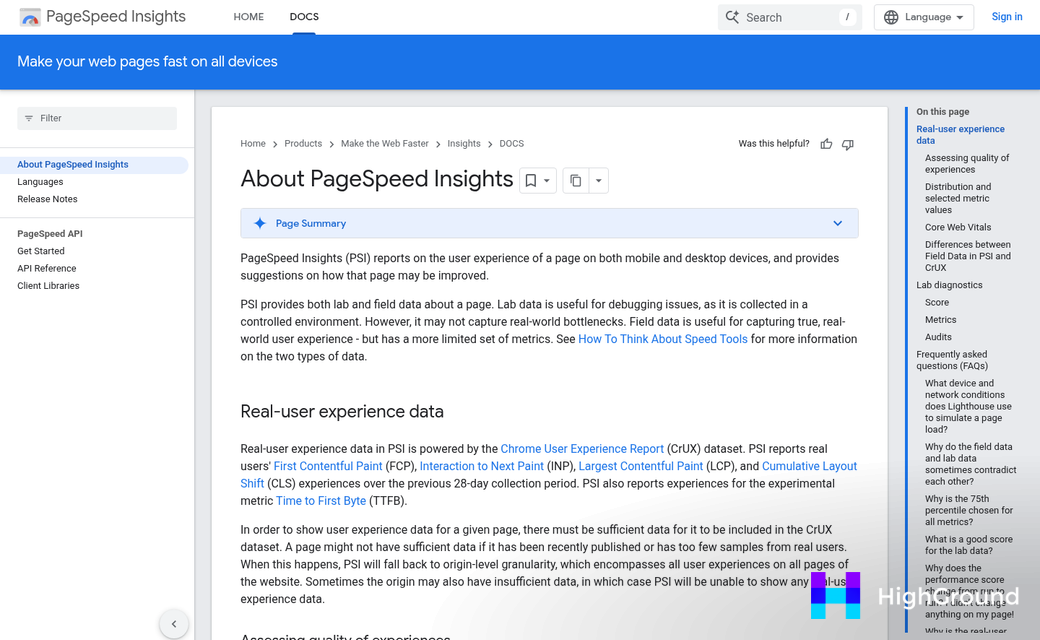
Slow load times are the most common complaint after installation. Some chatbot plugins load scripts on every page of your site - even pages where the bot never appears. Check your plugin settings for an option to load the widget only on certain pages - this alone can matter to your page speed scores.
Conflicting plugins are another thing to watch for. Live chat tools, popup builders and page caching plugins can get in the way of how your chatbot loads or behaves. If something looks broken after installation, deactivate other plugins one at a time to find the source of the problem. If you're also managing WordPress plugins for bulk editing posts and pages, conflicts can multiply quickly.
Bots that go off-script are a separate but equally frustrating problem. If your AI engine has access to large general knowledge without guardrails, it might answer questions you'd rather it not touch - like competitor comparisons or topics you haven't verified. Use your system prompt to define the bot's role tightly and tell it explicitly what to decline.
Test Like a Real Visitor Would
It's tempting to test your chatbot with polite, well-formed questions. But visitors type in fragments, make spelling mistakes and ask things that seem unrelated to what you sell. Run your tests with messy, basic inputs to find the gaps before your visitors do.
Test on mobile specifically. A chatbot widget that works on a desktop screen can cover half the viewport on a phone. Most tools let you adjust the widget size and position, so spend a few minutes making sure it doesn't block your navigation or checkout buttons.
Give the bot a few days of live traffic before making big changes. Small adjustments to your prompt after you see real conversations tend to produce better results than trying to anticipate everything before launch. You can also use AI to auto-update posts and pages as your site content evolves alongside your chatbot setup.
Choosing the Right Chatbot Is Simpler Than You Think
If you've been burned by overhyped software before - tools that promised to change your business and delivered a blinking cursor and a cut back on invoice - that skepticism is earned. The good news is that AI chatbots have matured significantly, and even the lighter options give you real, measurable value without a painful rollout. What matters is starting with one goal, picking the tool that maps closest to it, and giving yourself permission to iterate. You don't need to get it perfect on day one.
FAQs
Do customers actually prefer chatbots over human support?
Yes. 74% of customers say they prefer getting quick answers from a chatbot over waiting on hold or for an email reply. People actively choose automated conversations when the alternative means uncertainty and delay.
Which AI WordPress chatbot is best for ecommerce stores?
Tidio is a strong choice for WooCommerce stores. Its AI layer, Lyro, handles common customer questions and integrates directly with WooCommerce to access real-time order and product data. Paid plans start at $39 per month.
How much can a chatbot reduce support costs?
AI chatbots resolve 70-85% of incoming questions without human involvement, and businesses report support cost reductions of around 30%. For small teams, this frees staff to handle complex cases instead of repetitive queries.
What causes slow load times after installing a chatbot plugin?
Many chatbot plugins load scripts on every page, even where the widget never appears. Check your plugin settings for an option to load the widget only on specific pages, which can significantly improve page speed scores.
What is the most important chatbot setup step to get right?
Writing a clear opening prompt is critical. It defines the bot's tone, role, and boundaries. A vague prompt produces inconsistent, off-topic responses. Spend time on this before going live.

