


A new generation of WordPress plugins and integrations can now scan your content, find relevant linking opportunities, and either recommend or automatically insert internal links - cutting down hours of manual work into something that practically runs itself.
But not all these tools work the same way, and picking the wrong one can mean irrelevant link suggestions, bloated anchor text, or worse, links that actually hurt your site's structure instead of helping it - this guide breaks down how AI internal linking works for WordPress, what to look for in a tool, and how to get the most out of whichever strategy you choose.
Short Summary
AI internal linking for WordPress sites uses artificial intelligence to automatically suggest or insert relevant internal links between your pages and posts. Tools like Link Whisper, Yoast SEO, or Rankmath can analyze your content and recommend contextually relevant internal links, saving time and improving site structure. These tools scan existing content, identify linking opportunities, and can bulk-add links automatically. Benefits include better SEO, improved crawlability, and enhanced user experience. Most integrate directly into the WordPress editor, making the process straightforward without requiring manual content audits.
What AI Internal Linking Actually Does Inside WordPress
At its core, AI internal linking is a process where a tool reads through your existing WordPress content and figures out which pages relate to each other - it then suggests links between those pages or places them automatically. That part sounds easy. But what makes AI different from older linking tools is how it decides what "related" actually means.
Traditional keyword-matching tools look for exact or near-exact phrase matches between pages. If two posts share a word, they get linked. AI tools go further through a process called semantic analysis, and it lets the tool connect a post about "mortgage refinancing" with one about "lowering monthly payments" even if neither post uses the other's exact language.
That distinction matters more than it might seem.
Google's crawlers have grown much better at context and intent. A link that connects two legitimately related ideas carries more weight than one that connects two pages just because they share a phrase.
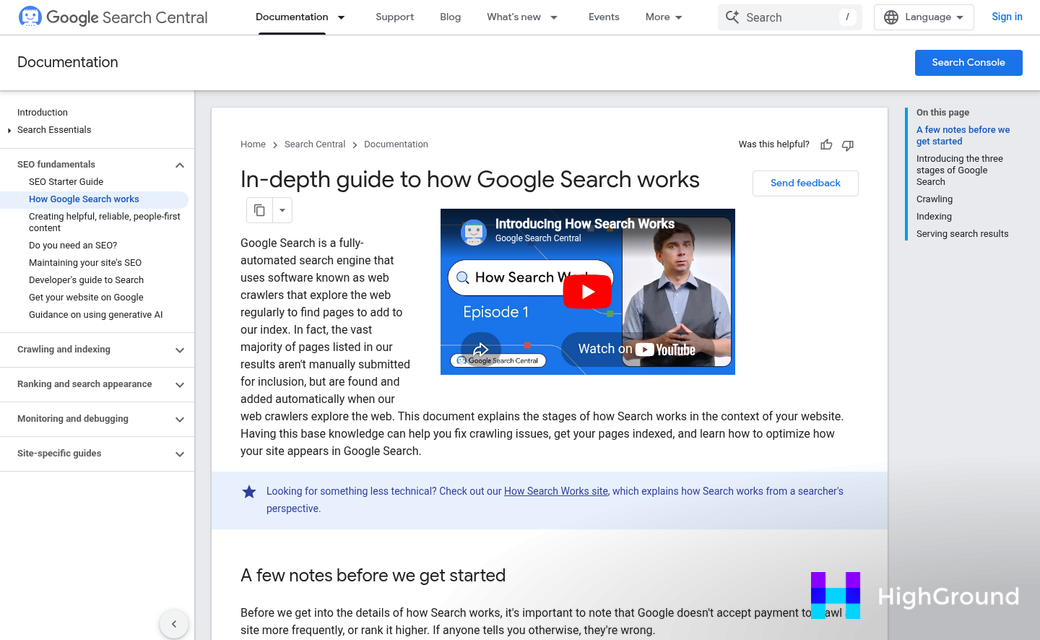
There's also a helpful architecture benefit to consider. When your internal links align with topic relationships, search engines can map your site's structure more accurately. They can see which content you treat as foundational and which pages support or expand on those ideas - this helps with crawl efficiency - it matters because pages get found and re-crawled more readily when they receive links from more places across your site.
Inside WordPress, this process usually works in one of two ways. Some AI tools run as plugins that scan your posts on a schedule and add or recommend links through the editor. Others integrate with your CMS workflow so links get flagged before a post is published. In either case, the tool does the heavy lifting of reading your content library and finding connections a human editor might miss - especially on sites with hundreds of posts.
The contextual relevance angle is what separates AI internal linking from an easy automation job. The goal is adding links that make your site easier to navigate, easier to crawl, and more coherent as a whole.
The Numbers Behind AI-Powered Link Building
The results from AI internal linking are worth looking at closely because they tell a pretty steady story. Sites that use AI to build contextual links tend to see gains across traffic, crawl activity, and engagement - at the same time.
One of the more striking findings comes from a 14-week study where Googlebot crawl rates went up by 237% after AI-driven internal links were added. That matters because more frequent crawling means search engines discover updated content faster. If your site publishes regularly, that crawl activity can translate into quicker rankings for fresh pages.
On the traffic side, the numbers are just as hard to ignore. Some sites have reported a 47% lift in organic traffic after putting AI internal linking to work at scale. Smaller-scale tests have shown that adding just 3 to 5 contextual links to a page can produce a 100-150% traffic increase on that page. That second figure is worth sitting with - it means a handful of well-placed links can double a page's traffic without touching the content itself.

Finance and healthcare sites have seen especially strong results from this. These are competitive niches where topical authority carries weight with search engines. AI linking helps connect related content tightly enough that search engines read the whole site as a reliable source on a subject instead of a loose collection of pages.
| Metric | Typical Result | What It Means in Practice |
|---|---|---|
| Organic Traffic | Up to 47% increase | More pages rank and attract clicks from search |
| Googlebot Crawl Rate | 237% increase over 14 weeks | New content gets indexed and ranked faster |
| Per-Page Traffic (3-5 links) | 100-150% increase | Individual pages gain visibility with minimal changes |
| Bounce Rate | Noticeable reduction | Visitors find more to read and stay on the site longer |
| Time Spent on Linking | Hours saved per publish cycle | Editorial teams focus on writing instead of link audits |
The bounce rate and time-saved rows in that table deserve attention too. Lower bounce rates signal that visitors are moving through the site instead of leaving after one page. The time savings also free up writers to create content instead of hunting for link opportunities across hundreds of posts.
WordPress Plugins That Use AI for Internal Links
A handful of plugins have made AI-driven internal linking legitimately accessible for WordPress users. Two names come up the most: Link Whisper and LinkStorm.
Link Whisper has been around for years and built a strong reputation with its suggestion-based strategy. In August 2025, it added LLM-powered analysis to its core feature set, which made its link suggestions noticeably more context-aware. Plans start at $77 per year, which is reasonable for sites that publish frequently and need to manage a large archive of content.
LinkStorm is the newer option - it launched its dedicated WordPress plugin in February 2025 and takes a more automated path than Link Whisper does. Rather than presenting suggestions for you to approve one by one, it can insert links across your content in bulk. That speed is helpful for large sites but does mean you want to stay on top of what it places - the next section covers that side of things. For more on how auto internal links work in practice, it's worth understanding the mechanics before you commit to a tool.
Here is a quick look at how the two compare.
| Plugin | Key Feature | Price |
|---|---|---|
| Link Whisper | LLM-powered link suggestions with manual approval | From $77/year |
| LinkStorm | Automated bulk linking across existing content | Varies by plan |
Which strategy fits your site better can depend on how your team works. Manual suggestions give you more control and work well for smaller editorial teams where you can review each link before it goes live. Automated linking saves quite a bit of time on bigger sites, but it puts more responsibility on you to audit the output. Tools like link stripping can help you clean things up if automated placements get out of hand.
A news site with hundreds of new posts per month has different needs than a small business blog with two posts a week.
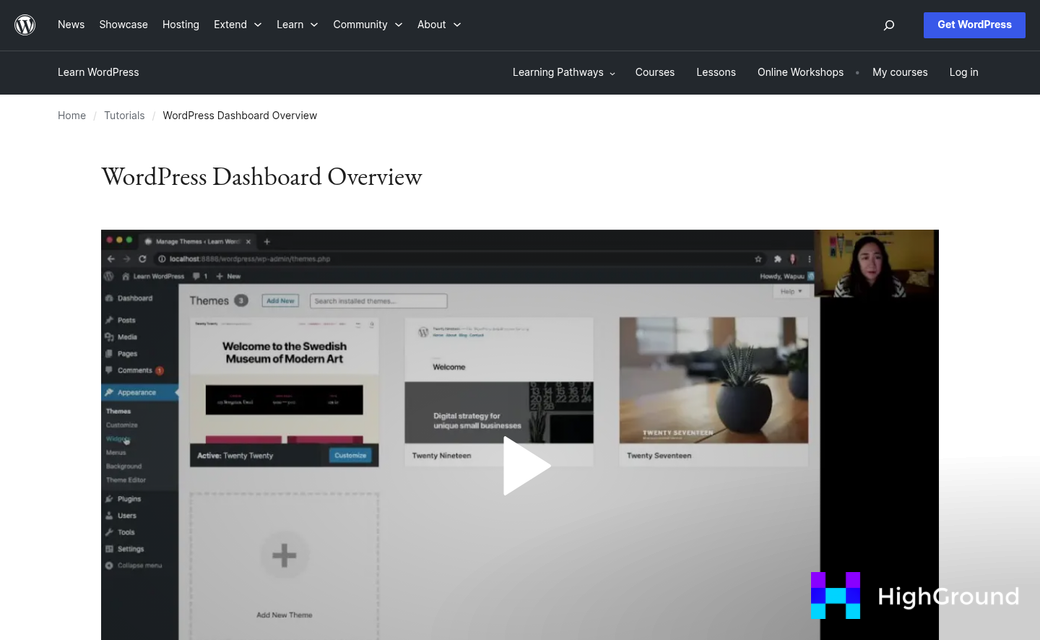
Both plugins integrate directly into the WordPress dashboard, so there's no separate platform to log into or manage.
Setting Up AI Internal Linking Without Breaking Your Site
If you've been burned by automation before, this part matters. A little configuration first saves you from a mess of irrelevant links spread across hundreds of posts.
Once you've installed your plugin of choice, the first step is to set your link limits. Most tools let you cap how many internal links get added per post, and it's worth being conservative here. Two to four links per post is a basic starting point for most sites. You can always increase that later to see how the suggestions look in practice.
Next, take time to define which pages you want the AI to link to and which ones you don't. Links to weak content don't help readers and don't improve your SEO either.
Watch out for redirected pages too. If a post was moved and now lives behind a redirect, some AI tools will still try to link to the old URL. That gives you a broken path in your internal link structure and it's easy to miss at scale. Tools that automatically fix broken links can save you a lot of cleanup work here.
Review Before You Publish
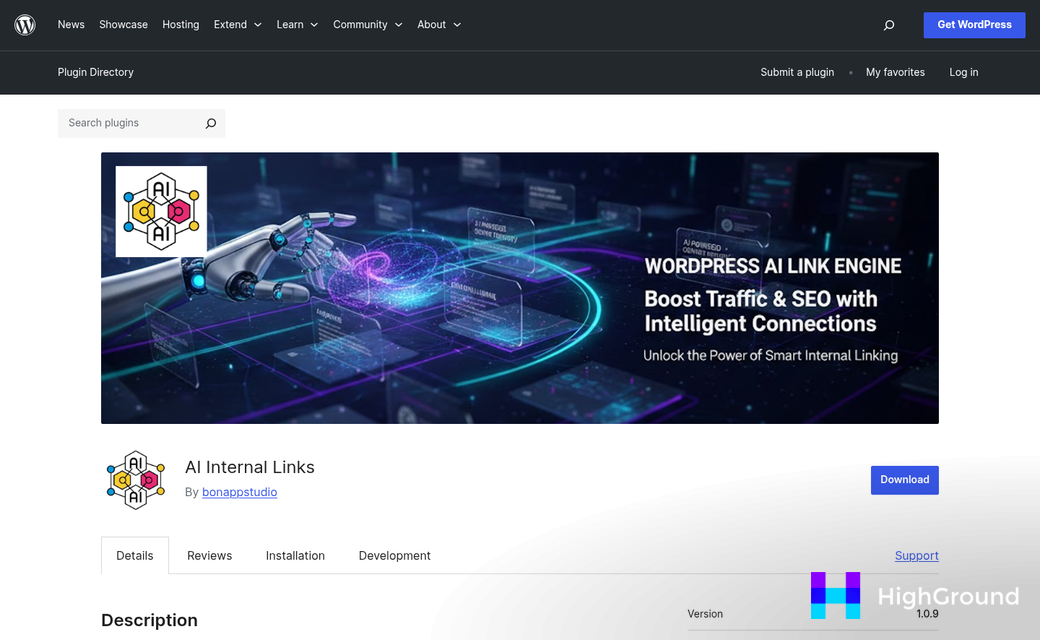
The single best habit to build is looking over AI suggestions before they go live. Most respected plugins put suggestions into a queue instead of publishing them automatically. Use that feature. A quick scan of the suggested links for a batch of posts takes only a few minutes and catches the weird mismatches the AI sometimes makes.
Site size changes how you should approach configuration. A site with 50 posts should have a different setup than one with 5,000. On a smaller site, you can afford to review everything manually. On a bigger site, you'll want tighter rules and maybe category-level restrictions to keep the AI focused on relevant content clusters. Features like auto queue and scheduling can help manage that workflow at scale.
One Pitfall Worth Calling Out
Over-linking is a problem. When every paragraph has an anchor text link, it feels cluttered to readers and search engines can read it as manipulative. Set a firm per-post limit and follow it, at least while you're still getting familiar with how your chosen tool behaves.
Orphaned pages are the other thing to keep an eye on. If you delete or redirect a post that was receiving internal links, those links need to be updated. Some AI tools manage this automatically and some don't, so check your plugin's documentation on that point specifically. It's also worth reviewing your auto-update posts settings to make sure stale link references get caught during routine content refreshes.
How to Tell If Your AI Linking Strategy Is Working
Once your setup is live, watch the right numbers. Not all tells show up right away, so give it 8 to 12 weeks before you draw any conclusions.
Google Search Console is the first place to check. Head to the crawl stats report to see how Googlebot visits your site and how many pages it crawls per day. A healthy internal linking structure tends to welcome more steady crawling, so an uptick here is a good sign. If crawl activity stays flat or drops, your links might not be pointing to the right pages.
On the user side, keep an eye on pages per session and bounce rate inside Google Analytics. When internal links are placed well, visitors move through more of your content before they leave. A gradual drop in bounce rate over a few weeks is a basic indicator that the links are adding value instead of just sitting there.
Organic traffic patterns matter too, though they take the longest to reflect changes. Look at the pages that received new internal links and track if their rankings or click-through rates have moved.

One thing to check is link distribution across individual pages. The total number of internal links on your site doesn't tell you much on its own. What you want to know is if some pages are getting all the attention and others receive almost none. A lopsided distribution can mean your most helpful content isn't being supported.
Around 40% of people working in SEO already use AI tools for tasks like internal linking. That number reflects a change in how this work gets done, and it means the benchmarks and expectations in the industry are moving too.
Set a reminder to run through these checks once a month. Look at crawl stats, page-level traffic, and your link distribution report together instead of in isolation. Patterns emerge when you see the full picture at once instead of checking each metric on its own schedule.
The data won't always point to a single answer, and that's fine. You want to build a feedback loop so your AI linking setup improves over time based on what's actually happening on your site.
Build Smarter Links, Let the AI Do the Legwork
If you're just starting, resist the urge to flip the switch site-wide on day one. Run it on a small batch of posts first, review what the AI surfaces, and make sure that the links it recommends actually make sense to a human reader.
The best internal linking strategy uses automation for the heavy lifting while keeping you up-to-date for the calls that matter.
FAQs
What is AI internal linking for WordPress?
AI internal linking tools scan your WordPress content, identify semantically related pages, and automatically suggest or insert internal links. Unlike traditional keyword-matching tools, AI uses semantic analysis to connect related topics even when exact phrases don't match.
How much can AI internal linking improve organic traffic?
Sites using AI internal linking have reported up to a 47% increase in organic traffic. Adding just 3 to 5 contextual links to a single page can produce a 100-150% traffic increase on that page alone.
Which WordPress plugins support AI internal linking?
Link Whisper and LinkStorm are the two most prominent options. Link Whisper offers LLM-powered suggestions with manual approval starting at $77/year. LinkStorm automates bulk linking across existing content and launched its WordPress plugin in February 2025.
How many internal links should AI add per post?
Start conservatively with two to four internal links per post. Over-linking can appear manipulative to search engines and feel cluttered to readers. You can adjust limits upward once you've reviewed how your chosen tool performs.
How do I measure if AI internal linking is working?
Monitor Google Search Console crawl stats, Google Analytics bounce rate, and pages per session. Allow 8 to 12 weeks before drawing conclusions, and check these metrics together monthly for the clearest picture.

